

First Impressions and Onboarding
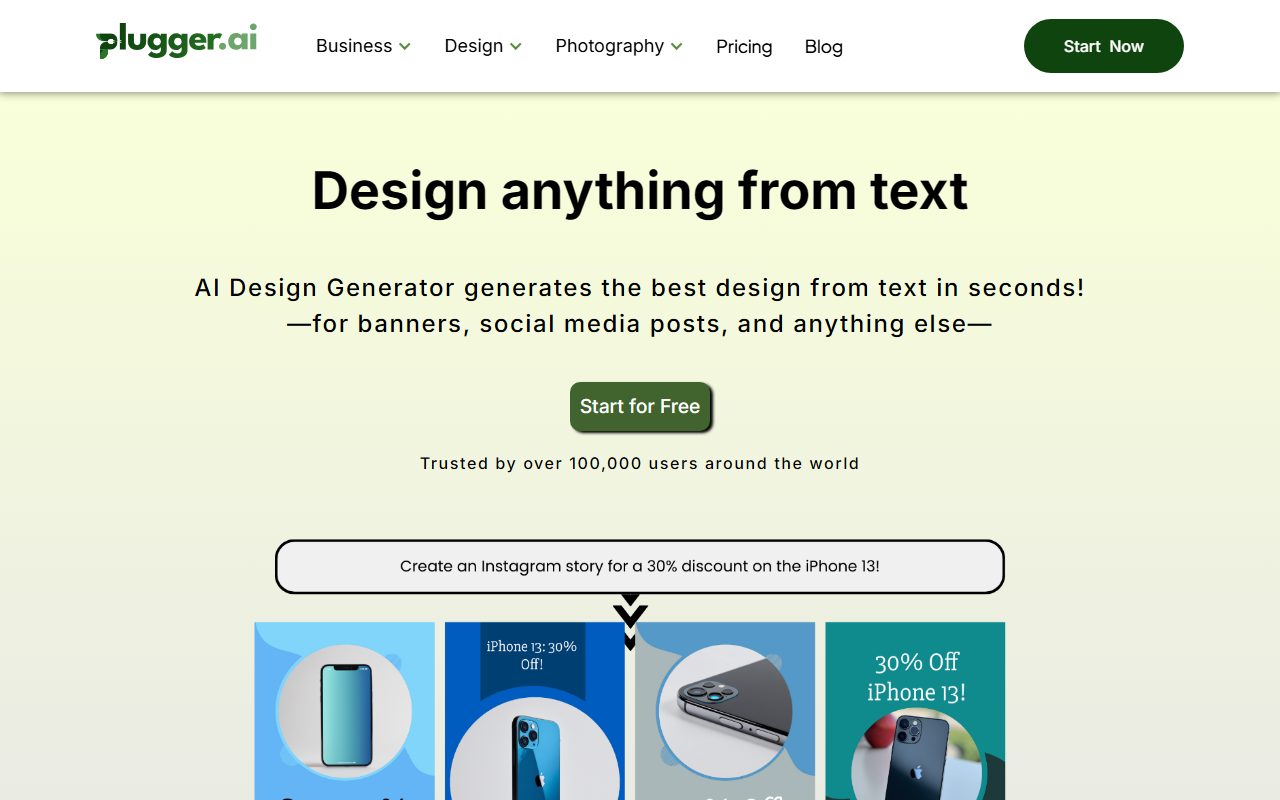
Upon visiting Cameralyze (which operates under the brand name Plugger for its AI Design Generator), I was greeted by a clean, modern interface. The landing page immediately pitches the tool as a replacement for manual design work—specifically calling out Canva and Upwork frustrations. The dashboard, once I signed up for the free tier (there's no credit card required to start), presented a sidebar with categories: AI Social Media Tools, AI Ad Creative, AI Image Generator & Enhancer, and AI Design Generator. The onboarding is indeed hands-on: a short tutorial walks you through the first design creation. The tone is confident, touting “No limitation on generation!” even on the free plan. Unlike many AI tools that cap free usage, Cameralyze truly allows unlimited generations, though the free tier adds a small watermark on outputs (I confirmed this by generating a test Instagram post).
What It Does: Text-to-Design Automation
At its core, the AI Design Generator takes a text prompt and produces designs optimized for specific formats—banners, social media posts, icons, logos, and even ad creatives. I tested it by typing “modern coffee shop logo with warm colors.” The tool generated four options in about 10 seconds. Each design was highly structured: it placed the text, applied a preset color palette, and arranged elements like a designer would. The platform also offers brand identity management—you can upload your fonts, logos, and color schemes, ensuring consistency across campaigns. This is a major plus for businesses that need to maintain brand guidelines. Additionally, the “Product Management” section lets you upload product images and automatically incorporate them into marketing assets, which e-commerce stores will find valuable. The underlying model appears to be a proprietary fine-tuned version of Stable Diffusion or similar, though Cameralyze doesn't disclose specifics.
Pricing and Positioning
Cameralyze advertises “Starts at $15/mo.” and I found three tiers on the signup page: Free (with watermark and limited export formats), Pro at $15/month (unlimited generations, no watermark, priority support), and Business at $30/month (adds team collaboration, API access, and custom brand kits). Compared to competitors like Canva Pro ($12.99/mo) or Adobe Firefly (integrated into Creative Cloud), Cameralyze focuses purely on automation rather than manual editing. It also rivals tools like Designify or Bannerbear, but Cameralyze's advantage is the breadth of output types—from social posts to coloring pages. However, it lacks a vector editor or advanced image manipulation; you can't, for instance, move individual elements after generation. The tool is best suited for startups, digital marketers, and e-commerce businesses that need high-volume, consistent visual content with minimal effort. Developers might appreciate the API on the Business plan, but for professional graphic designers needing granular control, this tool will feel too templated.
Strengths, Limitations, and Verdict
Strengths: The unlimited generation on the free tier is rare and generous. The brand management feature works well—I uploaded my logo and colors, and subsequent generations respected them. The speed is impressive; most designs render in under 15 seconds. The tool also supports a wide variety of formats (Instagram stories, LinkedIn carousels, ads, icons, etc.), making it a one-stop shop for social media managers. Limitations: The AI's output quality varies—some designs felt clunky with awkward text placement. There's no way to edit the generated design further; you either accept it or regenerate. The interface feels rigid for those accustomed to drag-and-drop editing. Additionally, the “free hands-on onboarding” is a guided tour, not one-on-one support as implied. For advanced customization, you'll still need a tool like Canva or Figma. Recommendation: If you're a small business owner or marketer churning out daily social media posts and ad creatives, Cameralyze is a solid time-saver. It excels at automating branded design at scale. But if you need pixel-perfect control or complex compositions, look elsewhere. Try the free tier to see if its output meets your quality standards.
Visit Cameralyze at https://cameralyze.co to explore it yourself.













Comments