

First Impressions and Onboarding
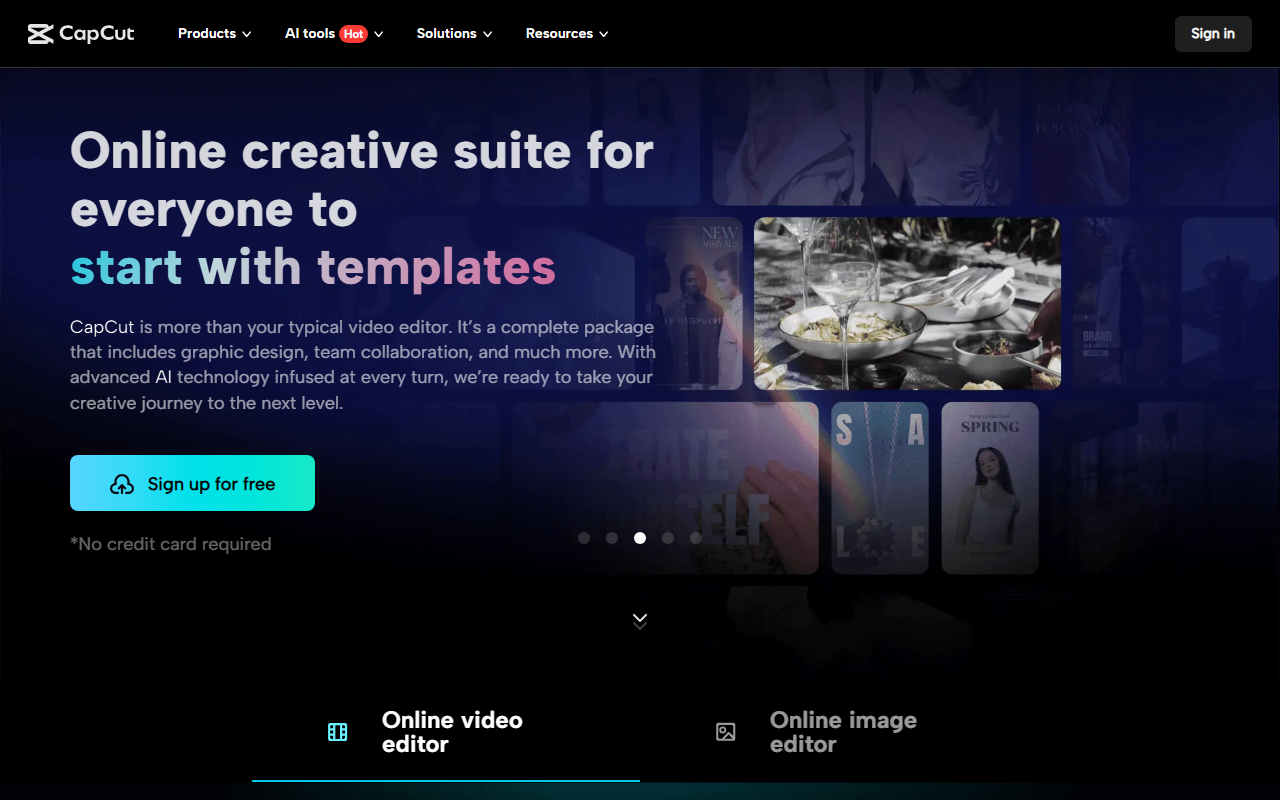
Upon visiting CapCut's website at capcut.com, I was greeted by a clean, modern interface with clear sections for features, templates, and a blog. The call-to-action buttons for 'Try online' and 'Download' are prominent. I opted to try the online version immediately—no account creation required, which is refreshing. The editor loaded quickly in my browser, presenting a timeline-based layout that felt familiar to anyone who has used professional video editing software. The onboarding flow is minimal: a short tooltip explains the main panels. Within seconds, I could import a video clip and start experimenting.
The free tier is robust. I tested the background removal tool on a product photo: it processed in under two seconds and delivered a clean cutout with no visible artifacts. The AI image generator, powered by text prompts, produced four variations of a 'mountain landscape at sunset' in about 10 seconds—impressive for a web-based tool. No watermark was added to exports, a major plus over competitors like Canva's free plans.
AI Features in Depth
CapCut bundles multiple AI tools under one roof. The 'AI Design' feature generates social media posts, covers, and marketing layouts automatically. I tried creating a YouTube thumbnail by describing 'gaming channel with neon colors'—the AI produced three options, each with balanced typography and vibrant gradients. The 'Video Studio' mode, which builds a video from a chat conversation, is still in beta but shows promise: I typed 'short travel vlog for Instagram Reels' and it assembled a rough cut with stock clips, transitions, and background music.
Other highlights include the AI video generator (text-to-video), which uses keyframes and reference images to produce short clips. The text-to-speech engine offers multiple natural-sounding voices in English, with adjustable speed and pitch. For audio cleanup, the 'Remove Noise' and 'Enhance Voice' tools worked well on a recorded podcast clip, reducing background hum without distorting the speaker's voice. All these features run directly in the browser—no downloads necessary. However, I noticed that processing high-resolution 4K videos sometimes caused the browser to lag, suggesting that for heavy projects, the desktop version (free as well) may perform better.
Strengths and Limitations
CapCut's greatest strength is its comprehensive free offering. You get background removal, image enhancement, subtitles, video conversion, and creative templates without paying a cent. The AI tools are genuinely useful for quick edits and content creation, and the interface is intuitive enough for beginners. Additionally, the template library (with Reels/TikTok, social media, and business templates) accelerates production for repetitive formats.
However, there are notable limitations. The online editor lacks advanced color grading and multi-track audio mixing, which professionals might need. The AI video generator's output is limited to 15 seconds in the free tier (a premium version likely extends this, but pricing is not publicly listed on the website). Also, some features like AI Design require an internet connection at all times, as processing happens server-side. Compared to dedicated tools like RunwayML or Descript, CapCut's AI fidelity is slightly lower—for instance, the text-to-speech voices still carry a synthetic edge.
Who Should Use CapCut?
This tool is best suited for social media creators, small business owners, and content marketers who need quick, polished videos and graphics without a steep learning curve. It's also a solid choice for educators and hobbyists who want to experiment with AI editing without financial commitment. If you're a professional filmmaker or video editor requiring precise control over every frame, you'll likely need to supplement CapCut with advanced software like DaVinci Resolve or Adobe Premiere Pro. CapCut's AI features are excellent for rapid prototyping but not yet ready for broadcast-quality production.
In summary, CapCut delivers exceptional value at its price point (free). The range of AI tools, ease of use, and lack of watermarks make it a strong contender in the AI design and video editing space. I recommend trying the online version for your next social media project.
Visit CapCut at https://capcut.com/ to explore it yourself.













Comments