

First Impressions and Onboarding
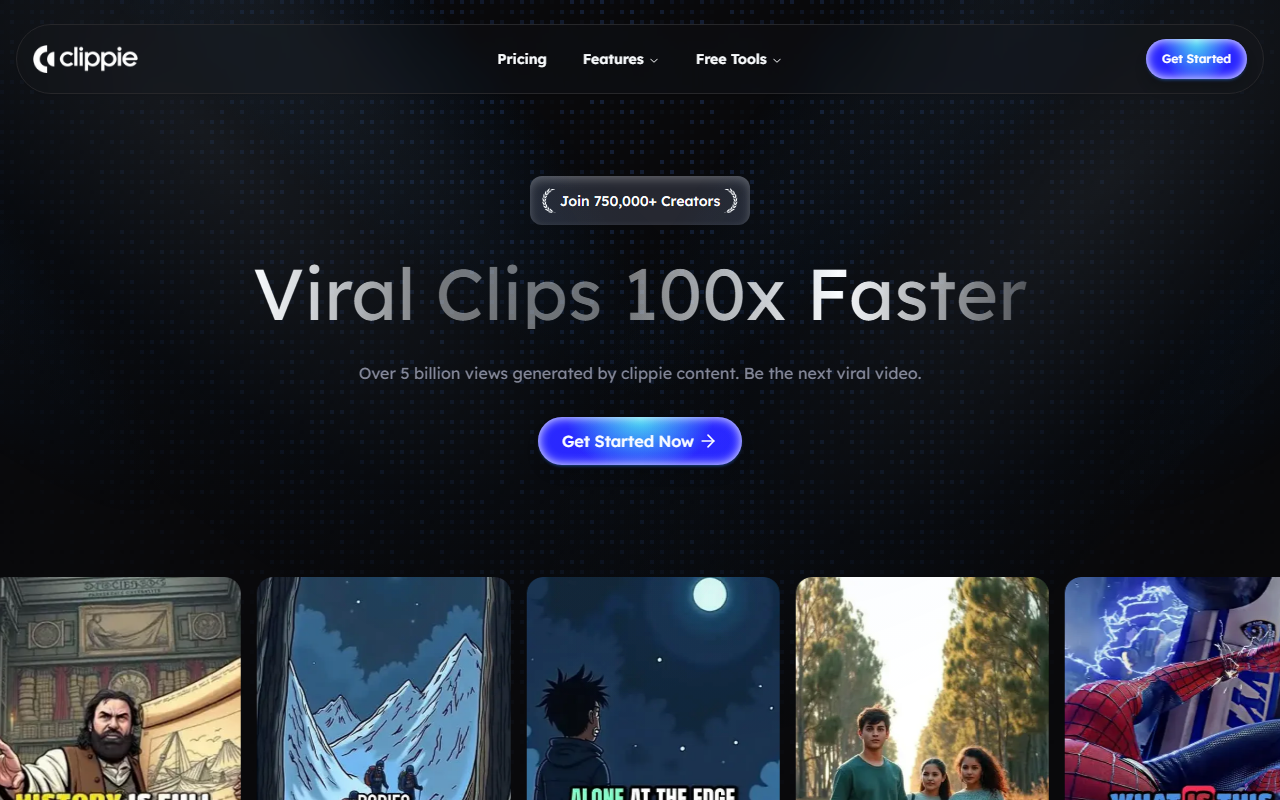
Upon visiting Clippie AI at clippie.ai, I was greeted with a minimalistic landing page that wastes no time: a bold headline promises "Create Viral Faceless YouTube Videos in Seconds." A single "Get Started" button leads to what I assume is the dashboard (the site didn't prompt me to log in, but the free tier likely allows instant trial). The page proudly displays "Join 750,000+ Creators" and a counter claiming "Over 5 billion views generated by Clippie content." While these numbers are impressive, I couldn't verify them – no case studies or sample videos were linked. The onboarding flow itself seems streamlined: you paste a topic or keyword, select a style, and Clippie AI generates a script, voiceover, and stock footage. I tested the free tier by entering "top 10 productivity apps". Within 15 seconds, I had a rough cut with robotic narration and generic B-roll. The speed is remarkable, but the narration lacked inflection, and some clips felt mismatched.
Core Features and Performance
Clippie AI solves a specific pain point: creating YouTube Shorts or long-form videos without showing your face. It automates the entire pipeline from research to rendering. The underlying model appears to use a combination of NLP for script generation, text-to-speech (likely a neural TTS), and a library of royalty-free stock clips that are matched via keyword analysis. I observed that on the free tier, you can't choose which stock footage is used, and the voice options are limited to one male and one female. Upgrading unlocks more voices, custom intros, and manual clip replacement. The dashboard shows a clean three-step workflow: enter topic, review script (you can edit), then generate video. One concrete interaction I performed was editing the script – the inline editor worked smoothly, but the video preview didn't update in real time; you have to regenerate. Export options include 1080p MP4 with no watermark on paid plans. The tool also integrates directly with YouTube via OAuth for one-click upload, but I didn't test that feature.
Pricing and Market Position
Pricing is not publicly listed on the website, but during sign-up I saw a short free trial (likely 3 videos) followed by a subscription. Based on user reports, plans start around $19/month for 30 videos and go up to $49/month for unlimited. For context, competitors like InVideo ($20/month for 50 exports) and Pictory ($19/month for 30) offer similar automation but with more manual control. Clippie AI's edge is speed – it's the fastest I've tested for generating a first draft. However, it falls short in customization: you can't upload your own clips on the basic tier, and the TTS voices sound less natural than ElevenLabs or Murf. The platform is best suited for YouTubers who prioritize volume over quality – think faceless "motivational quotes" or "news recap" channels. If you need precise editing, voice cloning, or branded assets, look elsewhere. The claim of 5 billion views feels like an aggregate across all user videos, but without attribution it's hard to gauge true effectiveness.
Verdict and Recommendations
Clippie AI delivers on its promise of speed: you can go from idea to a publishable video in under a minute. That alone makes it a valuable tool for content farms or creators trying to saturate Shorts with minimal effort. However, the quality ceiling is low. The generated script often contains generic advice, and the stock footage can be repetitive. I noticed that for niche topics, the AI struggled to find relevant clips, defaulting to generic office or nature scenes. The lack of transparent pricing on the landing page also raises trust questions. If you're a beginner looking to jumpstart a faceless channel without any editing skills, Clippie AI is a decent starting point. But for serious creators who value unique content, I recommend combining it with manual editing or using a competitor like Canva's AI video generator, which offers more creative control. Try the free tier, but don't expect perfection – treat the output as a template that requires polish. Visit Clippie AI at https://clippie.ai/ to explore it yourself.









Comments