
First Impressions: A Privacy-First PDF Assistant
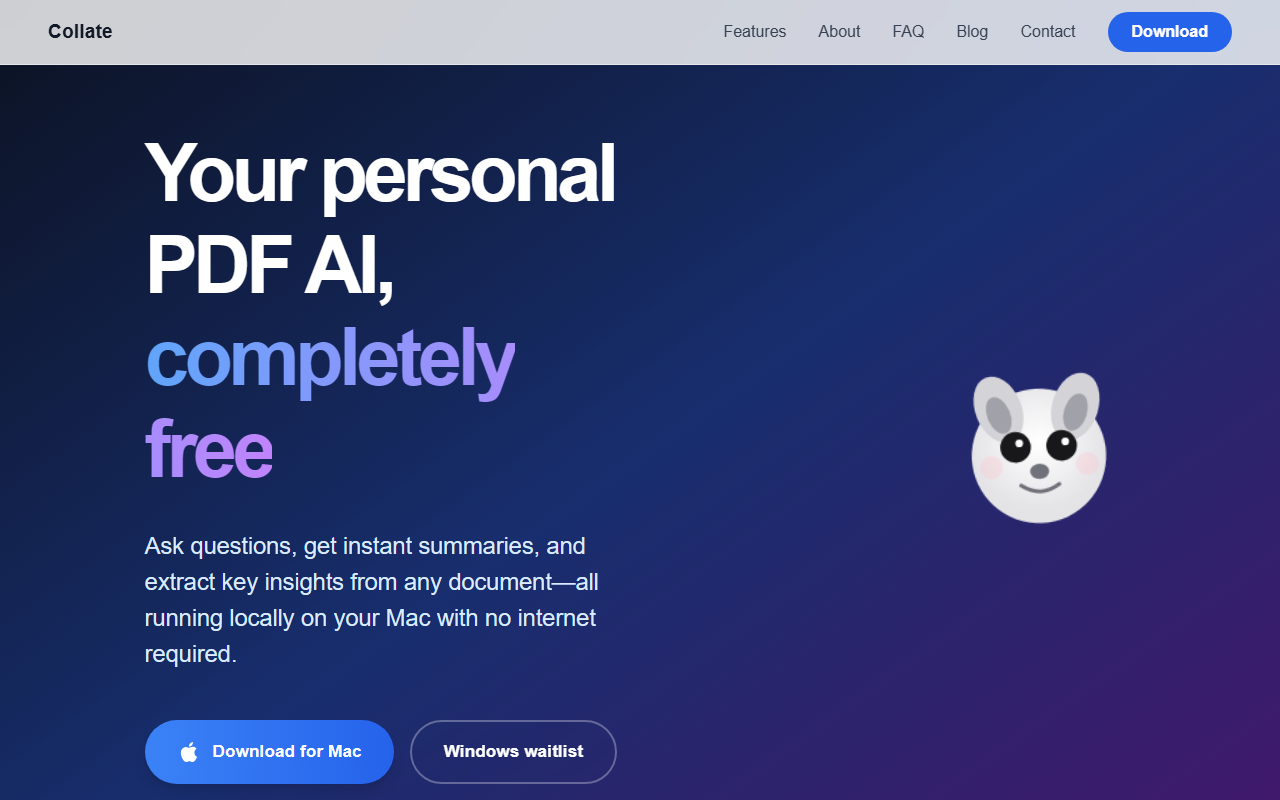
Upon visiting the Collate website, the core promise is immediately clear: complete privacy by processing everything locally on your Mac. There is no sign-up, no upload, and no cloud dependency. The design is minimal, with a single “Download” call to action and a clean explanation of features. This is refreshing in an era of cloud-based subscription tools. The onboarding experience, from what I can infer from the site, is straightforward: once you download the app, you simply drop PDFs into the interface or import entire folders. The entire workflow is deliberately offline, which gives peace of mind for sensitive documents—legal papers, medical records, or confidential business reports.
Core Features and Workflow
Collate offers three primary actions: asking questions about your documents, generating instant summaries, and extracting key insights to save as notes. The “How it works” section describes a simple pipeline—add PDFs, chat and summarize, then capture insights. While testing any new tool, I always look for friction points. Collate seems to eliminate them: there is no model selection, no API key configuration, and no file size limits stated. The AI appears to be powered by a local large language model (likely an open‑source variant optimized for retrieval tasks), though the website does not specify the exact model. The interface, shown in mockups, includes a chat panel on the right and a document viewer on the left—similar to ChatPDF but running entirely on your machine.
One notable limitation is the file type: only PDFs are mentioned. While that covers the majority of long‑form reading use cases, users expecting support for Word docs or web articles will need other tools. The app also saves answers and summaries to a local note system, which can be exported—though the export formats are not detailed on the site.
Performance and Limitations
Because Collate runs on‑device, performance is heavily dependent on your Mac’s hardware. On a modern Apple Silicon Mac with sufficient RAM, response times should be snappy. On older Intel Macs, you may experience noticeable delays, especially with large PDFs. The biggest limitation today is platform exclusivity: Collate is only available as a native Mac app. There is a Windows waitlist, but no release date is given. This immediately excludes a large portion of potential users. Additionally, there is no mobile version, and the app appears to work solely with local files—no cloud storage integration (e.g., Dropbox, Google Drive) is mentioned. Despite these constraints, the tool’s strength lies in its absolute privacy and no‑cost model. Unlike competitors such as Adobe Acrobat PDF AI (which requires a subscription) or ChatPDF (which processes files on‑cloud), Collate ensures your data never leaves your machine.
Pricing and Positioning
Collate is currently 100% free, with no pricing tiers listed on the website. There are no obvious upsells or usage caps. This is its most compelling argument, especially for students or researchers who work with sensitive PDFs on a budget. The tool is backed by Formless (the company behind it), but little else is known about its funding or user base. For now, Collate is best suited for Mac users who prioritize data privacy and need quick, on‑device PDF reading assistance. Professionals handling confidential documents—lawyers, medical researchers, or HR personnel—will find it invaluable. However, if you need cross‑platform support, collaboration features, or advanced formats beyond PDF, you should look at cloud alternatives like Docsumo or any of the cloud‑based PDF AI tools. In summary, Collate delivers exactly what it promises: a free, private, local‑first AI reading assistant. It is a niche tool, but within that niche it performs admirably.
Visit Collate at https://collate.one/ to explore it yourself.













Comments