

First Impressions: Onboarding and Interface
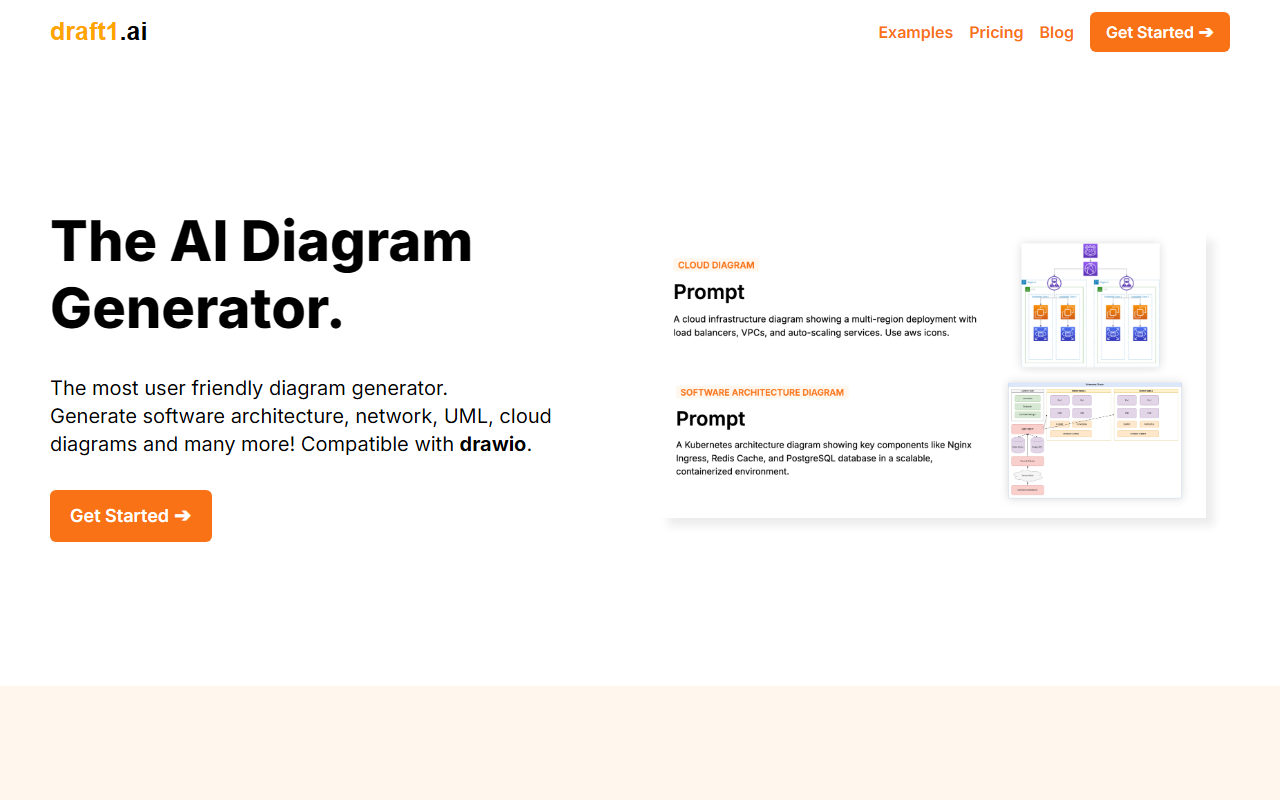
Upon visiting Draft1’s website, the landing page immediately highlights its value proposition with big numbers — 8,300+ active users, 100k+ generated diagrams — and a simple three-step workflow. The dashboard is minimal and uncluttered. After signing up, you are greeted with a single input field where you can paste raw notes, meeting transcripts, or even Slack messages. I tested the free version (which appears to be a trial of the Basic plan, though no free tier is explicitly listed on the pricing page). The interface responds quickly, generating a set of diagrams and a written report within seconds. The output is displayed side by side — a diagram on the left and a text document on the right — which makes the editing process straightforward.
Core Capabilities and Workflow
Draft1 excels at turning unstructured text into multiple diagram types: Entity-Relationship (ER) diagrams, Unified Modeling Language (UML) diagrams, Kubernetes architecture, network diagrams, and cloud infrastructure diagrams. I pasted a paragraph describing a microservice deployment on AWS with a load balancer and auto-scaling group. The AI produced a clean architecture diagram with proper AWS icons, plus a short report explaining data flow and security considerations. The generated diagrams are compatible with drawio, meaning you can download them and further edit them in the free drawio editor. This is a huge plus for technical teams already using drawio for documentation. The editor within Draft1 itself is simple but effective — you can change text, colors, and reorganize shapes. However, for complex adjustments, you will probably export to drawio or another full-featured tool.
Pricing and Value Proposition
Draft1’s pricing is refreshingly straightforward. The Basic plan costs $24 per month and includes 1,000 prompts, editable drawio diagrams, PNG exports, and the ability to generate documents and download assets. The Pro plan jumps to $32 per month for 2,000 prompts. For teams, the Enterprise plan is $99 per user per month and promises version control via GitHub and collaboration features — though these are listed as “Coming soon.” Unlike competitors such as Lucidchart or Miro, which offer free tiers but charge more for AI features, Draft1 focuses purely on AI generation and drawio integration. There is no API publicly listed, which may limit custom workflows. The lack of a free tier (beyond a likely trial) could be a barrier for casual users, but the pricing is competitive for professionals who generate diagrams regularly.
Final Verdict: Strengths, Limitations, and Recommendation
Draft1’s main strength is speed and accuracy when converting messy text into structured, visually appealing diagrams. The drawio compatibility ensures you are not locked into a proprietary format. The use cases page demonstrates thoughtful support for ER, network, and architecture diagrams, making it a solid tool for software architects, DevOps engineers, and technical writers. On the downside, real-time collaboration is not yet available, and the prompt limits on the Basic plan may feel restrictive for heavy users. Additionally, I noticed the tool sometimes struggles with extremely vague or contradictory input — for example, mixing multiple diagram styles in one prompt leads to a generic output that requires manual rework.
If you are a developer or architect who needs rapid prototyping of diagrams from rough ideas and values an open-format export (drawio), Draft1 is a worthwhile investment. For teams that need live co-editing and a free tier, consider alternatives like diagrams.net or Eraser. Draft1 is best suited for individual professionals or small teams who want a dedicated AI diagram assistant without the overhead of complex collaboration suites.
Visit Draft1 at https://draft1.ai/ to explore it yourself.













Comments