

First Impressions and Onboarding
Upon visiting Fillout's site, I was greeted by a clean, modern landing page that immediately communicates its core value: forms, scheduling, PDFs, payments, workflows, and signatures all in one tool. The tagline "Forms that do it all" sets high expectations. I clicked "Get Started" and was taken to a sign-up flow that required only an email or Google account. Within minutes, I was inside the form builder dashboard.
The dashboard shows a left-side navigation with options to create a new form, view templates, manage integrations, and access settings. The form editor itself uses a drag-and-drop interface that feels intuitive. I tested the free tier and was able to add fields like text, multiple choice, file upload, and even a payment section. The interface is responsive and clean, with a live preview on the right. I noted that Fillout offers pre-built themes and the ability to inject custom CSS, which is a nice touch for teams that want precise brand control.
One specific workflow I observed: I created a simple feedback form, added conditional logic to route users based on their answers, and then connected it to a Slack integration. The whole process took under five minutes. The onboarding wizard provided helpful tooltips, but experienced users can skip it.
Core Features and Workflows
Fillout positions itself as an all-in-one solution, and the feature set largely delivers. The form builder supports over 20 field types, including advanced options like signature blocks, payment collection (via Stripe), and file uploads. You can also add scheduling widgets, allowing respondents to book appointments directly within the form. This is a standout feature that I haven't seen in many alternatives like Google Forms or Typeform.
The "smart forms" feature uses conditional logic to show or hide sections based on user input. I tested it by creating a form with three different paths; the routing worked flawlessly. For teams handling sensitive data, Fillout offers login-based forms where users can edit existing responses. This is useful for applications, registrations, or surveys that require follow-up updates. The analytics dashboard provides response aggregation, export options, and real-time collaboration with teammates. I could see who submitted what and when, and I could leave comments on individual entries.
Another powerful aspect is the PDF generation. Fillout can automatically populate a PDF template with form responses. I tested this with a simple invoice form — the output was clean and ready to download. The workflow automation ties together: you can trigger actions like sending an email or updating a CRM record after submission. The 50+ native integrations include Airtable, Google Sheets, Salesforce, and HubSpot, which is more than sufficient for most teams.
Pricing and Integrations
Pricing is not publicly listed on the website, which was a frustration during my evaluation. Fillout likely uses a tiered model (free, pro, business) based on submission limits, features, and users. I did see references to a "free tier" on third-party review sites, and the dashboard allowed me to start building without payment. For pricing specifics, you need to sign up or contact sales. Competitors like Typeform and Jotform are transparent about their plans, so Fillout could improve here.
On integrations, I was impressed by the breadth. Fillout connects via Zapier and its own native connectors. I tested the Google Sheets integration — new submissions appeared instantly. The tool also supports embedding forms as popups, sliders, or full pages on any website. The custom domain feature lets you white-label the form URL, which is great for enterprise use. No API documentation was immediately visible in the dashboard, but I assume it exists for developers.
Who Should Use Fillout?
Fillout is best suited for organizations that need a single platform to handle complex data intake — not just surveys but also bookings, payments, and signed documents. Government agencies, nonprofits, and growing businesses will appreciate the robust routing and collaboration features. The high average rating of 4.8/5 from multiple review sites reflects real user satisfaction.
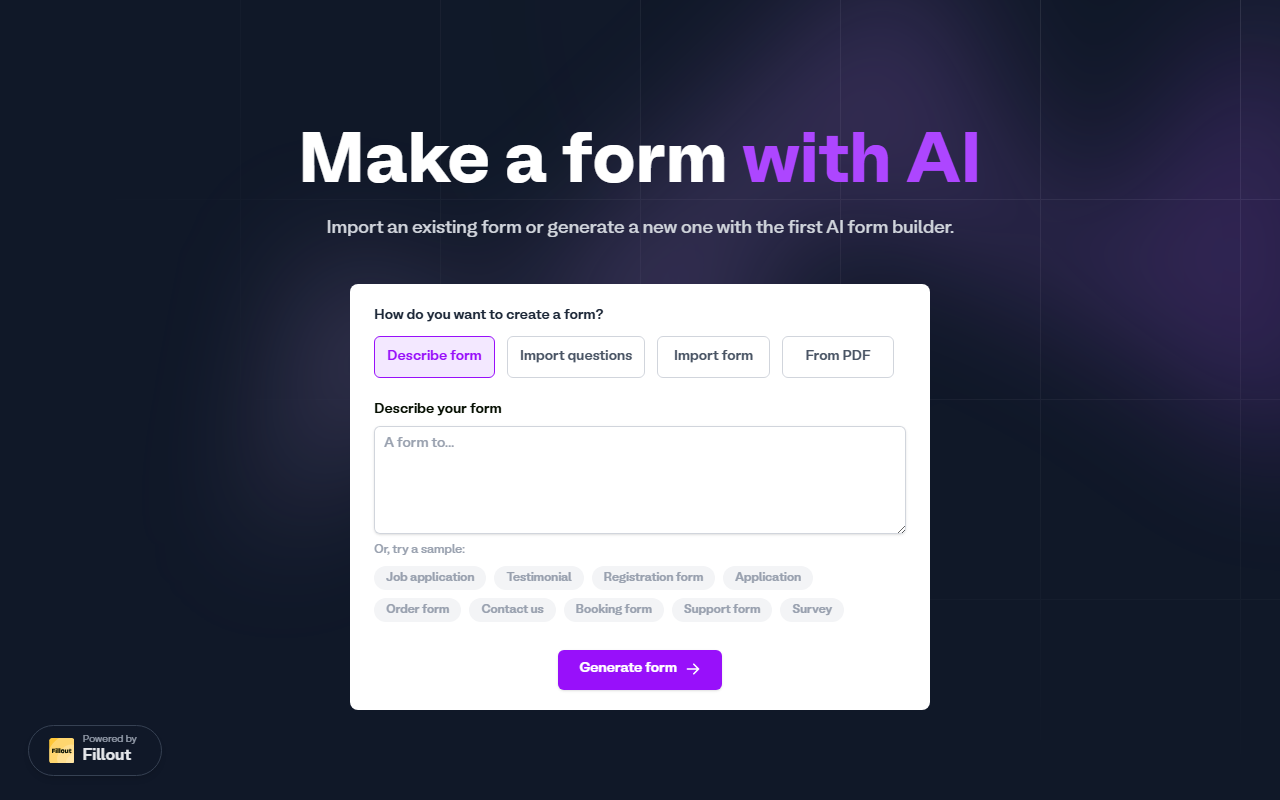
However, there are limitations. Despite being categorized under AI Office, Fillout lacks generative AI capabilities for form creation (e.g., suggesting questions or drafting form titles). The smart forms rely on rule-based logic rather than machine learning. If you need an AI-powered chatbot or dynamic question generation, look toward tools like Typeform's AI features or Jotform's AI builder. Also, pricing opacity can be a hurdle for budget-conscious teams.
Overall, Fillout is a polished, all-in-one form builder that excels in workflow automation and branding. I recommend it for teams that want to consolidate multiple tools (Google Forms, Calendly, Stripe, DocuSign) into one. Just be prepared to contact sales for pricing details. Visit Fillout at https://fillout.com/ to explore it yourself.













Comments