

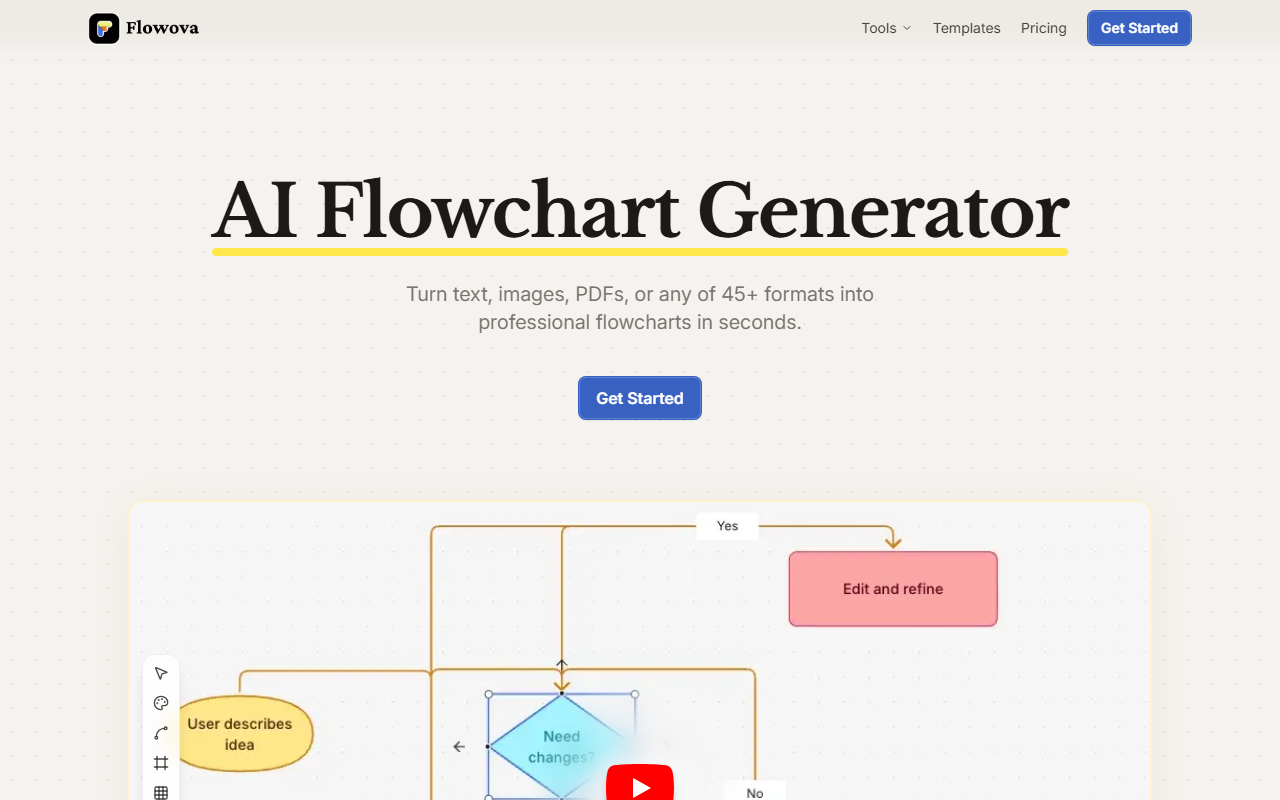
I spent a morning testing Flowova, an AI flowchart generator that promises to turn any input—text, images, PDFs, even URLs—into clean, editable diagrams in seconds. The pitch is bold: no design skills needed, just describe what you want and let the AI handle the layout. After putting it through its paces, I found a tool that delivers on convenience while leaving room for deeper workflow integration.
First Impressions and Onboarding
Upon visiting the site, the landing page is clean and actionable. A single "Get Started" button leads to a dashboard where you can paste text, upload files, or type a prompt. I tried the free tier (no credit card required) and immediately uploaded a PDF of a technical workflow. The AI parsed the document in about five seconds and produced a flowchart with logical shapes and arrows. The initial layout was slightly cramped, but the one-click auto-layout button cleaned it up nicely. The editor itself is intuitive: drag nodes, double-click to edit text, and choose from 18+ shapes including rectangles, diamonds, and parallelograms. Five edge styles let you match corporate aesthetics. For someone used to manual diagramming tools like Lucidchart or draw.io, this felt like a shortcut rather than a replacement—but a very welcome one.
Core Features and Workflow
Flowova’s standout feature is its input flexibility. It supports 45+ formats: images (PNG, JPEG, WebP, TIFF, HEIC, AVIF, SVG), documents (PDF, Word, Excel, PowerPoint, Markdown, JSON), and direct URLs. I tested an image-to-flowchart conversion with a screenshot of a process map; the AI extracted text and structure surprisingly well. The AI Chat Agent is another highlight: you can type commands like "Add a review step after submission" and the diagram updates in real time. I tried this and it worked flawlessly, adding a diamond-shaped decision node and rerouting arrows. Beyond generation, you can customize with 40+ color themes (vibrant, calm, monochrome) and export as PNG, SVG, or Mermaid code. The Mermaid import/export is a nice touch for developers who want to version-control diagrams. Free tools like text-to-flowchart, code-to-flowchart, and PDF-to-flowchart are also available without sign-up—useful for quick one-offs.
Pricing and Market Position
Pricing is not publicly listed on the website, though the FAQ hints at a Free and Pro tier. The free tier likely limits exports or templates (I saw 40+ templates but couldn't access all). Unlike dedicated diagramming giants like Lucidchart (which offers real-time collaboration and extensive integrations) or Miro (which focuses on whiteboarding and sticky notes), Flowova is laser-focused on speed and simplicity—turning raw input into a presentable chart with minimal friction. It lacks multi-user collaboration or API access, so it’s best suited for individuals or small teams who need quick diagrams, not enterprise-scale diagramming. Microsoft’s logo appears as a trusted user, which suggests some corporate adoption, but no specific metrics are shared.
Strengths, Limitations, and Verdict
Flowova’s strength is its ability to digest messy inputs—PDFs with tables, handwritten notes in images, or code snippets—and produce structured output. The AI chat refinement is genuinely useful for iterative editing without touching the mouse. However, limitations exist: export quality at free tier might be watermarked? I didn't see watermarks, but the FAQ is vague. More critically, there’s no offline mode, no API, and no shared team workspaces. For a solo consultant or a developer documenting a process, Flowova is a time-saver. If you need real-time collaboration or complex UML diagrams, look at Lucidchart or PlantUML. Overall, I recommend Flowova for anyone who frequently creates flowcharts from existing documents and wants a tool that does the heavy lifting. Visit Flowova at https://flowova.ai/ to explore it yourself.













Comments