

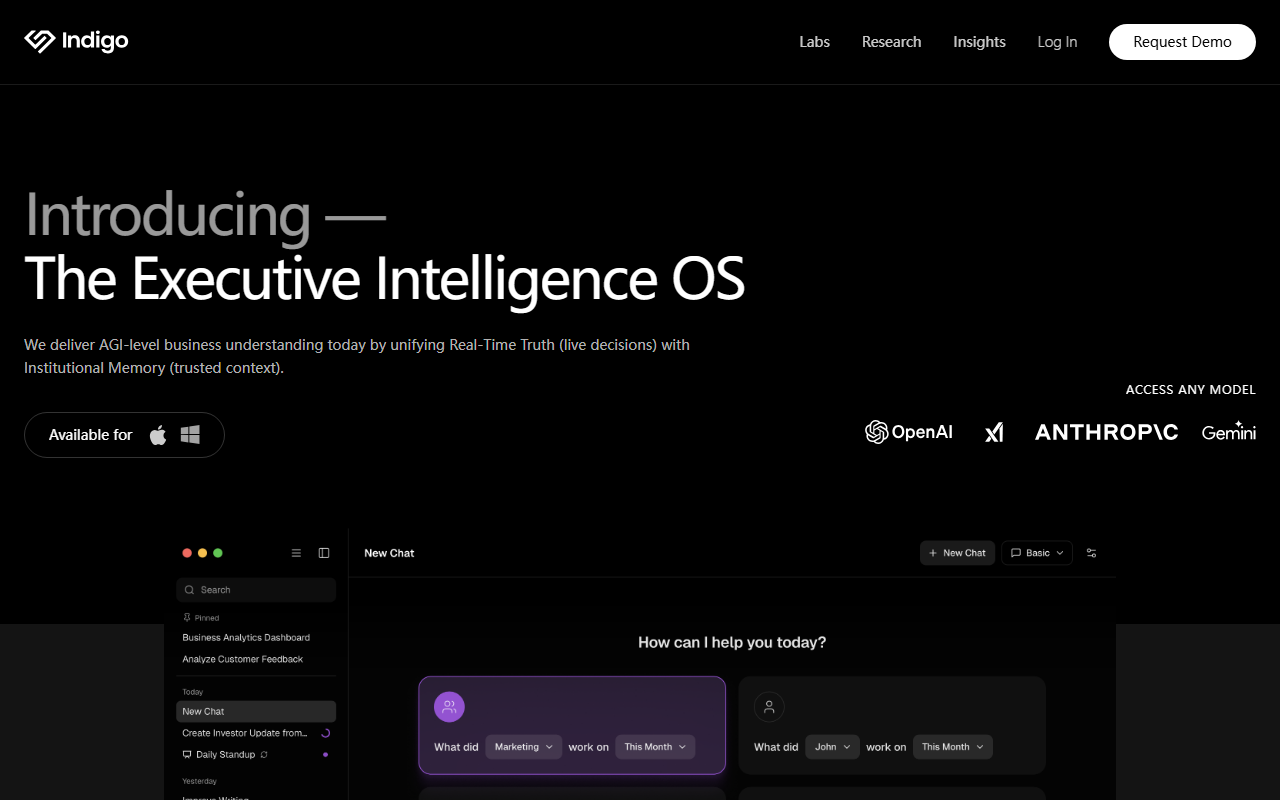
First Impressions and Onboarding
Upon visiting the site, I was greeted by a developer-focused landing page that immediately positions HQ as an open-source AI dev team for Claude Code. The claim is bold: "Every employee on AI. Every breakthrough shared." The onboarding is entirely terminal-driven. I ran npx create-hq in my terminal, and within 30 seconds it created a local .claude directory with 17 slash commands, 26 AI workers, 5 knowledge bases, and project scaffolding. The output was clean and informative, showing exactly what was installed. The dashboard is not a web UI — it's your filesystem, accessed through Claude Code itself. For someone comfortable with the command line, this is refreshingly transparent. For the average office worker, it's a non-starter.
Inside HQ: Workers, Commands, and the Ralph Loop
HQ is built around four core concepts: Companies, Workers, Commands, and the Ralph Loop. Each business gets isolated context — credentials, knowledge, and projects never cross-contaminate. Workers are YAML-defined agents with domain knowledge and skills. For example, I inspected a worker.yaml for a backend-dev role that includes steps like "Check existing route patterns" and "Run quality gates." Commands like /prd generate full project plans, and /run dispatches workers to execute skills autonomously. The Ralph Loop (Plan → Execute → Review → Learn) ensures every project runs through acceptance criteria. When testing the free tier (which appears to be the open-source version), the orchestrator actually shipped code without manual intervention — though it only works within Claude Code's environment. The CLAUDE.md file governs behavior with strict company isolation rules, which is critical for enterprise secrets.
Pricing and Market Position
Pricing is not publicly listed on the website. The navigation mentions "HQ Pro" and a "Request Demo" button, suggesting a paid enterprise tier with extra features. The open-source CLI is free to use, but requires a Claude Code subscription (paid separately). This makes HQ an add-on rather than a standalone tool. In the market, it competes with AI orchestration platforms like Copilot Workspace and Anthropic's own agents, but HQ differentiates by offering persistent memory, multi-company isolation, and a community module system (via npm). The open-source nature and active GitHub repo (indigoai-us/hq) give it credibility among developers. However, the lack of a visual interface limits its audience to technical teams already invested in the Claude ecosystem.
Strengths, Limitations, and Final Verdict
Strengths: The compound productivity model is compelling — when a power user writes a skill, the entire team inherits it. The company isolation is airtight, and the Ralph Loop enforces disciplined execution. I also appreciate the modular architecture: you can sync skills via npm and keep configurations version-controlled.
Limitations: The biggest barrier is the dependency on Claude Code. If your team doesn't use Claude, HQ is irrelevant. The learning curve is steep for non-developers — writing YAML workers and running CLI commands is not intuitive for everyone. Also, while the site claims "45 AI workers, 60+ skills," the free installation only included 26 workers and 35 commands; the full set likely requires the Pro tier. Finally, without transparent pricing, teams cannot budget accurately.
Who should try it: Solo founders and small engineering teams already using Claude Code who want to supercharge their AI workflows. Who should look elsewhere: Non-technical teams, enterprises needing a GUI, or anyone not willing to pay for both Claude Code and potential HQ Pro costs.
Visit Indigo at https://getindigo.ai/ to explore it yourself.













Comments