

First Impressions and Onboarding
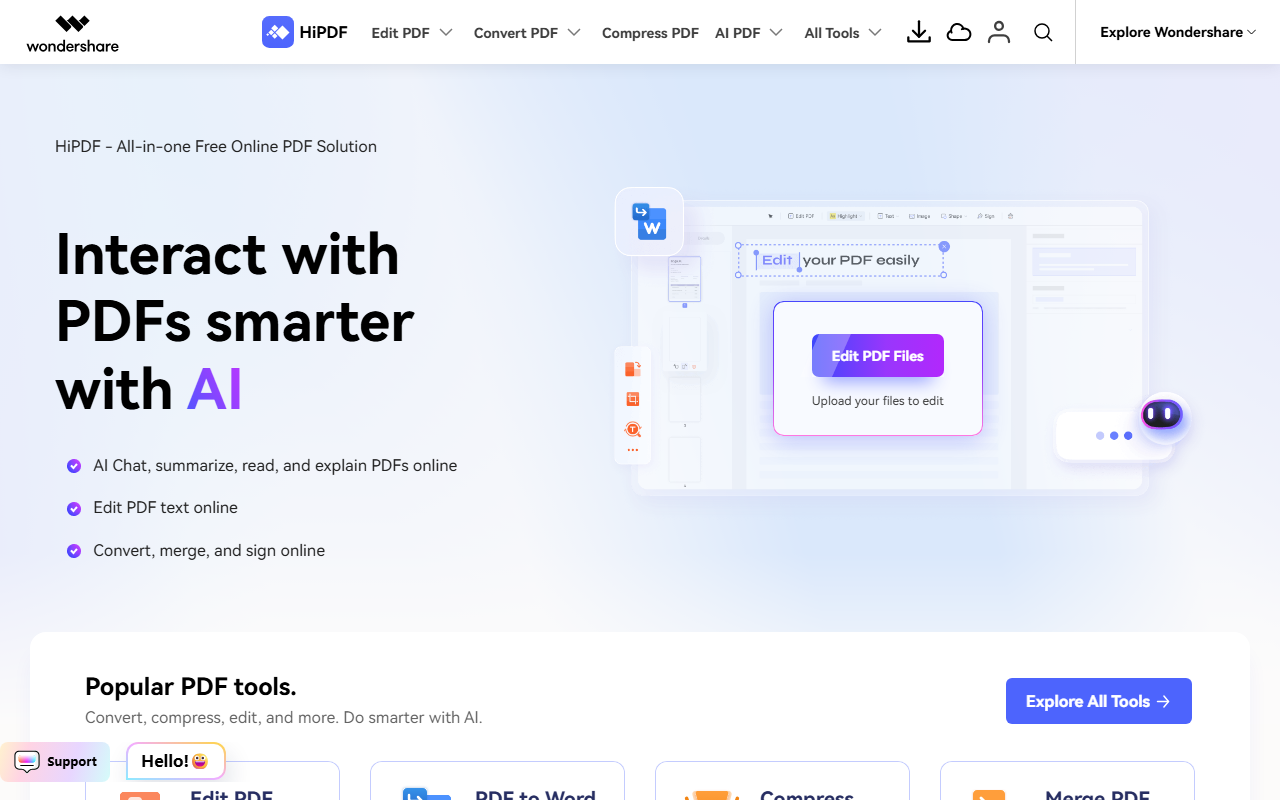
Upon visiting the HiPDF website, I was greeted by a clean, modern dashboard that immediately presents its most popular tools: Edit PDF, PDF to Word, Compress PDF, and Merge PDF. The layout is intuitive, with a large “Upload your files to edit” button front and center. I tested the free tier by uploading a sample contract. The conversion speed was impressive—under three seconds for a 10-page document. The tool supports drag-and-drop and works directly in the browser, meaning no software installation is required. The onboarding is frictionless, though the site prompts you to sign up for a free account after a few uses; the free tier remains generous even without login.
AI-Powered PDF Capabilities
HiPDF distinguishes itself from free tools like Smallpdf with a suite of integrated AI features. Under the “HiPDF AI Agent” section, I found tools such as Chat with PDF, AI PDF Translator, AI Detector (for checking AI-generated text), AI Read, AI Rewriter, AI Explain PDF, and AI PDF to Mind Map. I tried Chat with PDF by uploading a research paper. The AI answered specific questions about the content and provided a concise summary—a feature that feels genuinely useful for students and researchers. The AI Detector also performed well, accurately flagging known AI-written paragraphs from a test set. These tools leverage large language models, though the exact model is not disclosed. The experience suggests a well-trained agent that understands document context. However, I noticed a daily usage limit on the AI tools for free accounts; after five queries, I was prompted to upgrade.
Pricing and Positioning
HiPDF itself is advertised as a “free all-in-one online PDF tool.” Most basic functions—editing, converting, compressing, merging—remain free without limits. The AI features, however, appear to have a soft cap. Pricing is not explicitly listed on the website; instead, the site offers a “Start Free Trial” button that likely leads to a paid subscription tier or a link to Wondershare PDFelement desktop. This places HiPDF in a complementary role to PDFelement, a full-featured desktop editor. Competitors include Adobe Acrobat online (paid subscription) and Smallpdf (freemium with very limited free usage). HiPDF’s advantage is its generous free tier for essential tasks, making it ideal for light users. The desktop alternative (PDFelement) offers offline access and batch processing, which HiPDF lacks. The tool is best suited for students, teachers, and professionals who need quick, AI-assisted PDF handling without installing software. Power users who need page-level editing or heavy batch work should look at PDFelement or Acrobat Pro.
Final Verdict
HiPDF strikes a solid balance between accessibility and intelligence. Its AI tools—particularly Chat with PDF and AI Detector—are genuinely helpful and set it apart from simpler converters. The free tier is remarkably capable, though AI usage limits can be annoying for heavy research. On the downside, advanced editing like OCR or detailed layout changes are not available online, pushing users to the desktop app. I’d recommend HiPDF to anyone who frequently works with PDFs on the go and wants a no-download solution with smart assistance. For deep editing, supplement it with a robust desktop tool. Visit HiPDF at https://hipdf.com/ to explore it yourself.









Comments