

First Impressions: Onboarding and Interface
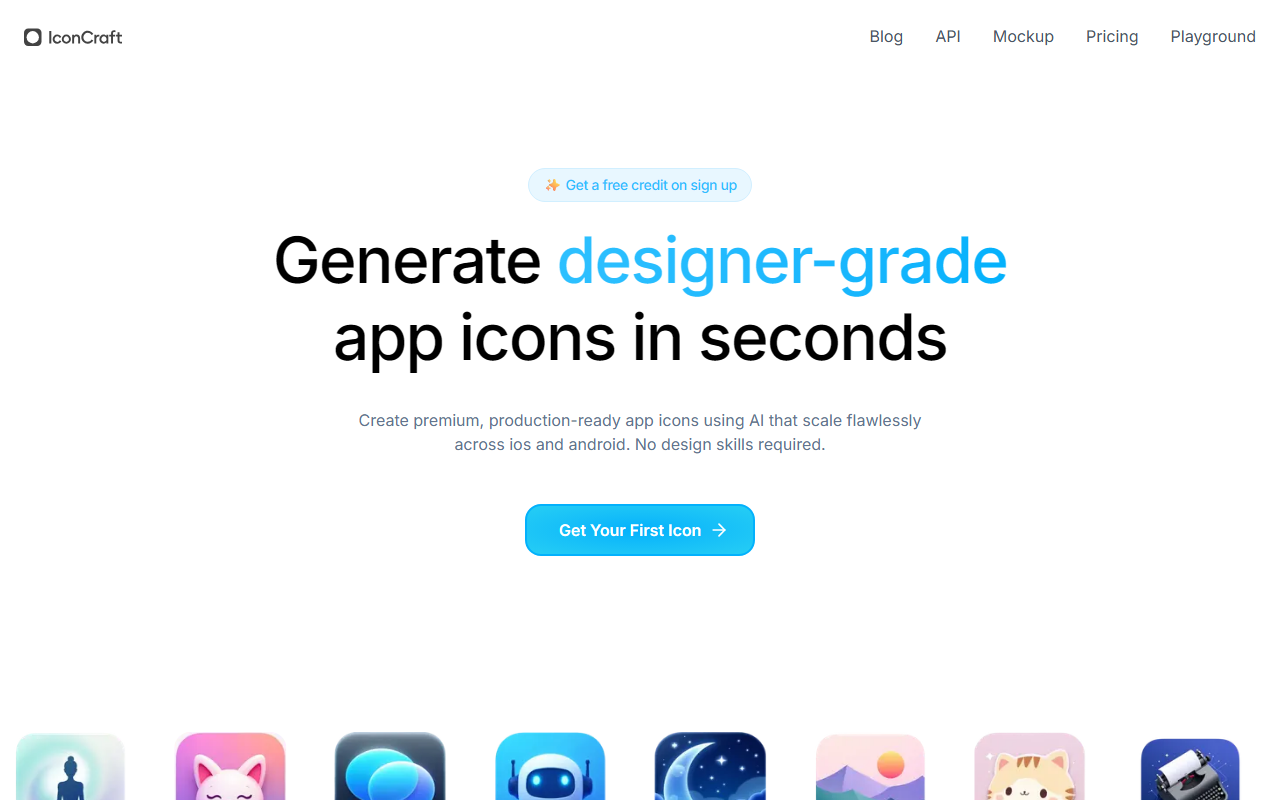
Upon visiting the site, I was greeted by a clean, modern landing page that immediately communicates the tool's value proposition: generate designer-grade app icons in seconds. The call-to-action button for a free credit is prominent, and the sign-up process is straightforward — email and password, or Google OAuth. After logging in, the dashboard shows a simple playground with a text input field labeled "Describe your app concept." There is also an option to upload a logo or provide a style reference via URL. The interface is minimal, with no clutter, which makes it easy to focus on the creation task. I decided to test the free credit by typing "meditation app with lotus flower and sunset" and clicked generate. Within about 10 seconds, the AI returned four icon variations, each displayed as a high-resolution preview that could be downloaded in standard icon sizes (like 1024x1024, 512x512, etc.). The response quality was impressive — the icons had consistent lighting, proper transparency, and scales well for both iOS and Android guidelines. The colors were harmonious, and the composition matched my description reasonably well.
Features Deep Dive: AI Suggestions and Custom Upload
The core functionality revolves around three flagship features: AI Suggestions, Custom Logo Upload, and Style Reference. When entering an app description, the AI automatically suggests visual directions — for instance, after I typed "fitness tracker," the system produced thumbnails with options like "minimalist heart rate monitor," "dynamic athlete silhouette," and "bold gradient with dumbbell." This proactive prompting helps non-designers explore concepts they might not have considered. I then tested the Custom Logo Upload feature by uploading a simple geometric logo. The AI seamlessly integrated it into new icon designs, maintaining my brand's shape and color palette while generating different backgrounds and subtle effects. This ensures brand consistency without requiring manual design work. The Style Reference feature allows you to paste a URL of an existing icon or trend. I linked a Dribbble shot of a neumorphic icon, and the engine adapted the style to my app idea, producing icons with soft shadows and light gradients. All generated icons are ready for production, with metadata indicating file format (PNG) and aspect ratio (1:1).
Pricing, Limitations, and Market Position
Pricing is not publicly listed on the website, aside from the initial free credit on sign-up. It appears that IconCraft follows a credits-based model — after the free trial, users likely purchase additional credits for more generations. This lack of transparent pricing can be a drawback for budget-conscious developers or teams. However, for the free tier, the single credit gives a true taste of the product without commitment. One limitation I noticed: the AI occasionally produces icons that are visually appealing but don't perfectly match specific brand guidelines (e.g., exact hex colors). The control over fine details is limited compared to manual design tools like Adobe Illustrator or Sketch. Additionally, the tool focuses exclusively on app icons; it cannot generate other marketing assets like screenshots or banners. Competing tools such as Appldy's AI Icon Generator or Midjourney with proper prompting offer broader capabilities, but IconCraft's specialization ensures higher relevance for its niche. The tool seems best suited for indie developers, startup founders, and product managers who need fast, polished icons without hiring a designer. It is less appropriate for established brands with stringent design systems.
Final Verdict: Who Should Use IconCraft?
IconCraft delivers on its promise: designer-quality app icons generated in seconds, with minimal effort. Its strengths lie in ease of use, brand integration via logo upload, and intelligent suggestions that spark creativity. The free credit is a generous way to evaluate the service before committing. On the flip side, the lack of public pricing details and the limited creative control may frustrate power users. For indie developers preparing an app launch, IconCraft can save days of design iteration. I would recommend it to anyone needing a quick, professional app icon without a design background. However, teams with strict brand guidelines should use it as a starting point and then refine manually. Overall, IconCraft is a solid addition to the AI design category, especially for mobile app creators. Visit IconCraft at https://iconcraft.app/ to explore it yourself.













Comments