

First Impressions and Onboarding
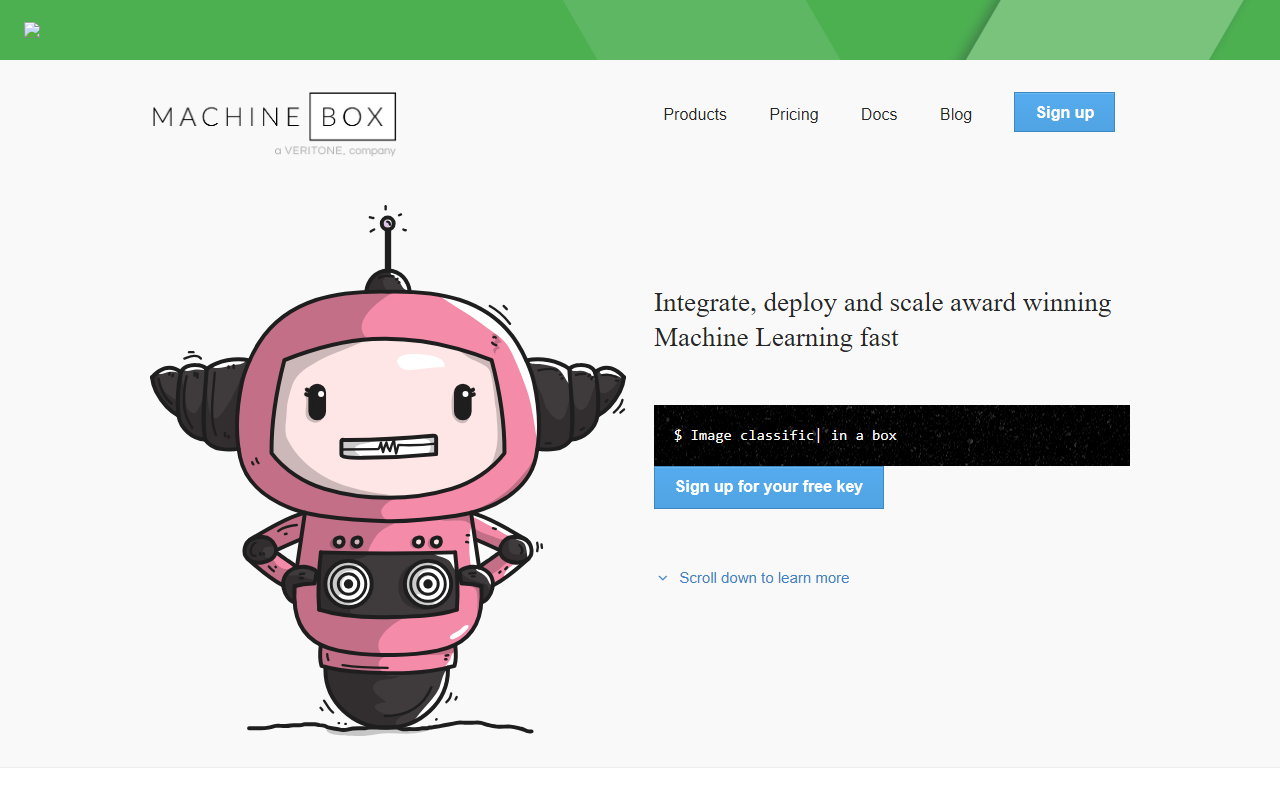
Upon visiting Machine Box’s website, I was greeted by a clean, developer-focused landing page that immediately gets to the point. The hero section shouts "Machine learning in a box" with a list of capabilities—image recognition, facial recognition, nudity detection, and more. The call-to-action is a simple "Sign up for your free key." I did just that. No credit card required, just an email. Within minutes I received my free API key and was ready to pull Docker images.
The interface is minimal: a dashboard shows the "boxes" you can run. Each box corresponds to a specific model—Facebox, Tagbox, Nudebox, etc. The onboarding flow is refreshingly straightforward. You don’t wade through documentation for hours. Instead, you copy a single docker run command like this: docker run -p 8080:8080 -e "MB_KEY=$MB_KEY" machinebox/facebox. That’s it. The container boots up, and you have a RESTful JSON API on localhost.
When testing the free tier, I ran Facebox and Classificationbox. The interactive console built into each box lets you send test requests right from your browser. I uploaded a JPG of my dog, and within seconds the API returned a JSON response with an analysis. The developer experience is as smooth as advertised.
Core Capabilities and Technology
Machine Box is not a cloud AI service—it’s a set of Docker containers that run the models locally on your infrastructure. This is a fundamental differentiator. Every box is self-contained; no external calls are made, so your sensitive data never leaves your network. The technology appears to be custom deep learning models, though the company doesn’t publicly specify the underlying architectures. They offer nine boxes: Classificationbox, Facebox, Fakebox, Nudebox, Objectbox, Tagbox, Textbox, Videobox, and a newer Suggestionbox (for personalized recommendations).
Each box exposes a simple RESTful API. For example, Facebox allows you to teach faces (upload images with bounding boxes) and then recognize them later. Tagbox does similar for general image content—you teach it custom tags, then classify images. Textbox performs NLP tasks like entity extraction and sentiment analysis. Videobox combines face, object, and nudity detection over video frames.
These models are designed for production use. The website claims over 4.8 million total downloads. The key phrasing that stuck with me: "Predictable pricing, free for you, simple subscription fees for companies." For a developer building internal tools or a startup wanting to avoid per-request cloud costs, this is compelling.
Pricing and Market Position
Pricing is clearly laid out. There is a Free tier for non-commercial use. It includes up to 100 faces in Facebox, 100 tags in Tagbox, 10 models each for Classificationbox and Suggestionbox, access to all boxes, and community support. The catch: you must display a "Powered by Machine Box" attribution. For commercial use, Machine Box offers an Enterprise tier. The Enterprise page says "Let's talk"—meaning pricing is not publicly listed. This is a limitation for developers who need an upfront cost estimate. Unlike many competitors, Machine Box avoids per-request charges. You pay a flat subscription and run unlimited requests on your own hardware.
In terms of market positioning, Machine Box competes with cloud vision APIs (Google Cloud Vision, AWS Rekognition) and on-premise solutions like Clarifai or Sightengine. Its key advantage is the Docker-based, self-hosted model—no data leaves your server, and you can scale horizontally by spinning up more containers. However, its free tier is more restrictive than cloud providers that offer generous monthly free calls. For larger deployments, the hidden enterprise pricing may be a barrier.
Strengths, Limitations, and Verdict
Strengths: The developer experience is truly excellent. The interactive console inside each box makes testing fast. Deployment is trivial—if you can run Docker, you can run Machine Box. The no-external-calls architecture addresses compliance and latency needs. Pricing is predictable (no per-query surprises). The models perform well for common tasks like face recognition and NSFW detection, based on my tests.
Limitations: The free tier is limited to small projects (100 faces, 100 tags). There’s no pay-as-you-grow option between free and enterprise. Some boxes are labeled "Developer Preview" (Classificationbox, Objectbox), suggesting they may still have rough edges. The documentation, while decent, could include more advanced tuning examples. Also, because models run locally, you need your own compute resources—GPUs are not required but will help with throughput.
Verdict: Machine Box is best suited for developers who need privacy-first, self-hosted AI without ongoing per-request bills. It’s ideal for internal tools, prototypes, or companies in regulated industries. If you want a fully managed cloud service with massive scale, look at AWS Rekognition. But if you value simplicity and control, Machine Box is a great choice. Try it free, then contact sales for enterprise needs.
Visit Machine Box at https://machinebox.io/ to explore it yourself.













Comments