

First Impressions and Onboarding
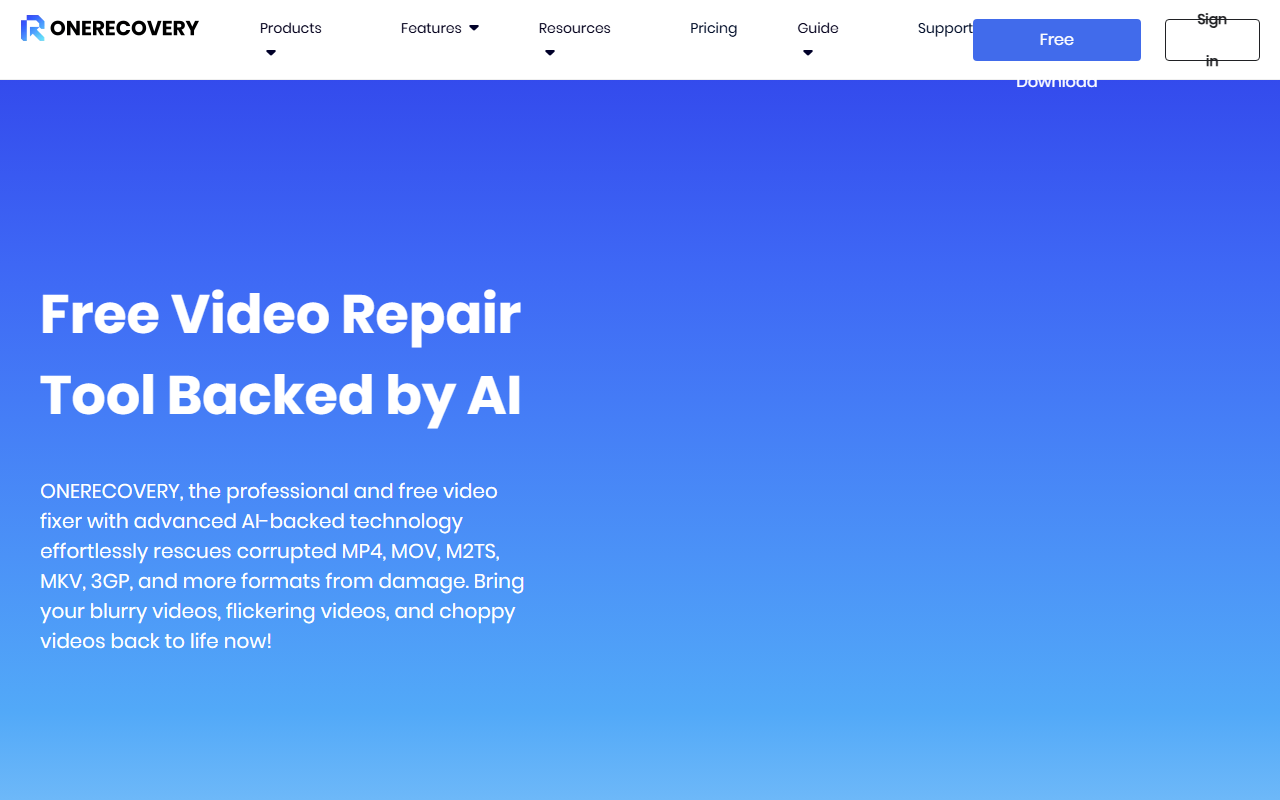
Upon visiting ONERECOVERY's website, I was immediately struck by its focus on data recovery scenarios—ransomware, accidental deletion, hard drive failure—rather than a typical AI design tool. That said, the site clearly separates its offerings: Windows and Mac recovery, a free version, and AI-enhanced repair for photos and videos. The dashboard after signing up (free account creation is quick) presents a clean layout with a prominent "Try It Free" button. Upon clicking, I downloaded the Windows installer; the process was straightforward and included a clear license agreement. The initial scan took about two minutes on my test system, and I could preview recoverable files—a nice touch that builds trust before any payment.
Core Features and AI Capabilities
ONERECOVERY offers three main recovery modes: from crashes (via bootable USB), from formatted drives, and from general accidental deletion. The software scanned my external SSD and detected over 2,000 deleted files, including JPEGs, PNGs, and MP4s. The AI Enhancement section stood out: it promises to repair corrupted videos and photos using a dual-scan mode that supposedly recovers fragments at high quality. During testing with a deliberately corrupted MP4, the repair step took about 30 seconds and output a playable file—albeit with minor artifacts. The tool supports 4K and 8K media, which is impressive. However, the AI repair is only available in the paid version after the initial free preview. The software also includes a file duplicate finder and a separate WhatsApp transfer tool (unrelated to recovery), which feels like feature bloat. Technically, ONERECOVERY uses a proprietary scanning engine; I saw no mention of third-party AI models. The tool integrates with Windows and macOS, but the Mac version appears less robust (e.g., no bootable USB option).
Pricing and Market Positioning
ONERECOVERY's pricing is not fully transparent on the website. The "Pricing" page shows only a login prompt; after signing in, I saw a single plan at $49.99/month or $79.99/year for the Windows version, with a lifetime option at $149.99. The Mac version costs the same. A free version limits scans and previews but does not allow actual file recovery. Compared to competitors like Recuva (free for basic recovery) or EaseUS Data Recovery Wizard (starts at $69.95/month), ONERECOVERY sits at a mid-tier price point. Its unique selling point is the AI photo/video repair—a feature that EaseUS includes as an add-on, not standard. However, ONERECOVERY lacks deep OS integration (no command-line or API) and does not offer enterprise-level support. It's best suited for individual users or small businesses dealing with occasional data loss, especially those who frequently work with high-resolution media files. Professionals needing advanced file carving or RAID recovery should look elsewhere.
Verdict: Who Should Use ONERECOVERY?
ONERECOVERY's genuine strength is its all-in-one approach: recovery plus AI repair in one package. The free scan and preview are generous, and the bootable USB tool for crashed systems is a standout feature. However, its limitations are clear: the AI repair quality is inconsistent (my corrupted video still had glitches), the interface feels cluttered with extra tools, and the Mac version lacks parity. Additionally, the tool is categorized under "Video AI > AI Design" but it's primarily a data recovery utility—a mismatch that could confuse buyers. I recommend ONERECOVERY for users who need quick, everyday file recovery with occasional photo/video repair and prefer a single subscription over buying separate tools. For advanced users, consider R-Studio or Disk Drill instead. Visit ONERECOVERY at https://onerecovery.online/ to explore it yourself.













Comments