

First Impressions and Onboarding
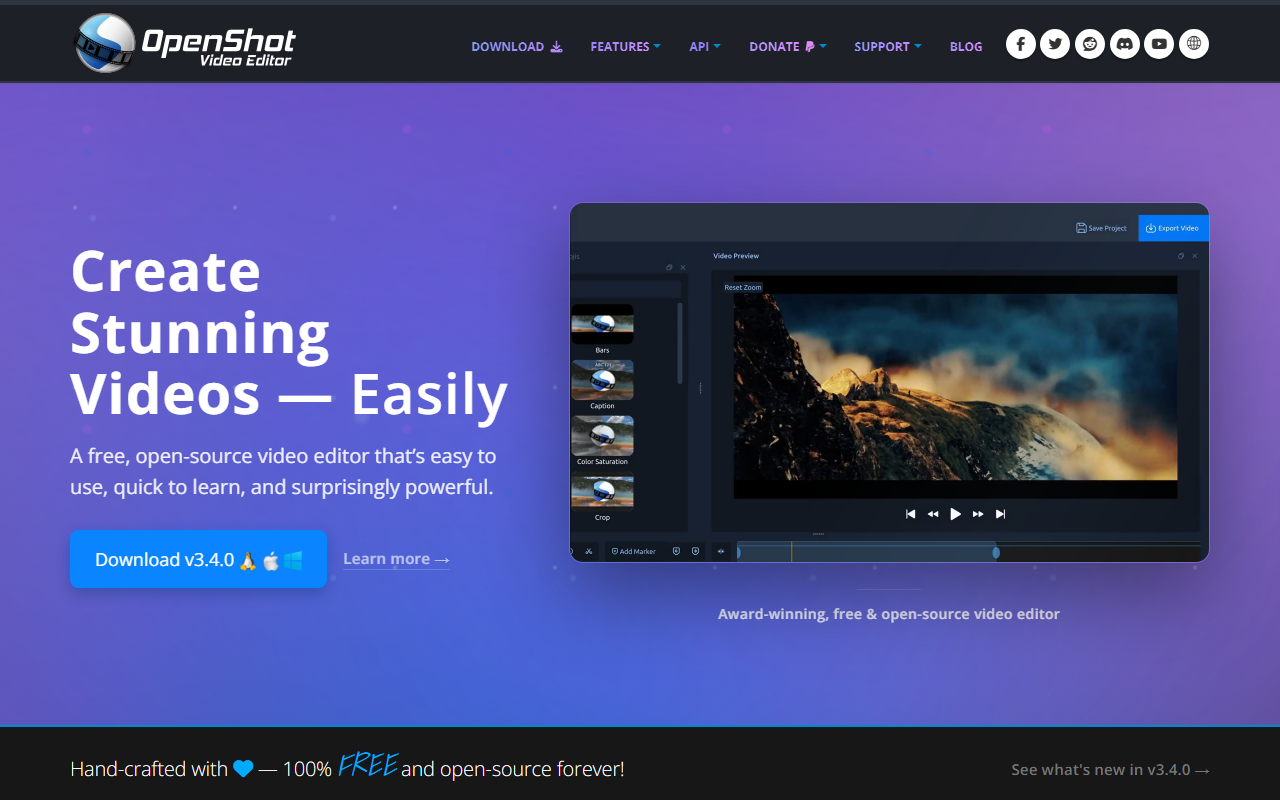
Upon visiting the OpenShot website, I was greeted by a clean, straightforward interface emphasizing its award-winning, 100% free status. The homepage prominently features a download button for version 3.5.1, along with a clear feature list. I downloaded the installer for Windows — the process was fast and without any upsells or account creation. The onboarding flow is minimal: launch the app, and you land directly on a three-panel layout with a preview window, timeline, and file browser. Tooltips appear on hover, making the learning curve gentle for newcomers.
When testing the free tier (the only tier, since it's entirely free), I imported a few MP4 clips and an MP3 audio file. Drag-and-drop from my file manager worked exactly as promised. The interface felt responsive, and the built-in title editor let me overlay text in seconds. However, the lack of AI-powered features like auto-captioning or smart scene detection was immediately noticeable.
Key Features and Technical Details
OpenShot is not an AI design tool — it's a classic video editor. Its strengths lie in simplicity and power without a price tag. The animation framework uses keyframes to control position, rotation, scale, and opacity for any clip or effect. You can add unlimited tracks for picture-in-picture, watermarks, or multi-layer audio. The video effects engine includes chroma key (background removal), color adjustment, and invert colors. Audio waveforms visualize sound for precise editing, and the title editor offers templates with 3D animations like snow or lens flares.
OpenShot supports 70+ languages and runs on Linux, Mac, and Windows. It uses FFmpeg under the hood for codec support, meaning it can handle most common formats. Version 3.5.1 introduced an "Optimize Preview" workflow that transcodes clips into a proxy format for smoother scrubbing — a thoughtful touch for underpowered machines. There is no API or cloud integration; this is a purely desktop application. Pricing is non-existent — OpenShot is 100% free and open-source, licensed under GPLv3. Donations are accepted but not required.
Competitors include DaVinci Resolve (free tier with advanced color grading and basic AI tools like voice isolation) and Shotcut (another open-source editor with a different workflow). Unlike DaVinci Resolve, OpenShot prioritizes ease of use over professional-grade features. Unlike Shotcut, its interface is more traditional and feels less cluttered.
Strengths and Limitations
OpenShot's greatest strength is its accessibility. You can download it without creating an account, and it runs well on older hardware. The keyframe animation system is powerful enough for basic motion graphics, and the unlimited track support gives flexibility for complex timelines. The active community provides tutorials and plugins, and because it's open-source, advanced users can contribute code. The cross-platform support is genuinely seamless — I tested the same project file on Windows and Linux with no issues.
However, OpenShot has real limitations. It lacks native AI capabilities — no automatic subtitle generation, no content-aware fill, no smart color matching. Performance with large 4K files can be sluggish even with proxy workflows, and the waveform rendering for long audio tracks sometimes lags. The effects library is modest compared to paid editors, and advanced features like motion tracking or multi-cam editing are absent. Beginners may find the timeline snapping imprecise, and the lack of undo history beyond a few steps can be frustrating. The project file format (.osp) is not compatible with other editors, so lock-in is a concern if you switch tools later.
OpenShot is best suited for hobbyists, students, and creators who need a reliable, free editor for YouTube videos, school projects, or home movies. It is not designed for professional post-production, high-end VFX, or workflows that require AI automation. If you need AI-powered tools like auto-reframe or smart audio cleanup, consider Adobe Premiere Pro (paid) or DaVinci Resolve (free tier with Fairlight audio AI).
Final Verdict and Recommendation
OpenShot does what it sets out to do: provide a free, open-source video editor that is easy to learn and surprisingly capable. It earns its award-winning reputation through a mature feature set and a welcoming community. The lack of AI features is notable in a category labeled "AI Design," but that doesn't diminish its value for non-AI workflows. I recommend OpenShot to anyone starting their video editing journey on a tight budget or to Linux users seeking a native editing solution. For creators who rely on AI automation, look elsewhere.
Visit OpenShot at https://openshot.org/ to explore it yourself.













Comments