

First Impressions and Onboarding
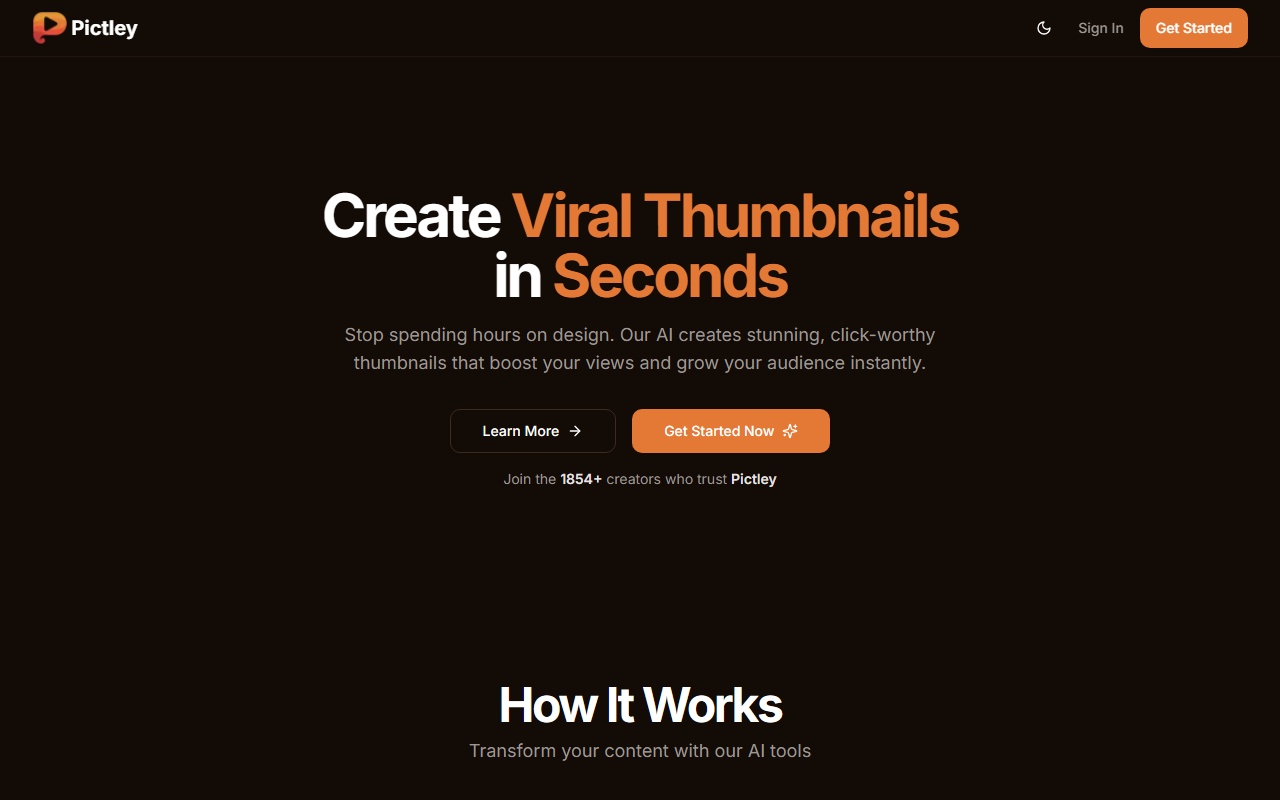
Upon visiting Pictley, I was greeted by a clean, modern dashboard that immediately showcases the core value proposition: create viral thumbnails in seconds. The homepage prominently displays example inputs and their AI-generated results, giving a tangible sense of the tool’s capabilities. One example prompt reads: “Mugshot of intimidating prisoner in orange jumpsuit, eyes crossed out…” and the corresponding output looks polished and dramatic. The onboarding flow is straightforward — I clicked “Get Started” and was prompted to sign up. The free tier? There isn’t one listed, but a one-time “First-Time Deal” at $4.99 for 15 thumbnails serves as a low-risk trial. The interface uses a minimal design with a toggle for dark/light theme, and navigation is simple: sign in, pricing, and main menu.
How Pictley Works and Key Features
Pictley focuses on three distinct modes of thumbnail creation. The primary mode is text-to-thumbnail: you enter a descriptive prompt, and the AI generates a high-quality image tailored for YouTube. Examples on the site include Ronaldo with a shark, a cowboy fleeing buffalo, and a political debate split-screen. The results I observed appear to be realistic, with cinematic lighting and strong composition — ideal for click-driven platforms. The second mode is sketch-to-thumbnail: upload a rough drawing, and the AI refines it into a professional visual. The third mode, thumbnail recreation, lets you upload an existing thumbnail and apply new styles or themes. All three are accessible from the same plan. The AI processes inputs in what the site claims is an average of 5 minutes, though real-world speed may vary. There is no mention of underlying model (e.g., Stable Diffusion or DALL·E), but the output style resembles fine-tuned diffusion models optimized for thumbnail composition, including bold text overlays and dramatic contrast. No API or integrations are listed, making Pictley a standalone web app.
Pricing and Value Proposition
Pictley offers three paid plans plus a limited one-time offer. The “First-Time Deal” is $4.99 (down from $14.99) for 15 thumbnail credits — a one-time purchase, perfect for testing. The monthly subscriptions start at $20/month for 20 thumbnails (Hobby), and $40/month for 150 thumbnails (Premium). Yearly billing gives 2 months free. All plans include text-to-thumbnail, sketch upload, and recreation, with higher tiers offering priority email support. Notably, there is no completely free tier, which may deter casual users. Compared to competitors like Canva’s AI thumbnail generator (which is part of a broader design suite) or Thumbnail Ai (which offered free trials in the past), Pictley is laser-focused on thumbnail generation and priced competitively for regular YouTubers who need volume. The absence of a public API limits automation for power users.
Strengths, Limitations, and Final Verdict
Strengths: Pictley excels in speed and specificity. The examples demonstrate that the AI understands dramatic, click-baity composition — exactly what YouTube thumbnails require. The one-time deal lowers the barrier, and the three generation modes cover most creator workflows. The interface is intuitive, and customer testimonials show 1854+ trusted creators, suggesting a growing user base. Limitations: The lack of a free trial means you must pay even to test quality with your own prompts. The 5-minute average generation time may feel slow if you need rapid iterations. There is no batch processing or API, so you cannot integrate Pictley into a wider content pipeline. Additionally, the website does not explicitly state data privacy policies in detail, though the FAQ mentions security. Who should use it? YouTubers, TikTokers, and podcasters who need consistent, high-quality thumbnails without hiring a designer. Who should skip? Users seeking unlimited free usage or those who need automated bulk generation. Overall, Pictley delivers on its promise: it turns ideas into thumbnails fast, and the results I saw are convincingly click-worthy. Visit Pictley at https://pictley.com/ to explore it yourself.











Comments