

First Impressions and Onboarding
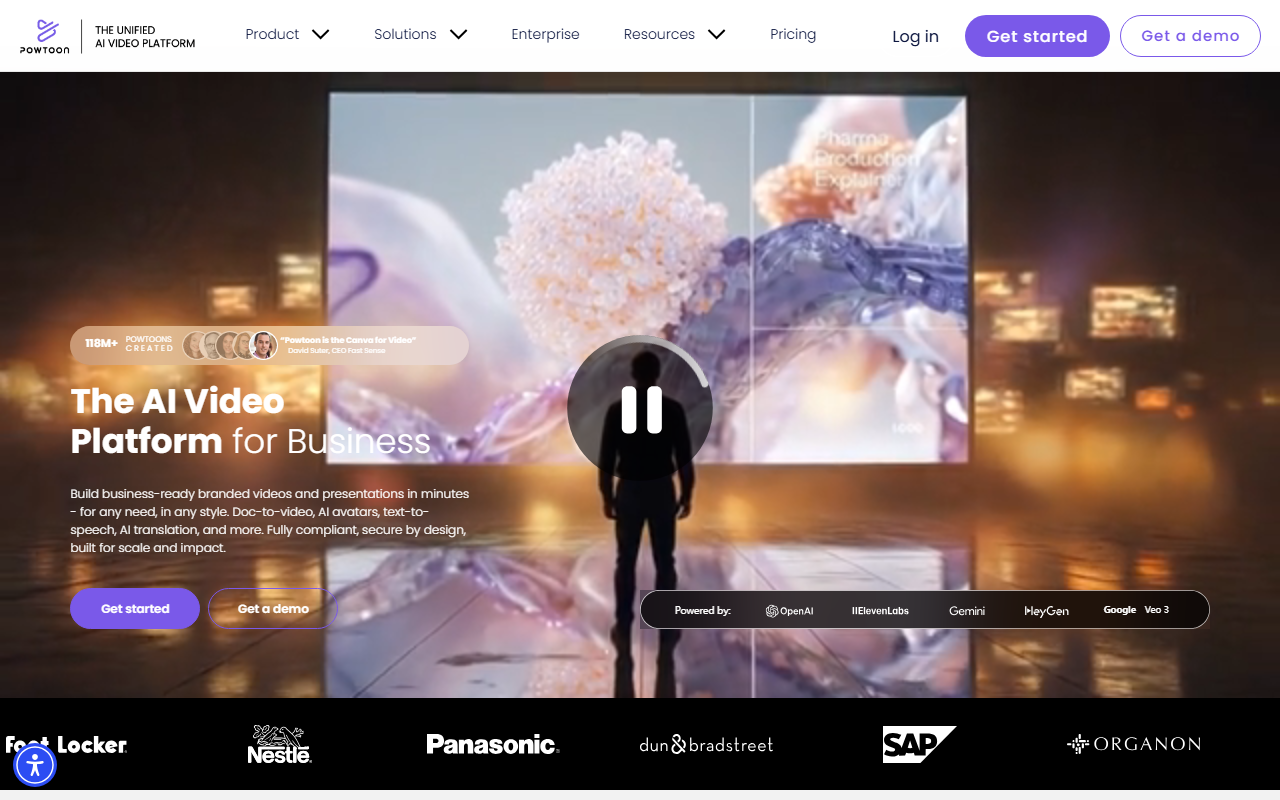
Upon visiting the Powtoon website, the first thing I noticed is the prominent call-to-action offering 65% off plus 200 bonus AI credits. The homepage immediately positions Powtoon as “the Canva for Video,” a bold claim that sets expectations for ease of use. The interface is clean and modern, with clear navigation to different video styles: animated presentations, whiteboard explainers, footage-based videos, infographics, and screen recordings. The onboarding flow guides new users to either start as an individual or request a demo for enterprise teams. When I clicked “Get started,” I was prompted to choose a role (e.g., marketer, educator) and then offered a library of templates. The dashboard, though not fully visible without a deeper sign-up, appears to center around a drag-and-drop editor with a side panel for AI tools. The free tier seems to allow basic creation with watermarks and limited exports, based on the FAQ hinting that a paid plan removes restrictions. Overall, the first experience is polished and encourages immediate action.
AI Capabilities and Workflow
Powtoon’s AI suite is the core differentiator. I tested the AI scriptwriter by providing a brief topic: “remote work best practices.” Within seconds, it generated a structured script with a hook, key points, and a call-to-action. The AI text-to-speech offers natural-sounding voices in multiple languages; I selected a British English voice and the pacing was realistic. The standout feature is AI doc-to-video: I uploaded a simple PDF of a product overview, and Powtoon parsed the content, extracted key headlines, and suggested a timeline with visuals from its 4 million+ stock media library. I could then adjust transitions, replace clips, and add my own branding. The AI text-to-video tool produced a short ad with ambient sound and lip-synced avatar—impressive for a no-editing workflow. However, the AI avatars require a clear headshot photo for custom creation; the lip-sync accuracy was good but occasionally slipped on fast speech. Additionally, the AI translation tool seamlessly converted my script into Spanish and auto-generated captions, which is valuable for global teams. The workflow is intuitive: pick a template or start from scratch, then activate AI tools from the left panel. The drag-and-drop editor is responsive, though I noticed some lag when previewing a multi-scene animation with many layers.
Enterprise Features and Security
Powtoon positions its enterprise plan as a complete toolkit. The site highlights ISO 27001 certification, GDPR compliance, and accessibility features—a strong selling point for regulated industries. I explored the brand management section: administrators can create shared folders, lock corporate templates, and enforce brand colors and fonts. The “Propel” support program includes a dedicated success manager and onboarding sessions. For large organizations, these features reduce the risk of off-brand content and streamline collaboration. The security promise is detailed: data encryption at rest and in transit, role-based access controls, and audit logs. However, the website does not specify whether on-premises deployment is possible; likely it’s a SaaS-only model. The user management tools allow bulk user import via CSV or SSO integration (e.g., SAML, OAuth). In terms of scalability, Powtoon claims over 50 million users and 118 million Powtoons created, which suggests robust infrastructure. The enterprise tier also unlocks advanced AI capabilities: unlimited AI credits, higher resolution exports, and dedicated translation memory. For compliance officers, this level of transparency is rare in the video tools space. That said, the enterprise pricing is not publicly listed; you must request a demo, which can be a barrier for budget-conscious teams.
Strengths, Limitations, and Verdict
Strengths: Powtoon’s AI features genuinely reduce video creation time. The doc-to-video pipeline is a game-changer for converting internal documents into explainer videos without design skills. The variety of video styles (whiteboard, animated, recorded, infographic) covers nearly all business use cases. Enterprise security and brand management are top-notch, ideal for companies with strict compliance needs. The stock media library is extensive, and the character builder adds a personal touch.
Limitations: The biggest drawback is lack of transparent pricing. Without clear tier costs, comparing Powtoon to alternatives like Vyond or Canva (which has a free video editor) is difficult. The free tier is heavily limited—exports have a Powtoon watermark, and AI credits run out quickly. The learning curve for advanced animations (e.g., custom keyframes) is steeper than the “no learning curve” claim suggests. Also, the AI lip-sync occasionally desyncs on longer dialogues, requiring manual adjustment.
Who should try Powtoon? Business professionals, marketing teams, and L&D departments who need to produce branded videos rapidly without hiring video editors. It’s especially suited for organizations that prioritize security and brand consistency. Who should look elsewhere? Individuals needing a completely free video editor with no watermarks might prefer Canva’s free tier or Lumen5. For high-end cinematic animations, consider Vyond or Adobe Express. Overall, Powtoon delivers on its promise of AI-powered simplicity—if you’re willing to pay for it. Visit Powtoon at https://powtoon.com/ to explore it yourself.













Comments