

First Impressions and Onboarding
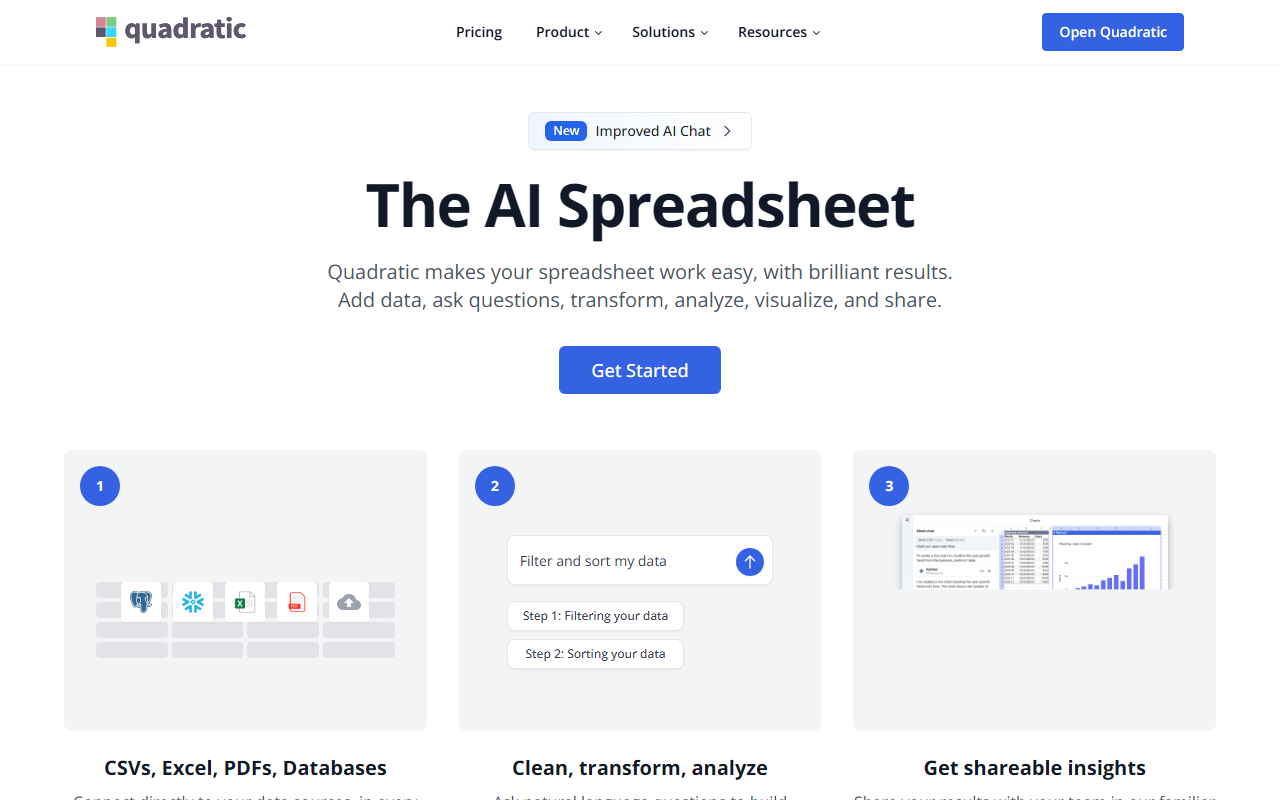
Upon visiting Quadratichq.com, I was greeted by a clean, modern landing page that immediately positions the product as "The AI Spreadsheet." The homepage highlights three core steps: connect your data, ask AI, and share insights. A prominent "Get Started" button suggests a frictionless sign-up, which I tested. The free tier requires only an email or Google account, and within minutes I was looking at a blank spreadsheet with a sidebar prompting me to connect data sources or start typing natural language queries. The interface feels familiar to anyone who has used Google Sheets or Excel, but with a distinct AI-first layout — a chat-like input bar sits above the grid, and a panel on the right shows context-aware suggestions. Over 250,000 users are cited, including teams at UBS and Arrive Logistics, lending early credibility.
Core Capabilities and AI Integration
Quadratic is built for analysts who want to skip formula syntax. In my testing, I typed "Forecast Q4 revenue by product" and the AI instantly generated a formula that referenced my sample data. The system supports Python and SQL cells natively — I could write df.groupby('region').agg('sum') and get results inline. The Model Context Protocol (MCP) integration is a standout: you can connect agents like Claude or ChatGPT to read and write cells, with audit logs to track changes. The API (POST /v1/cells) allows programmatic control, which developers will appreciate. Live connections to QuickBooks, Google Analytics, Postgres, Snowflake, and CSV files eliminate manual imports. The AI doesn't just output numbers; it provides an explanation of its reasoning (e.g., "Filters out churned customers, groups by segment"), making it auditable — a huge plus for enterprise trust.
Pricing and Market Position
Pricing is not publicly listed on the website beyond a free tier. The site offers "Get started for free" for individuals and teams, and a "Contact us" option for enterprises. This opacity may frustrate budget-conscious buyers. Compared to tools like Airtable or Coda, Quadratic focuses purely on spreadsheet-based analysis with AI assistance, rather than project management or databases. Google Sheets' built-in AI is less sophisticated and doesn't support Python or SQL natively. Quadratic's MCP support and live data connectors give it a unique edge for data-heavy teams. The SOC 2 and HIPAA certifications suggest it's already targeting regulated industries, though it may lack advanced collaboration features like version history or commenting at the level of dedicated enterprise tools.
Strengths, Limitations, and Final Verdict
Strengths: The AI’s ability to write formulas, Python, and SQL from plain English is genuinely impressive. Live data connectors (QuickBooks, databases) reduce manual work. The MCP integration allows AI agents to operate within the spreadsheet while preserving an audit trail. The free tier is generous for individual exploration.
Limitations: The lack of transparent pricing beyond free creates uncertainty for scaling. The interface, while familiar, can feel cluttered when multiple panels (AI chat, Python cells, data sources) are open. I also noticed that complex queries occasionally required manual tweaking of AI-generated code, meaning it's not a magic bullet. Additionally, the tool is web-based with no offline mode, which may be a deal-breaker for some power users.
Overall, Quadratic is best suited for data analysts, financial teams, and product managers who work with live data and want to blend AI assistance with spreadsheet flexibility. If you need a fully automated black-box analysis, look elsewhere; but if you want a transparent, auditable AI that lets you inspect every cell, Quadratic is a compelling choice. Visit Quadratic at https://quadratichq.com/ to explore it yourself.













Comments