

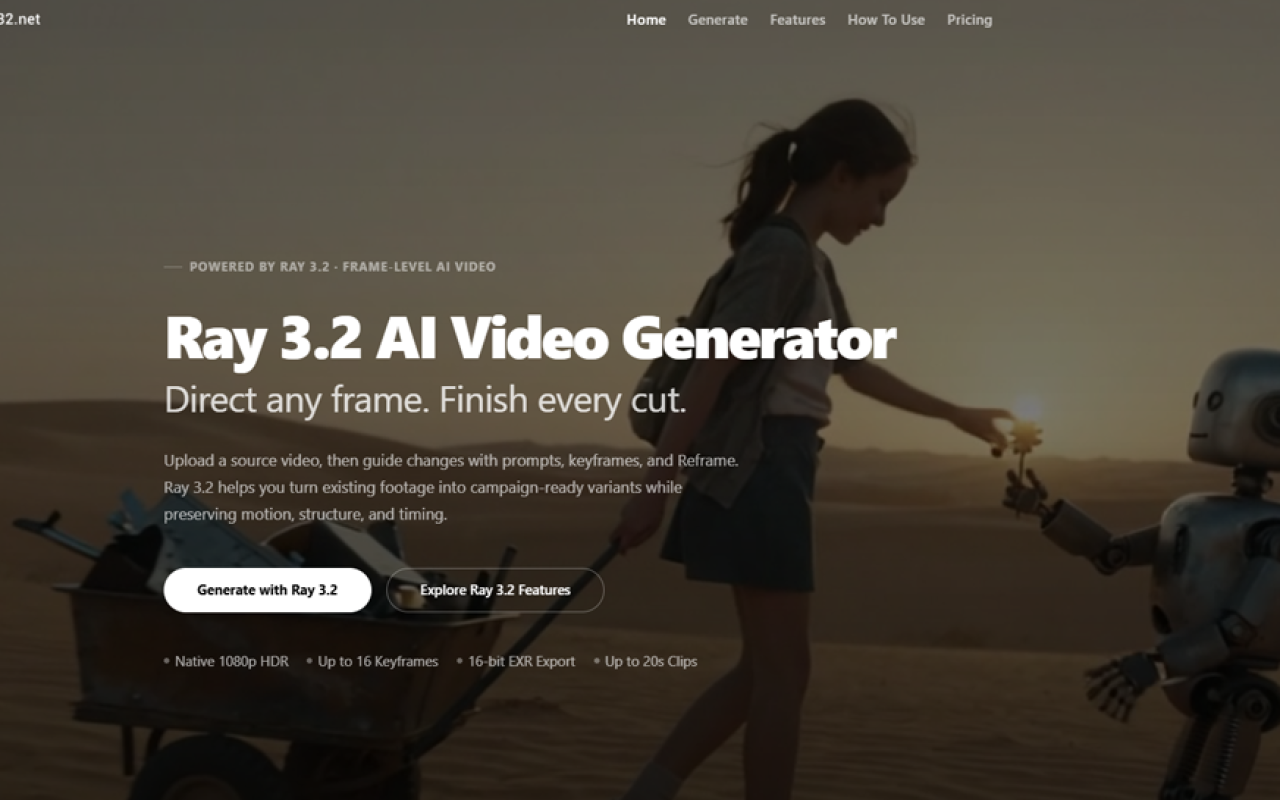
Getting Started with Ray 3.2 AI at ray32.net
Upon visiting ray32.net, I was immediately struck by the clean, product-focused layout. The Ray 3.2 AI Video Generator sits front and center, promising to turn uploaded source footage into campaign-ready variants while preserving motion, structure, and timing. The site makes it clear this is a third-party tool providing cloud access to Luma AI's Ray 3.2 model, not an official Luma property. I started with the free tier, which gave me 45 credits to test the four core workflows: Text to Video, Image to Video, Video Edit, and Reframe. The dashboard shows a simple upload and prompt interface—no GPU required, everything runs in the browser.
What Ray 3.2 AI Does and the Problem It Solves
Ray 3.2 is a production-grade video generation and transformation model. Unlike many AI video tools that struggle with consistency across frames, Ray 3.2 excels at frame-level control. It lets you place up to 16 keyframes in a single clip, directing exactly where motion shifts, lighting changes, or a performance resolves. The core problem it solves is the costly reshoot—advertisers can swap products, restyle environments, or localize entire campaigns without filming again. For post-production teams, the native 16-bit HDR and EXR export in ACES2065-1 (AP0) color space means renders drop directly into Nuke, DaVinci Resolve, or any VFX pipeline. This isn't a consumer toy; it's a pipeline-ready video workstation accessible via API.
Exploring the Four Workflows and Frame-Level Control
During my test, I uploaded a 10-second clip of a person walking through a park and used the Video Edit workflow to swap the background to a snowy cityscape. The result was stunning—the actor's gait, facial expressions, and timing remained perfectly intact while the environment changed completely. Ray 3.2's expressive facial performance tracking handles up to eight faces simultaneously with skeletal pose accuracy. The Text to Video workflow generated a cinematic 1080p clip of a dragon soaring over a medieval castle, complete with dynamic lighting and smooth camera movement, from a single paragraph prompt. I also tried Image to Video, animating a still concept art piece into a 5-second shot with a slow zoom. Each workflow felt polished; the 16-keyframe support in modification modes gave me fine-grained control I haven't seen in competitors like Runway or Pika. The Reframe tool intelligently filled new canvas areas when I converted a 16:9 clip to 9:16 vertical, maintaining scene consistency—no awkward cropping or letterboxing.
Pricing: One-Time Packs, Credits Never Expire
Ray 3.2 AI offers transparent, one-time pricing through ray32.net, with no subscriptions. Credits are deducted only on successful generations and never expire. The Starter pack costs $9.90 for 160 credits, ideal for testing. The Pro tier at $29.90 gives 580 credits and faster processing. The Scale pack ($49.90, 1,100 credits) adds video reframing auto-duration detection and priority support, while the Max pack ($99.90, 3,330 credits) delivers the lowest per-credit cost and fastest priority processing for high-volume production. All tiers include 1080p HDR output, 16-bit EXR export, multi-keyframe support, and commercial usage rights. Credit consumption varies by workflow: a 5-second 1080p text-to-video might cost 10 credits, while a 20-second video edit with multiple keyframes will use more. This pay-as-you-go model is refreshing compared to monthly subscriptions that lock you in, though heavy users might find per-generation costs add up quickly.
Who Should Use Ray 3.2 AI and Who Should Look Elsewhere
Ray 3.2 is purpose-built for film previsualization artists, advertising agencies, VFX compositors, and game studios that need controlled, repeatable video transformations with post-production-grade output. The API integration and EXR export place it squarely in professional pipelines. Social media managers will appreciate the reframing and short-form generation. However, if you need only basic text-to-video without frame-level control, simpler tools like InVideo or CapCut offer faster, lower-cost results. And because ray32.net is a third-party access point—not Luma AI itself—enterprises requiring direct support from Luma may prefer going through fal.ai or ComfyUI integrations. The site explicitly states it is not affiliated with Luma AI, Inc., which might matter for compliance-conscious teams.
Strengths and Real Limitations
The biggest strength is control: 16 keyframes per clip, true 16-bit HDR generation, and four workflows in one model. Output quality is visually remarkable, with motion consistency rarely seen in AI video. The EXR export and API access make it genuinely useful for studios. On the flip side, Ray 3.2 is video-transformation-centric; it cannot generate text-to-video or image-to-video—those are separate Ray models. The site's Ray 3 vs. Ray 3.14 vs. Ray 3.2 comparison clarifies that Ray 3.2 requires a source video for its core Video Edit and Reframe modes. If you don't have existing footage, you'll rely on the other models. Additionally, generation times can be slower than competitors when using many keyframes or high resolutions, though the priority processing in higher tiers helps. Credit costs for complex 20-second edits may deplete packs faster than expected. Finally, the third-party nature of ray32.net means you're trusting an intermediary with your video uploads and generation requests, so data-sensitive projects should weigh the privacy implications.
Visit Ray 3.2 AI at https://ray32.net to explore it yourself.













Comments