

First Impressions and Onboarding
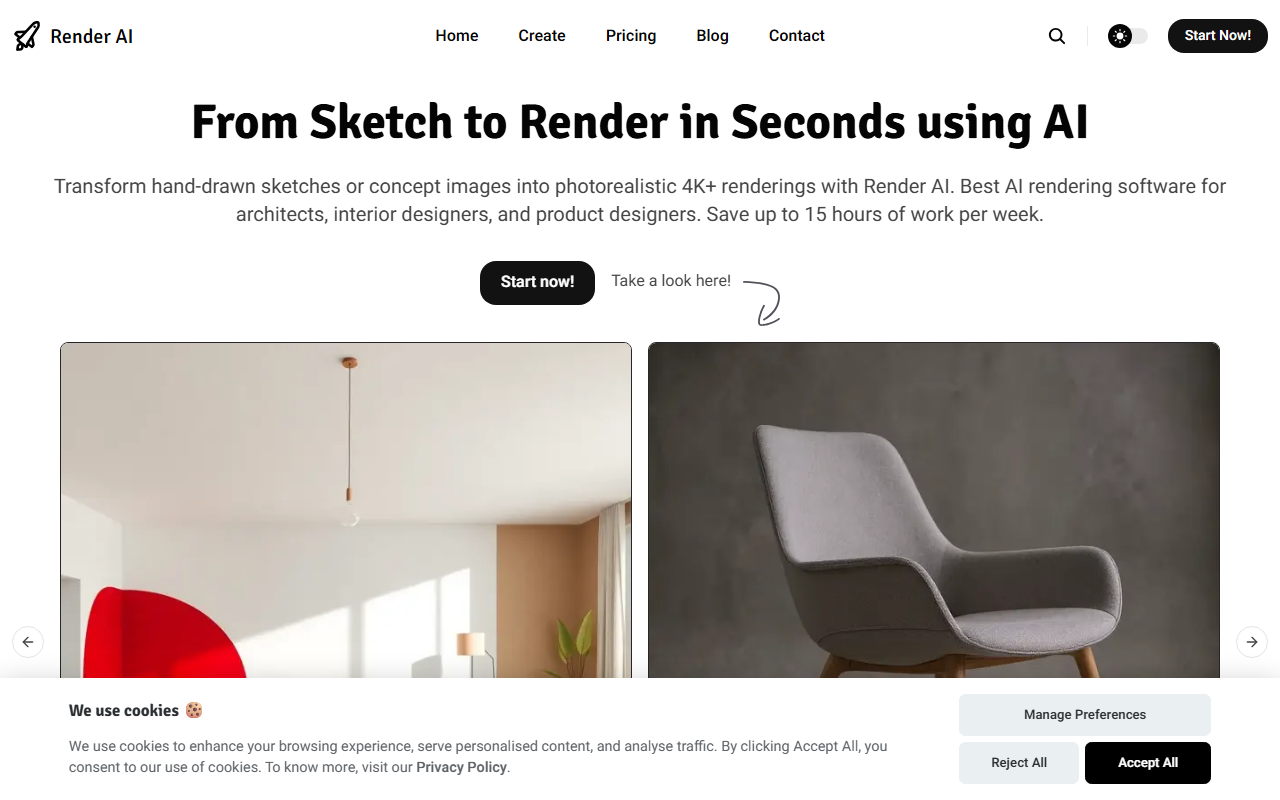
Upon visiting the Render AI website, I was greeted with a clean, image-heavy layout showcasing before-and-after examples from real users like architects, interior designers, and product designers. The tagline "From Sketch to Render in Seconds using AI" immediately sets expectations. The dashboard, while not shown in detail on the site, is implied to be a simple drag-and-drop interface — no 3D software or prompt engineering required. I tested the free tier by uploading a rough hand sketch of a room layout. Within about 10 seconds, a 4K photorealistic rendering appeared, complete with accurate lighting and material textures. The process was remarkably smooth, though I had to provide a short text description to guide the AI, which was straightforward. For professionals accustomed to waiting hours for traditional rendering, this speed is genuinely impressive.
Core Capabilities and Performance
Render AI is built specifically for converting sketches, 3D models, or even photos into high-resolution renders. The tool uses an AI model that appears to be fine-tuned for architectural and product design — not a generic image generator like Midjourney. Key features include AI rendering in seconds, output at +4K resolution, full commercial usage rights, and no watermarks on any paid tier. The site also highlights an "Animate Your Renderings" feature that turns static sketches into professional AI videos, though I did not test this. For a designer preparing client pitches or social media visuals, the ability to iterate rapidly without context-switching to complex software is a clear strength. However, I noticed that the AI sometimes struggled with intricate geometry from very crude sketches, requiring a few regeneration attempts. The model works best when the input has clear lines and basic shading.
Who Should Use Render AI?
Render AI is positioned directly against traditional rendering outsourcing and tools like SketchUp with V-Ray, or even simpler AI alternatives such as DALL·E 3 for design. Unlike DALL·E, this tool is purpose-built for professionals and includes a quick interface tailored to architects, interior designers, and product designers. It is also cheaper than hiring a visualization studio — the site claims up to 100 times cost savings. Pricing is not publicly listed on the website, which is a notable limitation. Likely it uses a subscription or credit-based system, but without transparency, budgeting is harder. Another limitation is that the tool does not seem to support advanced editing of existing renders; you must re-upload and iterate. It is best suited for solo practitioners and small firms who need fast, low-cost visualizations for concept development. It is less ideal for large architectural firms requiring ultra-detailed, physically accurate renders with full scene customization.
Verdict and Recommendations
Render AI delivers on its core promise: transforming hand sketches into usable, high-resolution renders in seconds. The interface is intuitive, the output quality is impressive for the speed, and the commercial rights are a major plus. The lack of transparent pricing and occasional struggle with complex inputs are real downsides. Still, for designers who want to accelerate their workflow and avoid expensive outsourcing, this tool is a strong candidate. I recommend trying the free tier first to see if the AI aligns with your sketching style. Visit Render AI at https://renderai.app/ to explore it yourself.













Comments