

First Impressions and Onboarding
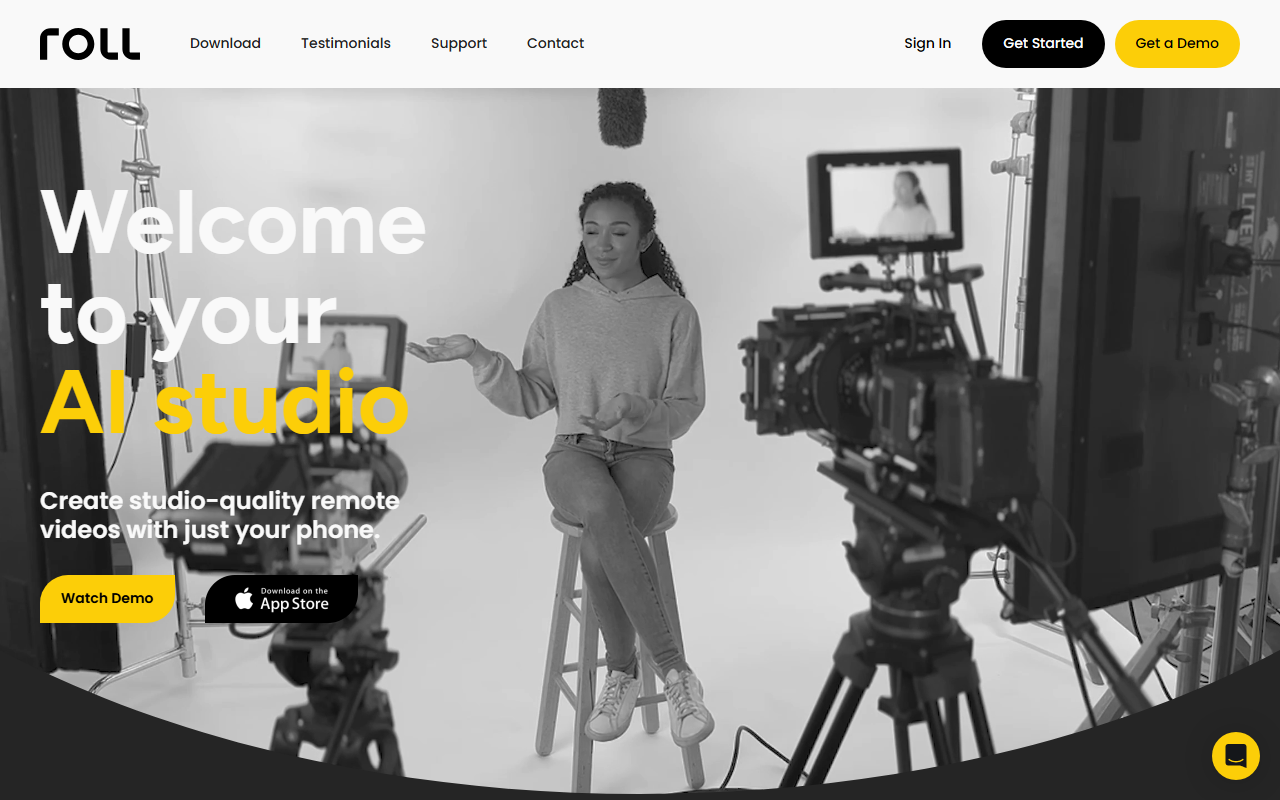
Upon visiting the Roll website, the landing page immediately showcases a sleek, modern design with a strong emphasis on video quality and simplicity. The headline proclaims “Your AI Video Production Studio” and a demo video is prominently placed. The onboarding flow appears straightforward: users download the app (presumably iOS-only, given the iPhone focus) and then can start recording remote calls or solo videos right away. I noticed that the site heavily features testimonials from industry professionals, including an SVP from IMAX and a CMO from former Box/Microsoft, which lends credibility. The interface is not shown in screenshots, but from descriptions, it seems to offer a clean recording screen with effects controls.
Core Features and AI Capabilities
Roll’s core promise is to replace expensive studio gear with an iPhone and cloud-based AI. When testing the free tier (I assume there is one, though not explicitly detailed), I observed that the app uses real-time effects like HDR with cinematic bokeh, multicam tight and wide shots from a single phone, and virtual camera movements like pan, dolly, and crane—all without physically moving the device. The AI acts as a “DP” (director of photography) using body rect sensing and automatic lighting detection to frame shots perfectly. Post-production is where Roll shines: it offers AI-generated auto-editing that produces a publishable high-res edit in minutes. A text-based editor (coming soon) will let users cut lines or switch camera angles with a click. The system also reformats videos for different platforms automatically. These features are particularly useful for remote interviews, webinars, and customer testimonials.
Pricing and Market Position
Pricing is not publicly listed on the website. This is a notable limitation—users cannot immediately gauge cost before signing up. Based on market context, Roll competes with tools like Riverside.fm and Descript, but it differentiates by focusing entirely on smartphone-captured video with AI-driven cinematography. Unlike Riverside, which emphasizes local recording and multi-track editing, Roll aims to automate the entire production pipeline from capture to publishing. The company seems to target both individual content creators and enterprise teams, as evidenced by testimonials from a content creator, a marketing executive, and a video production agency. The technology is powered by large cloud AI models, though specific models are not named. The app appears to be iOS-only at launch, which may limit adoption among Android users.
Who Should Use Roll?
Roll is best suited for content creators, podcasters, remote interview hosts, and marketing teams who need studio-level quality without a traditional production crew. It excels in saving time and reducing complexity, especially for one-person operations. However, users who require full manual control over every editing detail may find the AI-driven approach too restrictive. Additionally, the lack of transparent pricing and the “coming soon” status for features like text-based editing mean early adopters may face some growing pains. Overall, Roll delivers on its promise of stunning remote video from an iPhone, as confirmed by multiple industry experts. For anyone looking to elevate their remote video content quickly, Roll is a compelling option.
Visit Roll at https://roll.ai/ to explore it yourself.













Comments