

First Impressions and Onboarding
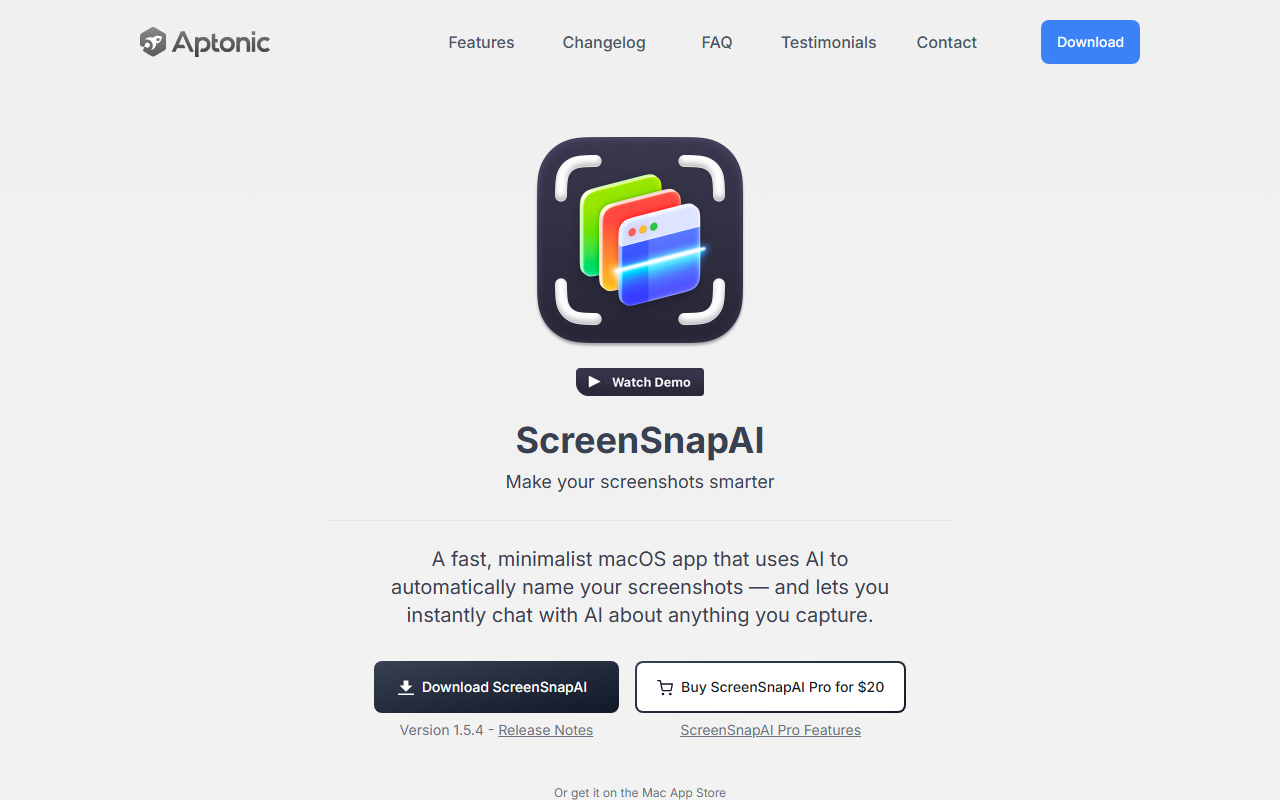
Upon visiting the ScreenSnapAI website, you land on a clean, minimal page that quickly communicates the value proposition: make your screenshots smarter with AI. The download button is prominent, and there are clear links to the Mac App Store and a direct purchase for the Pro version. I downloaded the free version to test it out. Installation is straightforward — a standard macOS app drag-and-drop into Applications. Once launched, it sits in the menu bar, unobtrusive but ready. The onboarding flow is minimal: a short tutorial video (which didn’t load in my browser, but a text guide is provided) and a quick keyboard shortcut setup. The app feels truly native to macOS, using system fonts and animations.
Core Features and Workflow
The flagship feature is the AI-powered screenshot naming. When you capture a region using the keyboard shortcut (Cmd+Shift+5 by default), a sleek popup appears with a list of actions. One of them is “Ask AI” — which instantly opens a chat window. The AI analyzes the captured area and suggests a descriptive filename. In my tests, naming was impressively accurate: a screenshot of a Slack conversation was named “Team Sprint Planning Discussion — 2023-10-12.png” and a snippet of a website became “Pricing Page - ScreenSnapAI Pro.png”. You can also ask follow-up questions without leaving the screenshot context, which is a productivity boost for research-heavy tasks. The app also tags screenshots intelligently, grouping them by content type (e.g., “chat”, “code”, “web”). The chat window feels responsive and integrates smoothly with the rest of the macOS UI. While the underlying AI model isn’t explicitly stated, the speed and quality suggest a locally-run or lightweight API call — likely not a full ChatGPT-level model, but efficient enough for naming and basic Q&A.
Pricing and Value Proposition
ScreenSnapAI offers a free tier that includes basic screenshot naming and chat. The Pro version is a one-time purchase of $20, which adds unlimited chat history, custom naming templates, and integration with note-taking apps like Notion (as hinted by the integrations list on the site). Compared to alternatives like CleanShot X ($29 one-time, no AI naming) or the free Shottr (no AI features), ScreenSnapAI’s AI focus makes it unique. The pricing is fair for a niche tool, though I wish there were a trial period for Pro features. There is no mention of a subscription, which is refreshing for macOS utility apps. The developer offers email updates but no payment plans.
Who Should Use ScreenSnapAI?
This tool is ideal for Mac users who take dozens of screenshots daily — designers, researchers, project managers, or anyone who needs organized, searchable screenshot archives. The ability to instantly chat about the capture reduces context switching. However, it is limited to macOS 13 and later (Ventura and above) and supports both Intel and Apple Silicon. Windows and Linux users need not apply. A limitation I noticed is that the AI can misunderstand ambiguous screen contents (e.g., mixed languages or heavily stylized UI elements), though it still provides a reasonable guess. Overall, ScreenSnapAI fills a clear gap in the screenshot ecosystem with its AI-first approach, and the $20 Pro price is a smart investment for serious users.
Strengths: Native macOS feel, accurate AI naming, instant chat integration, one-time price.
Limitations: macOS only, no free trial for Pro features, AI performance can vary on complex screens.
Visit ScreenSnapAI at https://screensnap.ai/ to explore it yourself.













Comments