

First Impressions and Onboarding
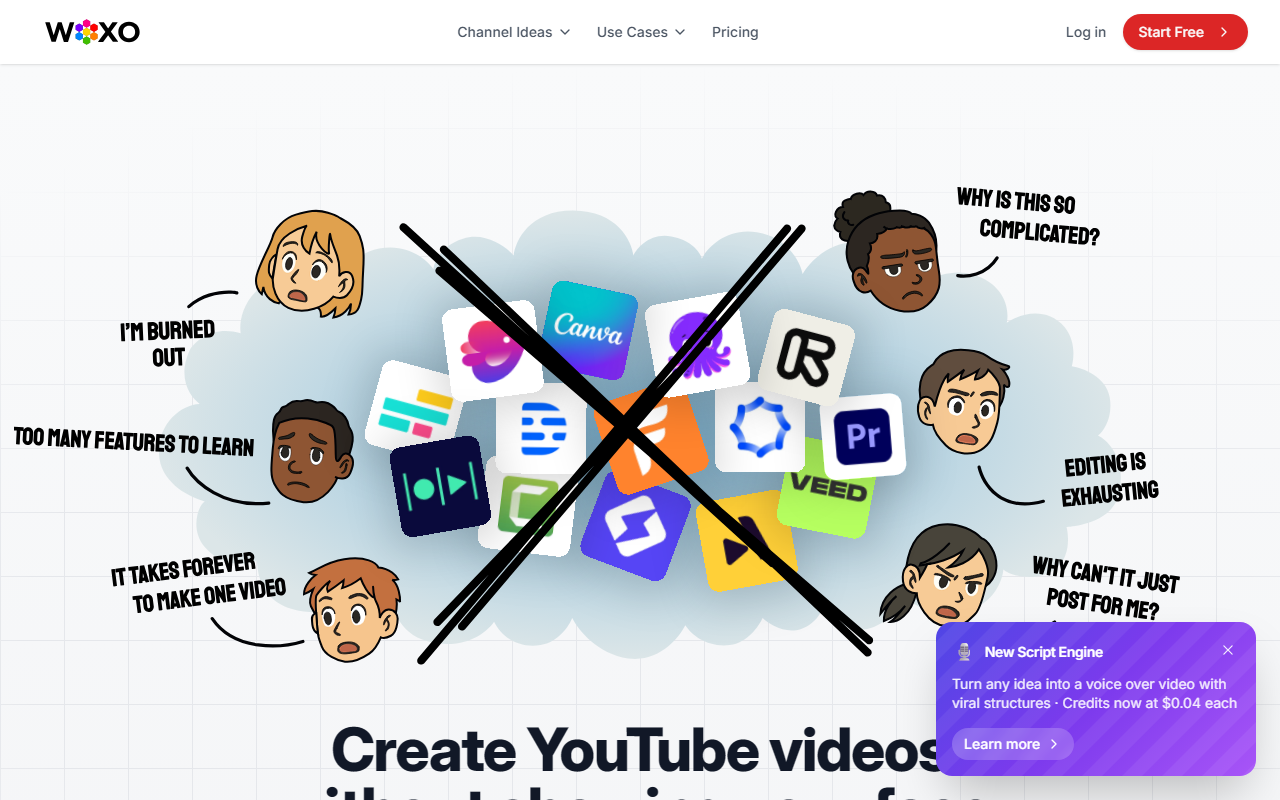
Upon visiting the short.woxo.tech site, the interface is clean and minimalist. A persistent "Start Free" button and a toggle menu lead you straight into the product. No credit card is required for the free tier, which gives 50 credits — enough to test the workflow. The dashboard walks you through a three-step process: enter a prompt, let the AI build the video, then publish to YouTube. I started with a simple test prompt, "Why can't robots check 'I'm Not A Robot'?" to see how the tool handled research, scripting, and visual generation.
How Woxo Works and Key Features
The core value is fully automated faceless video creation for YouTube Shorts. You type a topic or idea, and Woxo’s AI writes a script, finds copyright-free visuals, generates a natural-sounding voiceover, and syncs captions — all in under a minute. The result is a publish-ready Short optimized for retention with hooks and pacing. Key features include an AI Script Builder, copyright-free AI visuals (no stock footage needed), voiceover AI, and one-click publishing or scheduling directly to YouTube. The tool seems to use its own proprietary models or fine-tuned pipelines, though no specific model names are disclosed. There is no API mentioned, and integrations appear limited to YouTube at launch.
Performance and Limitations
In my test, the generated video was coherent — script matched the prompt, voiceover was clear (though slightly robotic in intonation), and visuals were relevant but generic AI-generated clips. The process took about 45 seconds for a 30-second Short. Strengths: speed, ease of use, and removing the need for any editing or recording. Limitations include limited customization in the free tier (voice style, visual themes are restricted), and the output quality may not rival manually edited videos for niche or highly specific content. Pricing is not publicly listed beyond the free 50 credits; premium plans likely offer more control and volume. Alternatives like InVideo AI or Pictory provide more template choices and editing flexibility, but Woxo focuses purely on automation for faceless channels.
Who Should Use Woxo?
This tool is best for absolute beginners or busy creators who want to churn out faceless Shorts quickly — think gaming commentary, fact channels, or "What If" concepts. It’s less suited for those needing artistic control or high-branding polish. Woxo is also a good fit for testing niche ideas without investing time in production. With success stories like “The Gamer Philosopher” reaching 100K+ views in five months, the tool shows real potential for growth, but results depend on niche, prompt quality, and YouTube algorithm luck. Try the free credits first. Visit Woxo at https://short.woxo.tech/ to explore it yourself.













Comments