

First Impressions and Onboarding
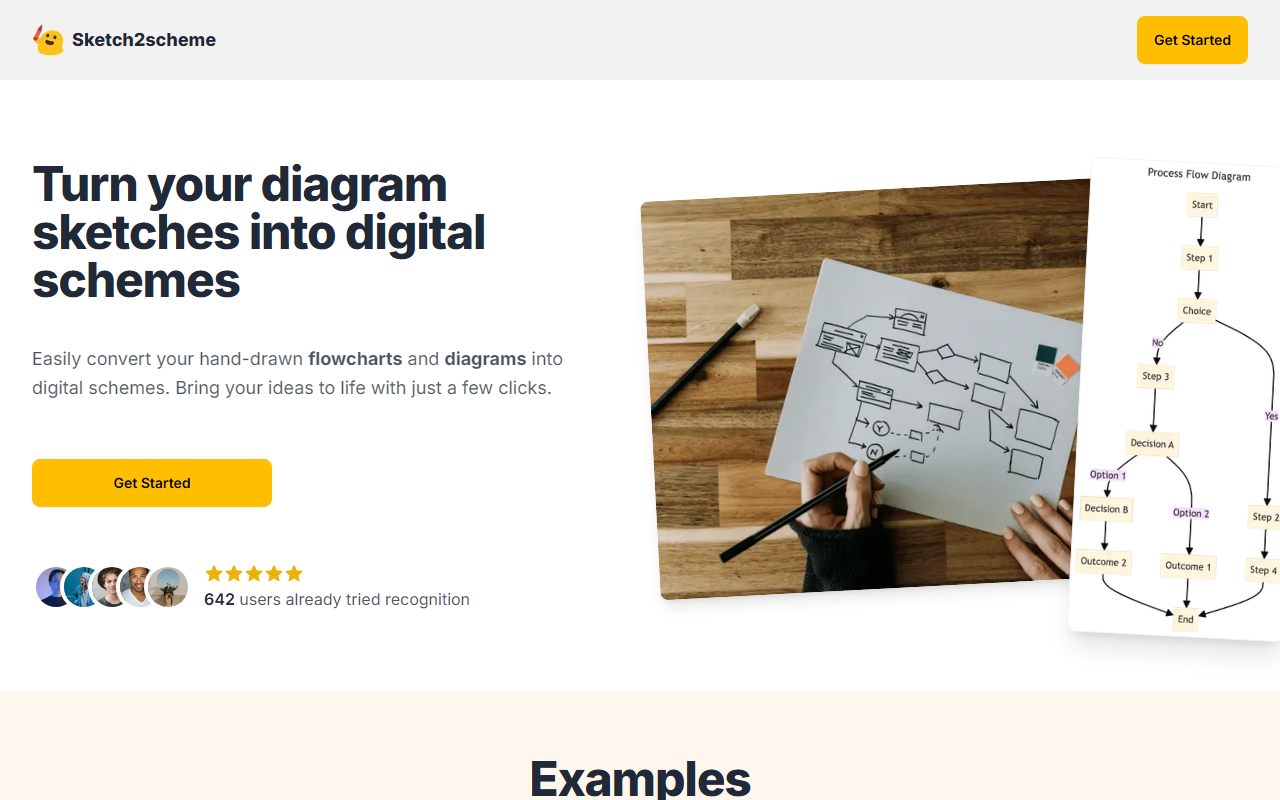
Upon visiting Sketch2scheme's landing page, I was greeted with a clean, minimalistic layout that immediately communicates the core value proposition: converting hand-drawn sketches into digital schemes. The homepage features example conversions, a clear call-to-action to get started, and a counter showing 848 users have already tried the recognition feature. The onboarding flow is straightforward — no account creation required for a quick test. I simply uploaded a photo of a flowchart I had sketched on paper to see how the AI would handle it. The interface uses a visual editor and a Mermaid code editor for post-edit adjustments, which I found practical for fine-tuning the results.
Core Features and Recognition Performance
Sketch2scheme offers three main features: Recognize Sketch, Text to Schema, and an Image Editor. The AI-powered recognition is the star. I tested it with a moderately complex diagram containing multiple boxes, arrows, and handwritten labels. The AI accurately identified nodes and connections, converting my sketch into a digital layout within seconds. The text recognition for my scribbled labels was surprisingly good — it extracted most of the words correctly, though I had to correct a few ambiguous ones. Once digitized, you can edit the diagram using either a visual drag-and-drop editor or by tweaking the underlying Mermaid code. This dual approach caters both to non-technical users and developers who prefer code. The export options include PNG, SVG, PDF, and a diagrams.net compatible format, which ensures compatibility with other diagramming tools.
The Text to Schema feature is a second mode where you describe a diagram in plain text, and the AI generates a structured diagram. I typed a simple process like “user logs in, checks dashboard, views reports” and got a neat flowchart. This works well for quick drafts but lacks the granularity of the sketch recognition. The Image Editor is a bonus tool for basic image enhancements, but it’s not the main draw — it’s free to use without credits, which is a nice touch.
Pricing and Market Position
Sketch2scheme uses a credit-based system. The Regular plan costs $3.99 (currently discounted from $5.99) for 10 recognition credits. One credit likely covers one conversion. For heavy users, the Agency plan offers raised limits and API access — pricing is not publicly listed for that tier; you must contact support. This is a common approach for enterprise tools. Compared to alternatives like Lucidchart (which offers AI diagramming but at a higher subscription cost) or draw.io (free but without AI sketch recognition), Sketch2scheme fills a specific niche: it saves time by eliminating the manual redrawing of paper sketches. However, the credit model may feel limiting for users who need to convert many diagrams frequently. If you’re a student or casual user who occasionally needs to digitize sketches, the $3.99 starter pack is a bargain. Power users or teams might find the Agency plan more cost-effective, but without transparent pricing, it’s hard to assess value.
Strengths, Limitations, and Final Verdict
Strengths: The AI recognition is genuinely useful for converting messy hand-drawn diagrams into clean digital formats. The export compatibility with diagrams.net is a practical integration. The dual editor (visual + code) gives flexibility. The pricing is affordable for light use.
Limitations: The recognition accuracy depends heavily on handwriting legibility — my scribbles were 80% correct, but highly messy sketches may require manual correction. The credit system means you can’t bulk convert without buying more credits. There’s no free trial beyond perhaps a single use (not explicitly stated, but the homepage suggests you can try it). Missing features include collaboration, real-time syncing, or advanced diagramming templates found in competitors. Also, the website doesn’t specify which AI model powers the recognition, which may concern transparency-minded users.
Who should use Sketch2scheme: It’s best for individuals who brainstorm with pen and paper and want a quick way to digitize those ideas without redrawing from scratch. Students, engineers, and UX designers who frequently sketch flowcharts will find it a time-saver. If you need robust team collaboration or complex diagramming (e.g., UML, ERD), look at Lucidchart or draw.io instead.
Overall, Sketch2scheme delivers on its promise for a very specific workflow. The AI does the heavy lifting of converting your analog thoughts into digital assets, letting you focus on the idea rather than the tool. I recommend trying it for your next diagram sketch — the $3.99 is a low risk to see if it fits your process.
Visit Sketch2scheme at https://sketch2scheme.com/ to explore it yourself.













Comments