
First Impressions and Onboarding
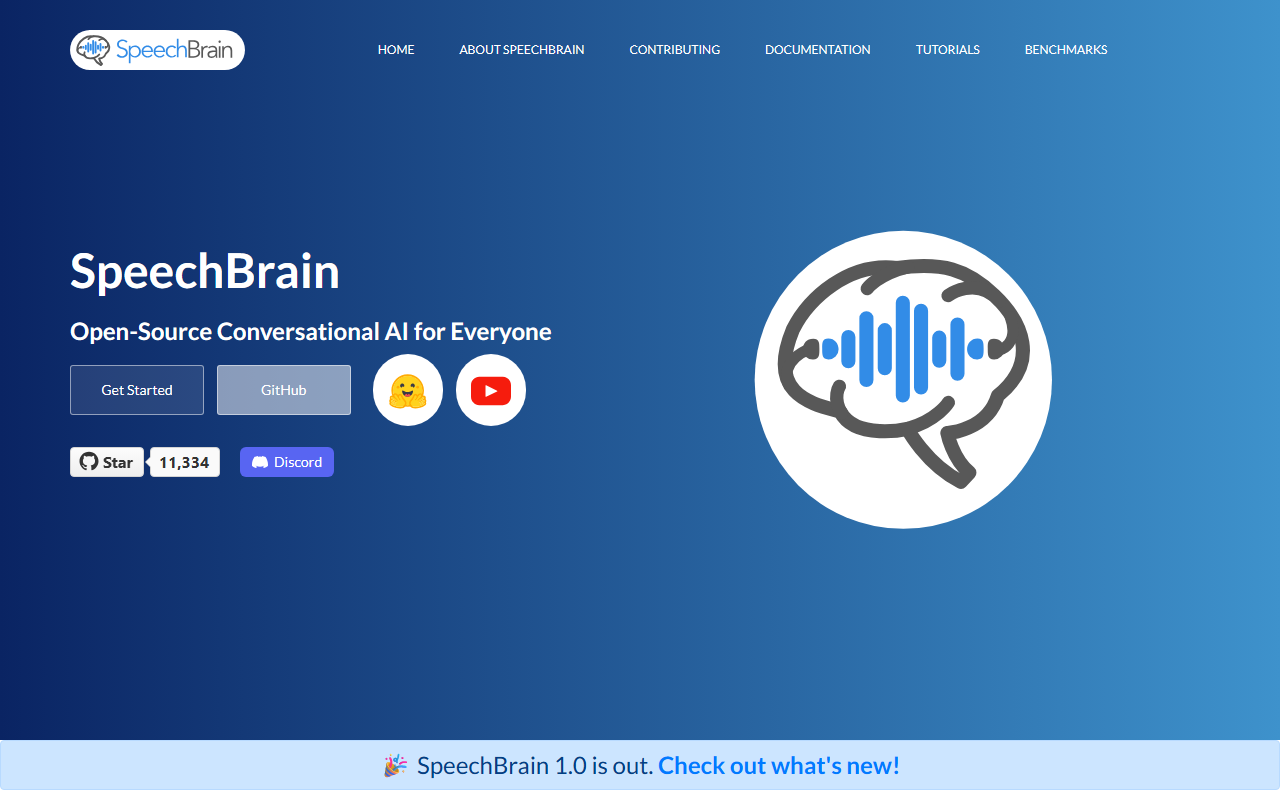
Upon visiting the SpeechBrain website, I was immediately struck by its clarity and developer-first design. The landing page prominently highlights version 1.0, a major milestone that signals stability and maturity. Being an open-source framework, there is no sign-up or payment gate; the “Get Started” button leads directly to installation instructions. The dashboard (so to speak) is the GitHub repository and documentation site. I tested the free tier—which is the entire project—by following the PyPI install command. Within minutes, I had a working environment with access to dozens of recipes for tasks like speech recognition, speaker verification, and text-to-speech. The YAML-based configuration is a standout: each recipe’s hyperparameters live in a single file, and training is triggered with python train.py hparams/train.yaml. This streamlined workflow makes it easy to reproduce results or tweak settings without diving into tangled code.
What SpeechBrain Does and the Technology Behind It
SpeechBrain is a comprehensive open-source framework for building conversational AI systems. It covers speech (recognition, enhancement, separation, TTS, speaker recognition, speech-to-speech translation, SLU), audio (vocoding, augmentation, feature extraction, sound event detection, beamforming), and text (language models from n-grams to LLMs). Technically, it leverages PyTorch and supports advanced deep learning techniques like self-supervised learning, continual learning, diffusion models, and Bayesian methods. The toolkit is modular: you can define custom models, losses, and loops by subclassing sb.Brain. This flexibility is tailor-made for research. The HuggingFace integration provides pre-trained models for quick inference, but the real power lies in its recipe library for benchmarking on datasets like LibriSpeech, CommonVoice, and VoxCeleb. For developers, the local install via GitHub gives you full access to all recipes and the ability to customize any component.
Market Position and Alternatives
Unlike commercial services like Google Cloud Speech-to-Text or AWS Transcribe, SpeechBrain is completely free and local, making it ideal for researchers and privacy-conscious teams. Compared to other open-source frameworks, it stands out for its breadth: ESPnet focuses more on end-to-end speech processing, while Kaldi is older and less PyTorch-native. Hugging Face’s Transformers offers speech models but lacks the integrated training recipes and multi-task pipeline support that SpeechBrain provides. SpeechBrain is best suited for academic labs, R&D groups, and advanced developers who need to train custom models from scratch or fine-tune on proprietary data. It may overwhelm beginners who prefer plug-and-play APIs, though the pre-trained model interfaces on HuggingFace help. The project is community-driven with collaborators from academia and industry, and it has active Discord and GitHub channels for support.
Strengths, Limitations, and Verdict
The biggest strength is its holistic approach: one framework handles speech, audio, and text within a unified pipeline. The reproducibility-focused design—YAML configs plus clear training scripts—is a boon for researchers. The active community and frequent updates (v1.0 recently) indicate healthy maintenance. However, the learning curve is steep. While the documentation is decent, newcomers who are not familiar with PyTorch or speech processing may struggle. Also, the pre-trained model ecosystem is smaller than HuggingFace’s, so for quick inference on standard tasks, you might still use a dedicated service. Pricing is not an issue—it’s fully open-source under the Apache 2.0 license. In conclusion, SpeechBrain is a powerful, customizable framework that excels for research and advanced development. I recommend it for any team needing to build or fine-tune conversational AI systems with total control. Visit SpeechBrain at https://speechbrain.github.io/ to explore it yourself.










Comments