

First Impressions and Onboarding
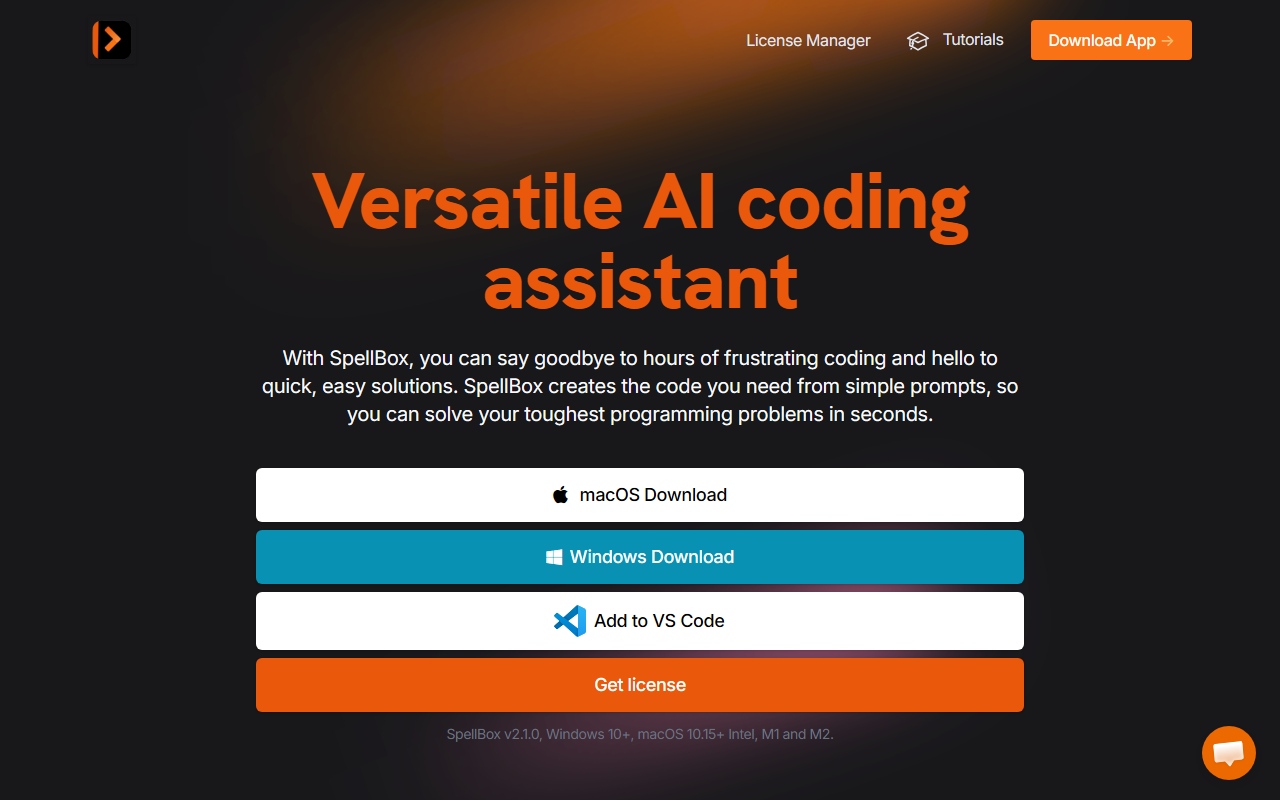
Upon visiting the SpellBox website, I was greeted with a clean, modern landing page that immediately highlights the two download options: macOS and Windows. The call-to-action is clear, and the site does a good job outlining the core value proposition—turn simple prompts into code. I downloaded the Windows version (v2.1.0) and installed it without issue. The onboarding flow is minimal: after launching the app, you're presented with a straightforward input box and a few sample prompts. No account creation is required to test the free trial (the site suggests a trial period, though the exact duration of the free tier isn't explicitly stated on the product page). I tested the code generation feature by typing "Create a Python function to reverse a string". The response was near-instant, outputting a clean function with comments. The entire experience felt snappy and focused, with no unnecessary clutter in the interface.
Core Features and Performance
SpellBox is built around three main features: code generation, code explanation, and code bookmarking. The code generation works by entering a natural language description, and the AI returns ready-to-use code snippets. During my testing, it handled moderately complex prompts—like "Solve a quadratic equation in MATLAB"—with accurate, well-structured results. The code explanation feature is particularly useful: you can paste in any code snippet and receive a plain-English breakdown of what each part does. I tried this with a JavaScript async function, and the explanation was clear and detailed, though it sometimes omitted context about higher-level patterns. The bookmarking feature allows you to save frequently used snippets, which is handy for developers juggling multiple projects. However, SpellBox doesn't offer a cloud-based IDE integration outside of VS Code. The standalone desktop app is the primary interface, and the VS Code extension mirrors the same functionality. For a tool that positions itself as an alternative to cloud-based assistants like GitHub Copilot or Tabnine, the lack of JetBrains, Sublime Text, or web-based support is a noticeable gap. The AI model powering SpellBox isn't explicitly named on the site, but based on response quality and latency, it likely uses a variant of OpenAI's GPT family.
Pricing and Licensing
SpellBox uses a one-year license model with unlimited usage. The current pricing shows an early bird offer: $40 (regularly $65) with an additional 15% off using promo code EARLYBIRD15. This places it at a lower price point than GitHub Copilot ($10/month or $100/year) but with a simpler tier—there's no free forever option, only a trial. The license covers unlimited computers, which is generous for developers who work across multiple machines. A five-day money-back guarantee is offered, giving users a short window to test the full version. One limitation: there's no monthly subscription or lifetime license, so after one year you'll need to purchase another license or lose access. The site also mentions a promo ending in April 2024 (which is already past), so current pricing may have changed. I recommend checking the website directly for updated numbers.
Strengths and Limitations
The primary strength of SpellBox is its simplicity and offline-capable desktop experience. Unlike cloud-based assistants that require a constant internet connection and send code snippets to remote servers, SpellBox runs locally (after initial download) and offers peace of mind for privacy‑sensitive projects. The code explanation feature is a standout, helping novice developers understand unfamiliar code without leaving their editor. However, the tool has real limitations. It only supports two platforms (desktop app for Windows/macOS and a VS Code extension), leaving out popular IDEs like IntelliJ, PyCharm, or web-based editors. The lack of a free permanent tier means you can't casually test it over time—though the trial should be enough to evaluate. Additionally, the AI sometimes generates code that isn't optimized for performance; I noticed a few generated loops that could be written more efficiently. The tool doesn't integrate with version control or project management systems, so it feels more like a snippet generator than a full coding companion.
Final Verdict
SpellBox is best suited for students, hobbyist coders, and professionals who work primarily in VS Code and want a privacy-focused, offline AI assistant that can both generate and explain code. It's less ideal for developers who rely on multiple IDEs or need advanced context-aware suggestions across large codebases. Considering the one-year license costs $40 with the early bird discount (likely still available), it offers good value for the features provided. If you need a lightweight alternative to cloud‑dependent assistants and value the ability to bookmark and reuse snippets, SpellBox is worth a try. Just be aware of its platform limitations and ensure your workflow aligns with the supported environments. Visit SpellBox at https://spellbox.app/ to explore it yourself.













Comments