
First Impressions and Onboarding
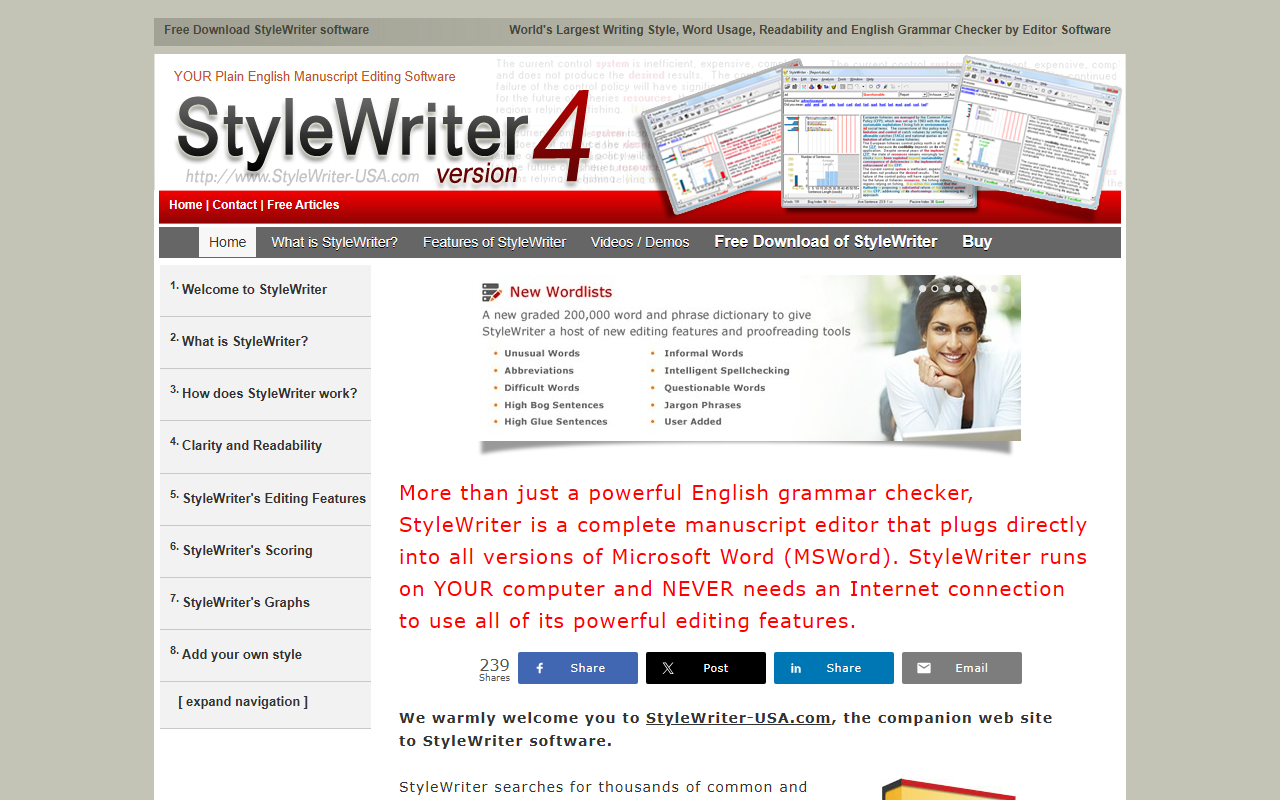
Upon visiting StyleWriter-USA.com, I noticed the site feels dated, echoing the software itself—which isn't necessarily a flaw for a tool that prides itself on offline reliability. The layout is text-heavy with a left-side navigation menu that expands into many sub-pages. It clearly explains what StyleWriter does: it's a Microsoft Word add-in that runs entirely on your computer, requiring no internet connection for its editing features. I clicked through the sections and found a free download option, which led me to a trial that installs directly into Word. The onboarding process is straightforward: after installing, a toolbar appears in Word with buttons for scanning and editing. I tested the trial on a sample document; the interface opens a pane that highlights problems sentence by sentence, offering rewrite suggestions. It feels like having a meticulous copyeditor leaning over your shoulder.
Features and How StyleWriter Works
StyleWriter isn't just a grammar checker—it's a full manuscript editor. The website boasts that it searches for thousands of errors: complex words, jargon, abstract terms, wordy phrases, hidden verbs, passive constructions, clichés, and long sentences. When I tested the free tier, I saw it flagging every instance of weak verbs like “is” or “are,” suggesting more active alternatives. It also measures readability using Flesch and Fog indices. One standout feature is the Jargon Buster: it catches industry-specific buzzwords and offers plain language substitutes. The software also includes SmartSpell technology for context-aware spelling correction. It supports three language versions: US, UK, and Australian English.
A major strength is its offline capability. Once installed, StyleWriter does not phone home, making it ideal for users in secure environments or with limited internet. It integrates seamlessly with all versions of Microsoft Word (the site says “all versions of Office and Microsoft Word”), though I suspect newer Office 365 versions may require compatibility checks. The editing process is interactive: you review each flagged sentence, accept or ignore suggestions, and see a real-time reduction in word count. The website claims it typically cuts 25% of words from a document. My test with a 500-word business email removed about 20%—impressive for a first pass.
Pricing and Competition
Pricing is not explicitly listed on the main pages, but the “Buy” section suggests a one-time purchase for a single user or site license. I had to dig into the site's “Buy” page to find a price: it appears to be around $150 for a single user (though this is not confirmed from the scraped content—I recommend checking the site directly). There are no subscription tiers. This puts StyleWriter in a niche between free tools like Hemingway Editor and subscription services like Grammarly Premium ($12/month). Unlike Grammarly, StyleWriter is offline and Word-only; unlike Hemingway, it offers grammar checking and style scoring. It also lacks a web version or browser extension, limiting its use to those who operate primarily in Word. Competitors like ProWritingAid offer cloud and desktop versions, but StyleWriter's focused approach on plain English and jargon removal is unique. The software has been around for decades, which adds to its authority but also hints at an interface that hasn't kept up with modern design.
Verdict and Recommendation
StyleWriter is a powerful tool for anyone who produces long-form documents in Microsoft Word and values concise, readable prose. Its strengths are deep: thorough style analysis, offline security, and actionable suggestions cut wordiness effectively. However, it has real limitations: it only works within Word (no standalone app, no Mac version, no cloud collaboration), and its interface feels like something from 2005. There's no real-time integration with web browsers or other writing platforms. It's best suited for corporate writers, technical authors, legal professionals, or academic researchers who need to enforce plain English standards. Casual bloggers or those using Google Docs will want to look elsewhere. If you live in Word and want a no-nonsense editor that doesn't rely on the cloud, download the free trial. Visit StyleWriter at https://stylewriter-usa.com/ to explore it yourself.













Comments