

First Impressions and Onboarding
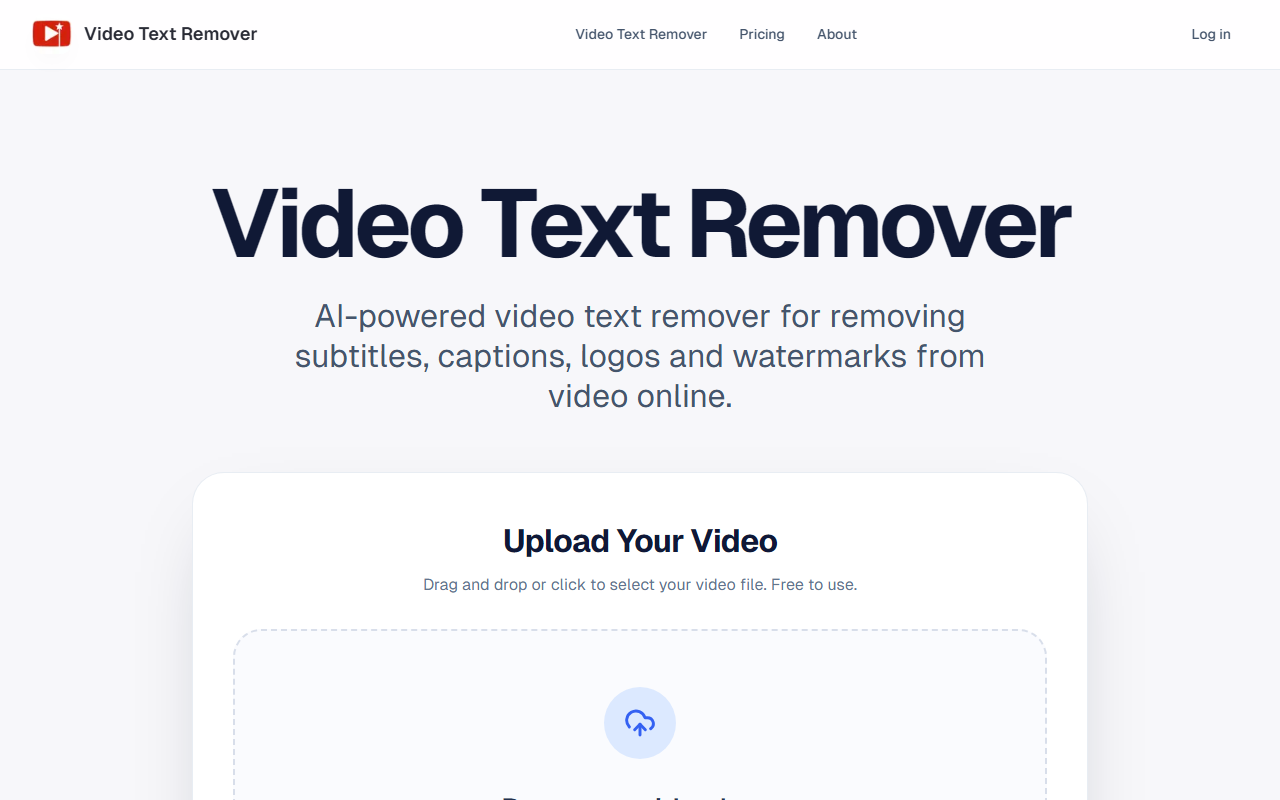
Upon visiting the Video Text Remover website, the landing page immediately presents a clean, drag-and-drop upload area with the prominent message "Drop your video here or click to browse files." The supported formats—MP4, MOV, WEBM—and a maximum file size of 500MB are clearly listed, reassuring users before they commit to uploading. I tested the free tier by dropping a short TikTok clip with a watermark. The interface responded instantly, and a small spinner appeared while the file was analyzed. There is no signup wall; you can upload first and decide on credits later. The dashboard itself is minimal: a single editor view with timeline controls and a sidebar for selecting the removal area. For a web-based tool, the onboarding is refreshingly frictionless, though I noticed that generating a full preview requires credits even before export.
Core Capabilities and AI Technology
Video Text Remover is not a simple blur or crop tool. As the site explains, it uses AI to rebuild the background behind removed text, stickers, or logos. I tested the object removal mode on a person walking across a static background. After marking the area with a brush, the tool generated a preview in about 30 seconds. The result was surprisingly natural—the AI filled in the missing pixels with contextually consistent textures. The same engine handles text removal, which I tried on a video with embedded captions. The background reconstruction worked well for simple scenes (plain walls or gradients) but occasionally struggled with complex textures or rapid motion, leaving subtle artifacts. The preview-then-export workflow is a pragmatic touch: you can verify quality before committing credits. The editor also supports both text cleanup and object removal in one interface, which reduces context switching. Export quality goes up to 1080p, which feels sufficient for social media publishing.
Pricing and Plan Structure
Video Text Remover uses a credit-based system rather than traditional per-video pricing. On the pricing page, three yearly plans are listed: Basic ($100/year) for 400 credits per month, Pro ($200/year) for 1,000 credits per month, and Agency ($500/year) for 3,000 credits per month. The site also shows tabs for "One-Time" and "Monthly," but those details are not expanded in the content I reviewed—likely they mirror the yearly structure with different billing. Each credit presumably covers one preview or a portion of a full export; the exact ratio is not clearly documented on the site. For occasional creators, the Basic tier might be sufficient, but heavy users will gravitate toward Pro or Agency. Notably, there is no free export option—only the ability to upload and mark areas for free. This is a limitation for users who want to test the output quality before committing financially. Compared to alternatives like Kapwing (which offers a free tier with watermarks) or Runway ML (subscription-based but more expensive), Video Text Remover positions itself as a mid-range, specialization-focused tool.
Strengths, Limitations, and Who Should Use It
The tool’s primary strength is its focus on natural-looking cleanup through background reconstruction, rather than obvious blurring. The preview-first approach gives you control over quality and spend. The account-based history is a nice bonus for revisiting previous projects. However, the lack of a free export tier means you cannot fully evaluate the final output without purchasing credits. Additionally, the 500MB file limit may frustrate users working with longer or higher-resolution videos. The credit system could also be clearer—nowhere does it state how many credits a single full export consumes. Finally, the tool is optimized for short-form videos (TikTok, Reels, Shorts), so 4K exports or multi-hour content are outside its scope. Who should try it? Social media creators and marketers who regularly need to remove watermarks or captions from clips before reposting across platforms. Who should look elsewhere? Professional video editors requiring advanced motion tracking, batch processing, or 4K output—consider dedicated desktop software or more comprehensive AI suites. Overall, Video Text Remover delivers on its promise for a specific niche at a fair price point.
Visit Video Text Remover at https://videotextremover.com/ to explore it yourself.









Comments