

First Impressions and Onboarding
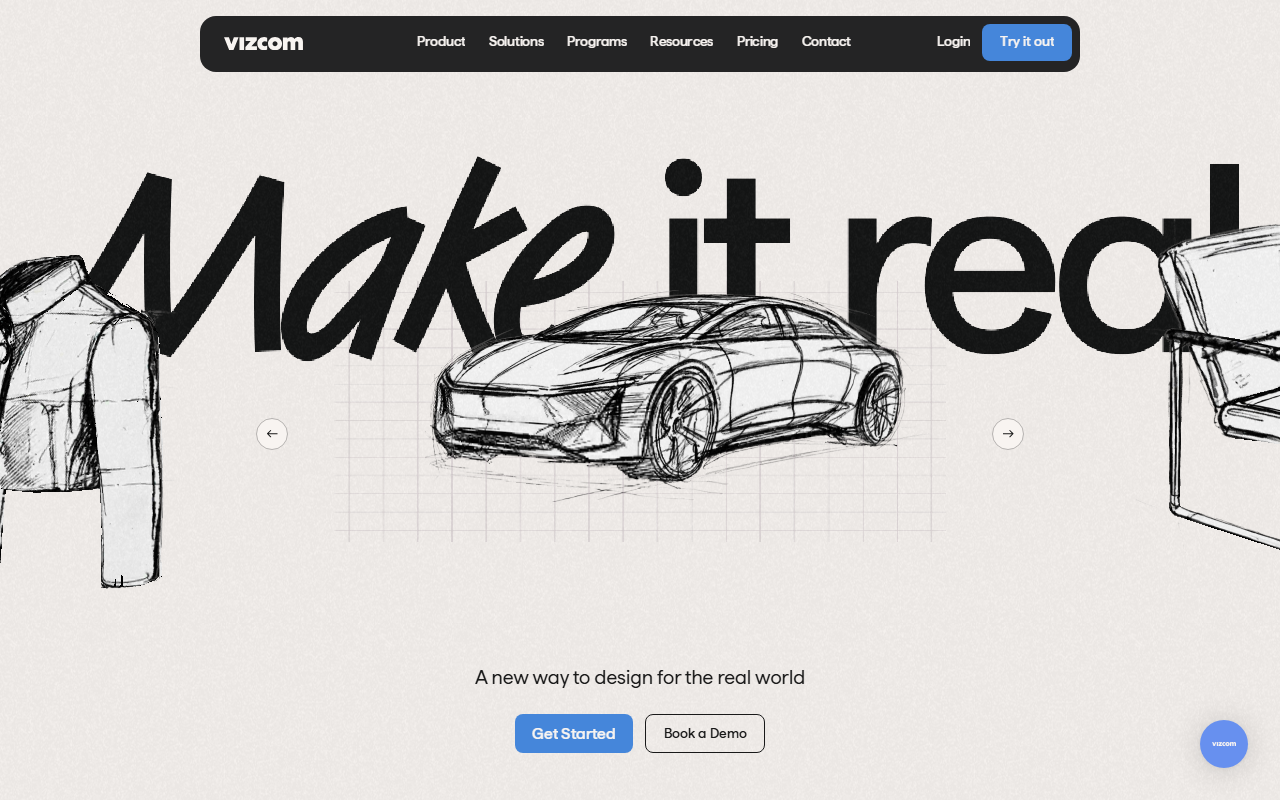
Upon visiting Vizcom’s website, the landing page immediately showcases a bold tagline: “Turn Sketches into Full-Fidelity 3D Renders, Instantly.” The design is sleek and emphasizes a drag-and-drop interface. I signed up for the free tier (no credit card required) and was taken to a clean dashboard. The left sidebar contains tools for Sketch, Render, Iterate, and a Canvas area where you can upload your own sketch or start from scratch. A prominent “Render” button sits next to a prompt field where you describe form, proportions, colors, and materials. I tested it with a simple car side-view sketch – the tool quickly generated three render variations with realistic lighting and material textures. The response time was under 10 seconds, which impressed me.
Core Features and Workflow
Vizcom is purpose-built for product designers who need to bridge the gap between rough ideation and polished visualization. The core workflow is straightforward: upload a sketch (or draw directly in the canvas), then use the prompt box or the “Modify” tools to adjust color, form, and style. The platform offers several standout features: Animate lets you add motion to your model (e.g., “make the chair lift into midair and spin around”); New View rotates the object at defined angles; Enhance adds fine detail to renderings; and 3D Model Drop allows you to import a 3D model and swap colors and materials in real time. I also noticed a “Palette” tool for experimenting with color schemes and an “Emote” feature to change expression on character designs. The interface feels intuitive, though the advanced animation options may require a short learning curve. During testing, the render quality was high, maintaining the original sketch’s intent while adding realistic textures and shadows.
Pricing and Market Positioning
Vizcom offers a free “Starter” plan that gives access to basic rendering with watermarked outputs? The FAQ clarifies that free users’ generated images may be used to improve the service, while paid users’ data remains private. However, exact pricing tiers are not publicly listed on the website. The FAQ mentions “Admins (paid)” and “Editors (paid)” roles and a team billing model, but no dollar amounts. This is a limitation for users who want upfront cost clarity. Compared to competitors like Midjourney or DALL·E 3, Vizcom focuses specifically on the product design workflow – it’s less about creative exploration and more about iterating on a specific sketch. Another competitor, Pixso or Kaedim, target similar niches but often require 3D modeling skills. Vizcom’s strength is its sketch-first, AI-render approach that suits industrial designers, footwear designers, and automotive stylists. The website highlights case studies with brands like O’NEAL and designers like Scott Robertson, lending credibility.
Strengths, Limitations, and Recommendation
Vizcom’s greatest strength is its speed and fidelity in turning rough sketches into production-ready renders, which dramatically accelerates the ideation cycle. The free tier allows genuine exploration without commitment. The animation and 3D model import features are unique differentiators. However, limitations include the lack of publicly disclosed pricing for paid plans – I had to dig into FAQs to understand role-based billing, and there’s no transparent price per seat. Additionally, while the free tier is generous, the watermark (if any) and data usage for free users may be a concern for professionals handling sensitive concepts. The tool also requires a stable internet connection; I noticed occasional lag when rendering complex 3D models. Who should use Vizcom? Product designers, automotive designers, and anyone who needs to quickly visualize sketches with high fidelity. If you are a graphic artist looking for surreal AI art, this isn’t the right tool. I recommend signing up for the free starter plan to test its fit for your workflow. Visit Vizcom at https://vizcom.ai/ to explore it yourself.













Comments