

First Impressions and Onboarding
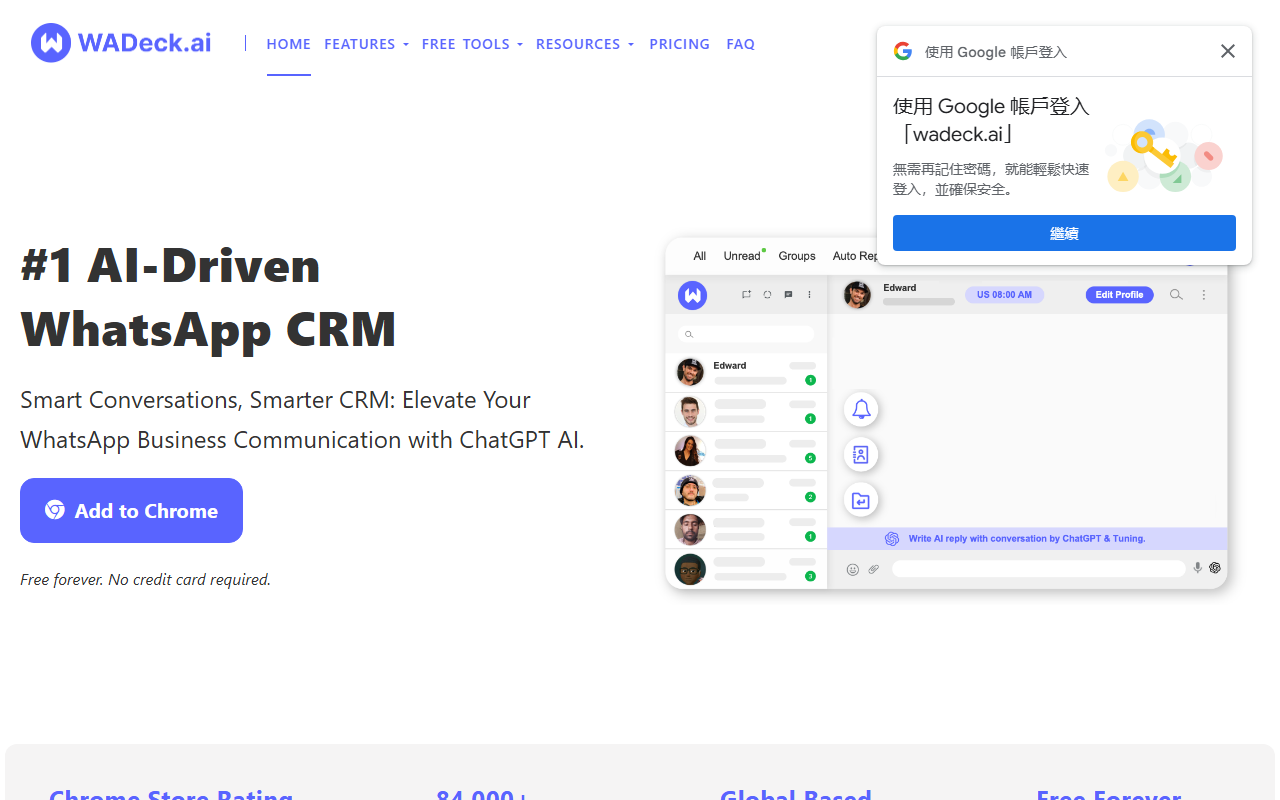
Upon visiting the WADeck website, I was immediately struck by the clean, modern design and the prominent call to action: “Add to Chrome – Free forever. No credit card required.” The Chrome Store rating of 4.85 out of 5 and over 84,000 weekly active users are strong trust signals. I installed the extension in seconds, and it automatically integrated with WhatsApp Web without any complex setup. The dashboard appears as a sidebar within the WhatsApp interface, offering tabs, notes, and AI-powered tools. The onboarding flow includes a short tutorial that walks you through creating your first custom tab and testing the AI reply feature. Within five minutes, I was already using it to draft a response to a sample customer message.
Core Features and AI Integration
WADeck is essentially a CRM layer on top of WhatsApp Web, supercharged by AI. The AI Assistant uses ChatGPT to generate reply suggestions based on the conversation context. I tested it with a customer inquiry about product availability: the tool offered three tone variations (professional, friendly, concise) and allowed me to insert dynamic variables like order numbers or names. The “Rewriter” tool is useful for polishing existing messages, and the “Conversation Summarization” feature provides a quick overview of long threads—perfect for busy support agents.
Beyond AI, the CRM functions are robust. You can create custom tabs to sort chats by status (e.g., “New Leads,” “Follow-up”), attach notes and reminders, and view sidebars with key contact information. The marketing tools allow you to import contact lists, create message templates with variables, and schedule broadcasts. The automated smart replies work via keyword triggers—I set up a simple “pricing” trigger that automatically sends a predefined response. Status management is also included: you can post WhatsApp Status updates directly from the web and track views.
One limitation I noticed: the AI responses sometimes lack deep context understanding, especially for complex, multi-part questions. The free tier covers all core features, but power users may eventually need the upcoming premium plans (not yet publicly priced as of writing).
Pricing and Market Position
WADeck proudly advertises a “Free Forever” plan for startups and small businesses. No credit card is required to start. While I found no specific pricing tiers on the website, the FAQ hints at future premium features. Compared to alternatives like Salesforce or HubSpot for WhatsApp, WADeck is far simpler and more affordable (currently free). It also competes with dedicated WhatsApp Business API tools, but with a more accessible, lightweight approach. The Chrome extension model means it works directly on WhatsApp Web, eliminating complex API setup. For enterprises, the lack of advanced analytics or multi-user roles might be a drawback, but for solopreneurs and small teams, it’s a remarkable value.
Who Should Use WADeck?
WADeck is ideal for freelancers, sales professionals, and small business owners who rely heavily on WhatsApp for customer communication and need to organize conversations, automate replies, and leverage AI without a steep learning curve. Its strengths are ease of use, fast setup, and powerful free features. However, larger teams requiring granular user permissions, deep CRM integrations, or extensive API customization may find it too basic. The tool is also heavily dependent on Chrome/Edge browsers—no native desktop or mobile app yet. Overall, I recommend WADeck to anyone looking to boost productivity on WhatsApp with minimal friction. It’s a genuine “try it, you have nothing to lose” proposition. Visit WADeck at https://wadeck.ai/ to explore it yourself.













Comments