

First Impressions and Onboarding
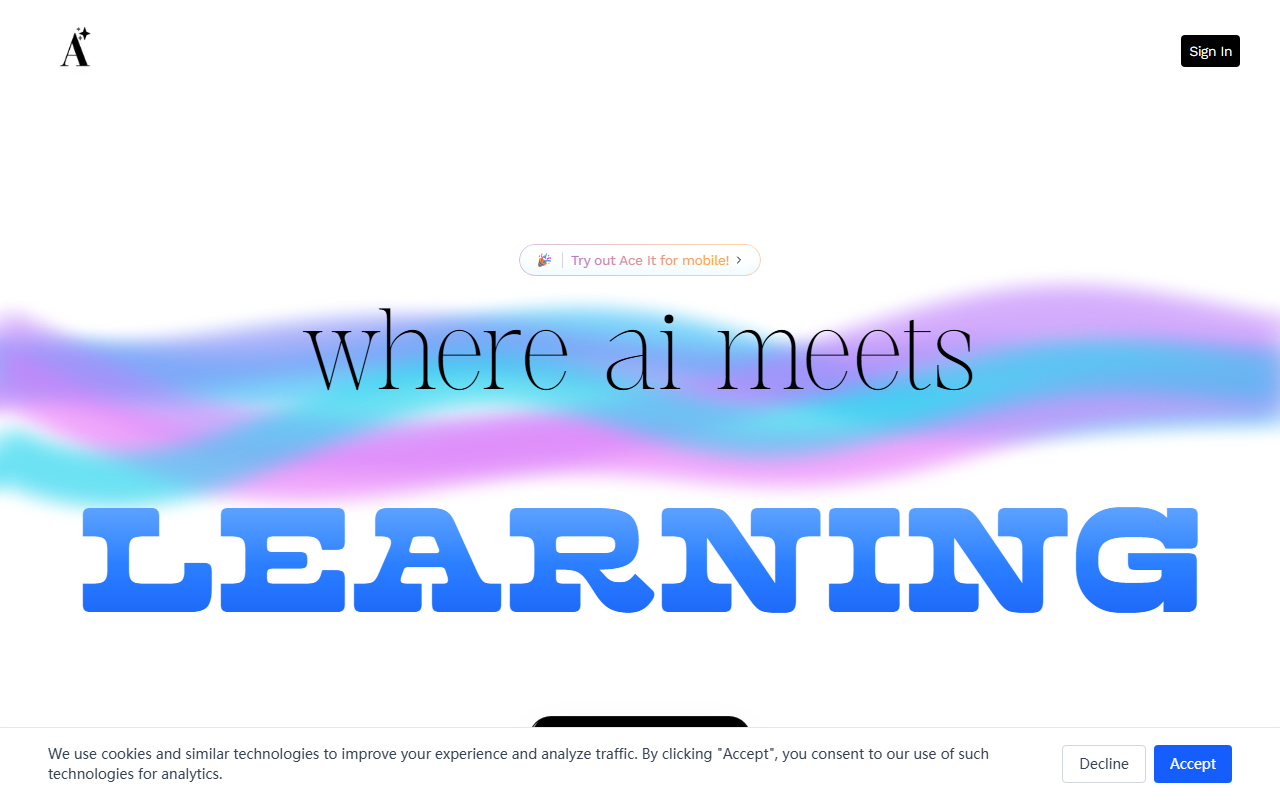
Upon visiting Ace It at aceit.works, I was greeted by a clean, modern landing page with the tagline “where ai meets LEARNING.” The design is minimal and mobile-first, which makes sense since the site prominently invites you to “Try out Ace It for mobile!” The signup flow is straightforward: a single “Get Started For Free” button leads to an email or Google authentication. No credit card is required, which is always a good sign for those who want to test the waters. After logging in, the dashboard presents a simple upload interface where I could paste text, take a photo of notes, or upload a document. The onboarding tooltip walked me through the steps: Upload, Convert, Study. It took less than two minutes to go from account creation to generating my first flashcard set. The response time for AI conversion was impressively fast—under five seconds for a paragraph of text. I noticed the interface adapts well to both desktop and mobile viewports, and the mobile app (a PWA, as far as I could tell) felt native and responsive.
Core Features and Workflow
Ace It addresses a clear pain point: manual study material creation. Instead of spending hours making flashcards or quizzes, you feed the AI your raw notes and it structures them into four main outputs. Flashcards are generated in a standard question-answer format, with an option to flip and review. Quizzes include multiple-choice and true/false questions, with correct answers revealed after you answer. Summaries are concise bullet-point breakdowns of the key ideas. The most unique feature is Suggestions, which curates relevant YouTube videos based on the content you uploaded. When I tested it with a biology excerpt, it recommended a crash course video and a Khan Academy playlist. The underlying AI model isn’t explicitly named on the site, but based on output style and quality, it likely uses a GPT-based or similar LLM fine-tuned for educational contexts. The accuracy of generated materials was high for factual subjects—I only spotted one minor misinterpretation in a physics quiz. There were no noticeable spelling errors, and the structure was logical. However, for highly nuanced or creative topics (e.g., literature analysis), the summaries felt a bit too reductive. The platform currently lacks advanced features like spaced repetition scheduling or collaborative sharing, which some competitors (e.g., Quizlet Plus) offer.
Pricing, Market Position, and Verdict
Pricing is not publicly listed on the website, which is a limitation for transparency. The FAQ mentions “Is Ace It free?” but the answer is hidden behind a click—it appears to be free for a limited number of conversions, with a premium subscription hinted at through a “pro” badge in the mobile menu. No specific tiers or costs were visible, so I assume the model is freemium with potential future paid plans. Compared to alternatives like Quizlet (which excels at community content and spaced repetition) and Notion AI (which integrates note-taking with AI), Ace It focuses on a single streamlined workflow: notes-in, study-out. Its key strength is speed and simplicity—it does exactly what it promises without feature bloat. The live counters on the landing page claim “Live Students Learning: 2,847” and “Live Exams Created: 1,234” (numbers presumably illustrative), suggesting a modest but active user base. The tool is best suited for high school and college students who need quick conversion of lecture notes into study aids, especially those who are mobile-first. It is less ideal for professionals seeking deep knowledge management or for subjects requiring heavy contextual understanding. A genuine limitation is the lack of offline mode and limited file format support (only text, images, and possibly PDFs). Despite these gaps, for a free-to-try tool, Ace It delivers real value in under ten minutes.
Visit Ace It at https://aceit.works/ to explore it yourself.







Comments