

First Impressions and Onboarding
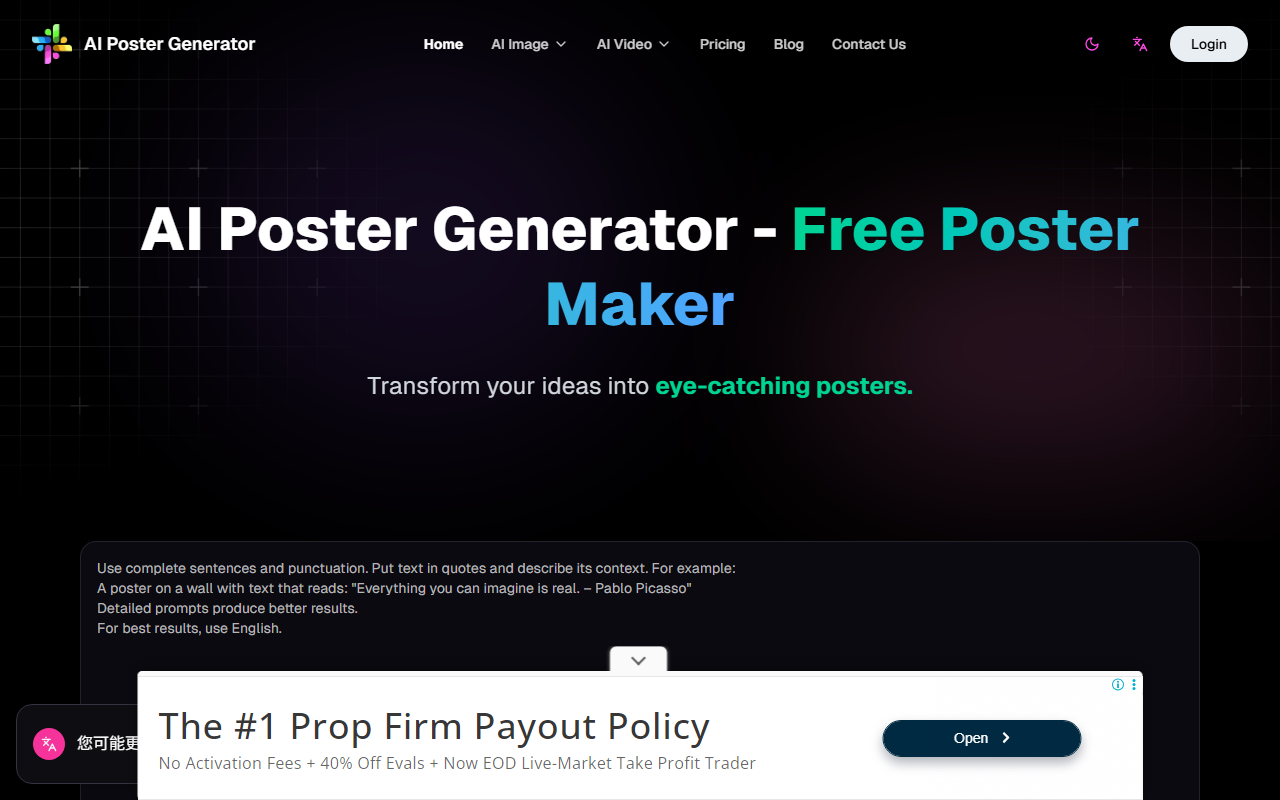
Upon visiting AI Poster Maker, I was greeted by a clean, minimal interface with a prompt input box and several style presets (Auto, General, Realistic, Design) below it. The gallery of sample posters immediately gave me a sense of what the AI can produce — from holiday scenes to movie-style artwork and vintage propaganda. I appreciated the aspect ratio selector: 1:1, 16:9, 9:16, 4:3, and 3:4. This flexibility is handy for different use cases like social media or print.
I clicked "Generate (Free Trial)" to test the tool. The website asks for a detailed text prompt. I entered a short description for a modern concert poster, enclosing the band name in quotes as suggested. The generation took about 10 seconds, and the result was a decent 1024x1024 image with the text embedded as requested. The typography was well-placed, though the font style didn't fully match my mental image — still, it was a solid first attempt.
The free trial appears to offer one or a few generations without charge, but after that you need credits. Each generation costs 5 credits, as indicated by the pricing table.
Features and Performance
AI Poster Maker’s core strength is its ability to integrate text into images intelligently. The prompt guide advises using quotation marks for desired text, and the AI attempts to render it as part of the poster composition. During my tests, the text was readable and appropriately styled, which is a common pain point in AI image generation. The Magic Prompt feature enriches basic prompts with additional details, ambiance, and stylistic elements. I tried it with a simple prompt; the result gained more vivid colors and a richer background, though it also made the output less predictable.
The tool offers four styles: Auto, General, Realistic, and Design. Auto seemed to blend the others; Realistic produced photographic-style posters, while Design leaned toward graphic illustration. However, the differences were subtle. The AI likely uses a diffusion model fine-tuned on poster layouts. The blog mentions ability to create Disney-style posters, suggesting versatility. However, the tool currently supports only image generation; video generation is mentioned in pricing but not visible on the main page — it may be forthcoming or a separate feature.
Limitations include a 7-day storage period for lower tiers (except Premium/Ultimate get 30 days), meaning you must download quickly. Also, the one-time plan includes a watermark, which may be a dealbreaker for professional use. There is no mention of high-resolution output (likely 1024x1024 by default), which might not suffice for large print posters.
Pricing and Value
The pricing is credit-based: each generation costs 5 credits. The Pro plan at $9.90/month gives 600 credits (120 generations), Premium $19.90/month (400 generations), Ultimate $29.90/month (800 generations). A one-time $8.88 purchase provides 400 credits (80 generations) but with a watermark and shorter storage. Annual billing saves 30%, bringing costs down. This setup is competitive with similar AI design tools like Canva’s (which offers free tiers but limited AI features) or Adobe Firefly (pay-per-generation).
For occasional users, the one-time plan might be economical if you can tolerate watermarks. Heavy users will find the monthly subscriptions reasonable. However, the credit system means you pay per attempt, which can add up during experimentation. There is no free tier beyond the trial, so you must commit financially to continue.
Who Should Use AI Poster Maker?
AI Poster Maker is best suited for marketers, content creators, or small business owners who need quick, attractive posters without design skills. It excels at rendering text within images — a crucial feature for event announcements, social media graphics, or promotional materials. The Magic Prompt and style options offer creative flexibility, though results can be inconsistent.
On the other hand, professional graphic designers seeking precise control or high-resolution output for large-scale print may find it lacking. Without vector output, resolution options, or layer editing, it is not a replacement for dedicated design software. Competitors like Canva’s AI or Adobe Express offer more robust editing integrated into broader platforms.
Overall, I recommend AI Poster Maker for anyone who needs a quick, no-fuss poster generator with decent typography. The free trial is worth trying, but be prepared to purchase credits for continued use. If you value watermark-free, high-resolution, and longer storage, the Premium plan offers the best balance. Visit AI Poster Maker at https://ai-poster-maker.com/ to explore it yourself.


Comments