

First Impressions and Onboarding
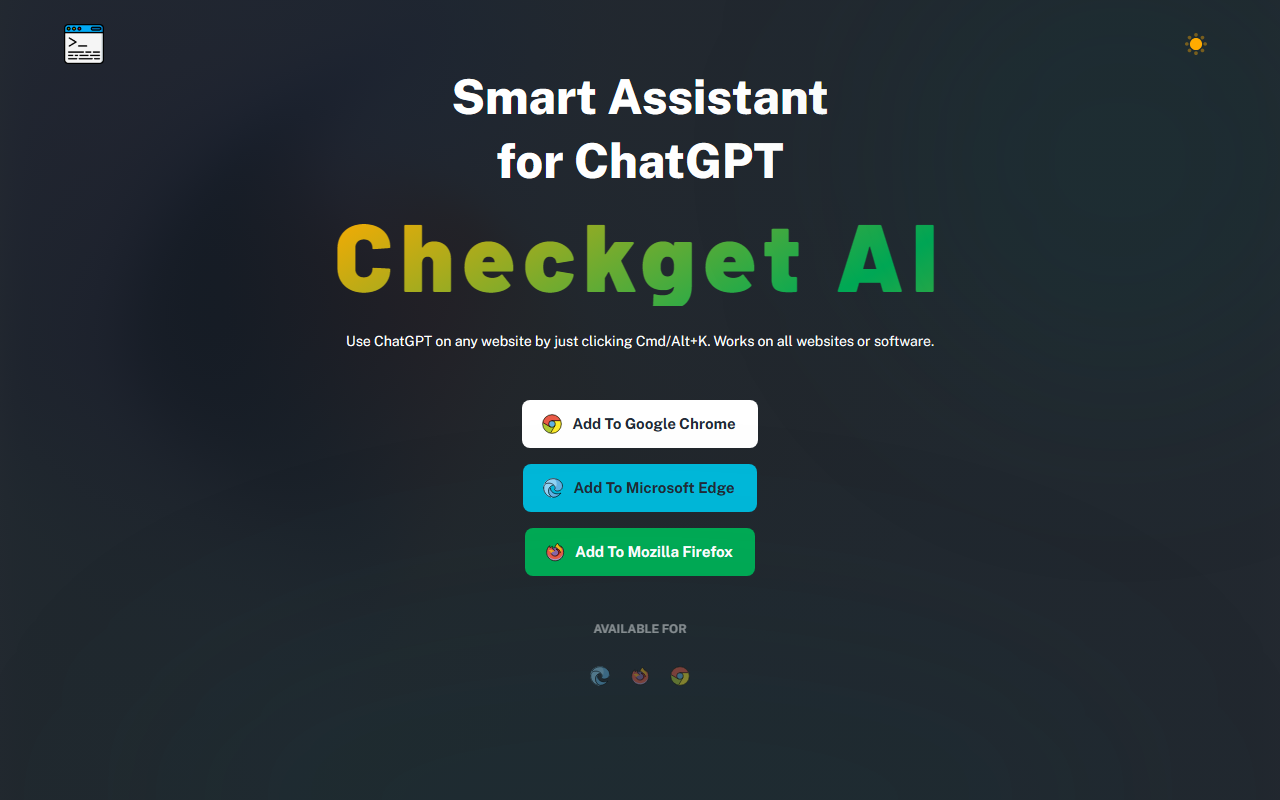
Upon visiting Checkget's website, the value proposition is immediately clear: a keyboard-driven ChatGPT assistant that works across any website or software. The landing page is clean, with bold calls to action for Chrome, Edge, and Firefox. I added the Chrome extension in seconds—no account creation required beyond granting the necessary permissions. The onboarding screen prompts you to press Cmd+K (Mac) or Alt+K (Windows) to open the side panel. I tested this on a few tabs: Gmail, a Google Doc, and a GitHub repository. Each time, the shortcut triggered a sleek dark-mode sidebar overlay.
The interface is minimal: a text input box at the bottom, a conversation history on top, and a settings gear icon. The dark theme is easy on the eyes, as promised. I appreciated that Checkget does not clutter the UI; it feels like an integrated part of the browser.
Core Features and Workflow
Checkget’s standout feature is its ability to automatically recognize context. When I selected a paragraph from an email and pressed Cmd+K, the assistant offered to rephrase, summarize, or change the tone. For a block of code from GitHub, it immediately prompted to explain or debug. This context awareness works by reading the selected text and suggesting relevant actions—no manual prompt crafting required. For power users, you can also type custom commands.
The extension supports up to 30 requests per day on the free tier, which is generous for light use. It uses GPT-3.5 by default but offers GPT-4 on paid plans (limited to 5 requests per call). A local mode is available if you supply your own OpenAI API key, bypassing Checkget’s servers entirely—a strong privacy feature. The company states that all data sent via their default connection is encrypted, but local mode ensures no intermediary.
I also tested multi-round conversations. The free plan allows 5 turns per conversation, which felt restrictive when debugging complex code. Pro and Premium tiers bump this to 15 and 30 turns respectively. The 2x faster response time claim on paid plans is noticeable; free responses were fast enough for casual use.
Pricing and Value Proposition
Checkget offers a tiered pricing model with a Black Friday discount of up to 50% off (currently active on the site). The Personal plan is free forever, with 30 requests/day, 5 conversation rounds, GPT-3.5 support, and community support. The Pro plan at $4.99/month ($3.99 with discount) includes 200 requests/day, 15 rounds, GPT-4 access (5 requests per call), and email support. Premium costs $9.98/month ($6.98 discounted) for 500 requests, 30 rounds, and priority support. Ultimate at $29.98/month ($19.98 discounted) offers 1500 requests and 100 conversation rounds. Unlike some competitors (e.g., Merlin or Superpower ChatGPT), Checkget’s free tier is functional and not artificially limited to absurdly low quotas. The local mode is a unique selling point for privacy-conscious users.
One limitation: GPT-4 access on paid plans is capped at 5 requests per call, meaning frequent deep reasoning tasks may consume your daily quota quickly. Also, the extension currently lacks integration with other LLMs like Claude or Gemini—a gap that alternatives like Sider.ai fill.
Verdict: Who Should Use Checkget?
Checkget is ideal for anyone who wants instant ChatGPT access without breaking their workflow. It excels for email drafting, quick text summarization, and code explanation. The free plan is genuinely usable for occasional needs. Professionals who frequently write or code and value speed and context awareness will find the Pro or Premium tiers worthwhile. However, if you need long, multi-turn analyses or prefer to use multiple AI models, you may want to look elsewhere. The lack of a mobile component and limited GPT-4 per call are real constraints.
Overall, Checkget delivers on its promise: a smart, keyboard-first assistant that reduces friction. It’s not a replacement for a full ChatGPT subscription, but as a companion for everyday browsing tasks, it’s one of the best implementation I’ve tested. Visit Checkget at https://checkget.com/ to explore it yourself.













Comments