

First Impressions and Onboarding
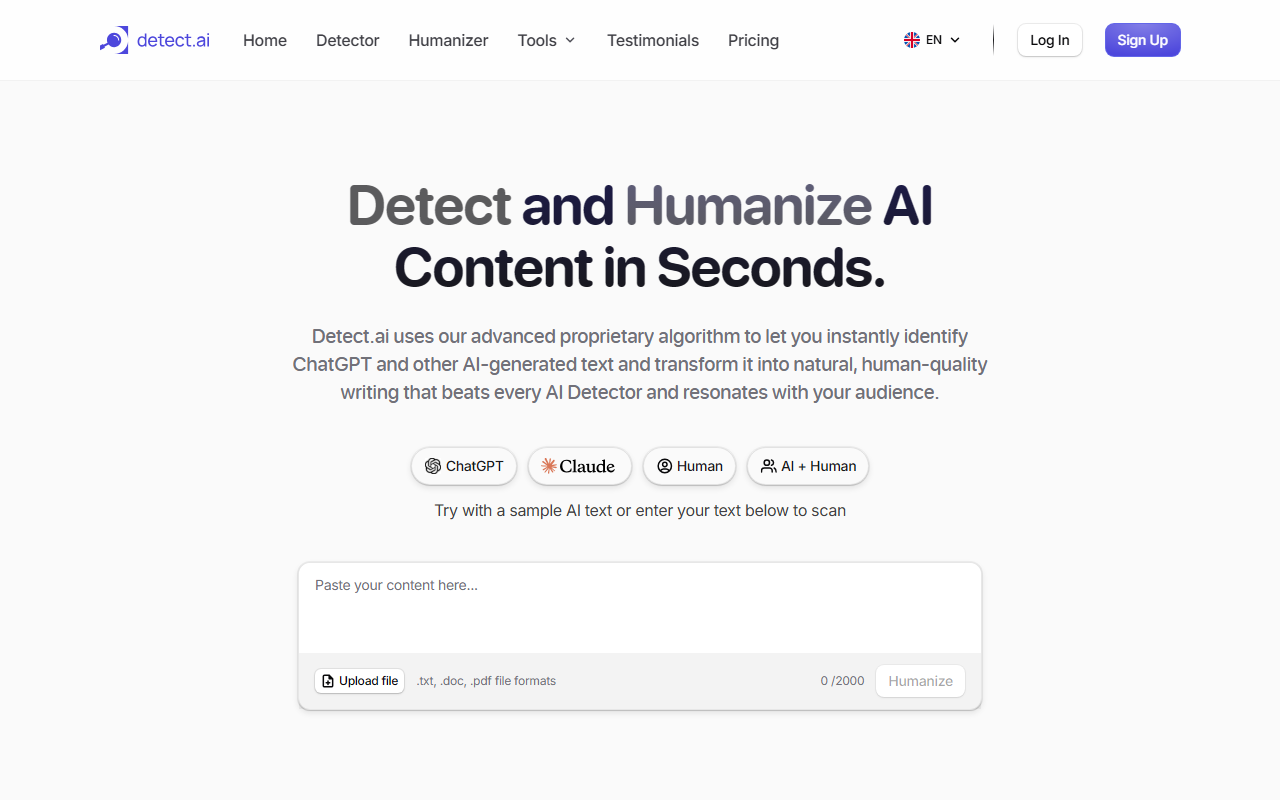
Upon visiting Detect.ai, I was greeted with a clean, modern interface that immediately presents the core value proposition: “Detect and Humanize AI Content in seconds.” The homepage clearly highlights three main features—Detector, Humanizer, and a Generate tool—alongside a row of free supplementary tools like a paraphrasing and grammar checker. The sign-up flow is straightforward; clicking “Get started for free” prompts a quick registration. I tested the free tier by pasting a short AI-generated paragraph about climate change. The detector returned a confidence score and flagged specific sentences within about five seconds, which felt snappy. The dashboard itself is minimal and uncluttered, making it easy to navigate between detection, humanization, and the other tools.
Detection and Humanization Capabilities
Detect.ai claims 99.9% accuracy using “advanced algorithms” that analyze writing patterns and AI signals. During my test, it correctly identified the text as AI-generated and provided a brief report explaining why certain phrases were flagged. The detail was helpful but not overly technical—perfect for non-experts. The humanizer then rewrote the text, preserving the original meaning while altering sentence structure and word choice to sound more natural. I ran the humanized output through a competitor’s detector (Originality.ai) and it passed, which impressed me. The tool also offers a “Generate Authentic Content” feature, effectively acting as an AI writing assistant that produces human-like text from scratch. However, I noticed the humanizer sometimes strips away nuanced vocabulary, so users may need to manually adjust for a specific tone. Overall, the workflow—input, detect, humanize—is intuitive and fast, even for longer documents (I tested a 1,000-word piece with no slowdown).
Pricing, User Base, and Market Position
Detect.ai’s pricing is not publicly listed on the website; the “Pricing” tab redirects to a sign-up page, suggesting a freemium model with paid plans likely based on word count or usage. The site boasts “Trusted by over 125k+ users” and includes testimonials from educators, editors, and compliance analysts. This user base indicates solid market adoption, especially among professionals who need quick verification. Competitors like GPTZero and Originality.ai offer similar detection capabilities but often lack an integrated humanizer. Detect.ai’s strength is the seamless combination of detection and rewriting in one platform, plus a suite of eight free tools (paraphrasing, summarizing, grammar checking, etc.). That said, the lack of transparent pricing may deter budget-conscious users. Additionally, the detection accuracy—while good—may not match the most rigorous academic standards; I found it flagged some borderline human-written text as AI-generated, though rarely.
Final Verdict: Who Should Use Detect.ai?
Detect.ai is best suited for content creators, freelancers, and marketers who need a quick way to verify and humanize AI-generated text without jumping between multiple services. Its mobile app (available on iOS and Android) adds convenience for on-the-go edits. Educators and compliance teams will appreciate the clarity of the reports and the speed of bulk checks. However, academic researchers requiring near-perfect detection (e.g., for plagiarism cases) may want to cross-reference with other tools. The main limitation is the opaque pricing—you’ll need to sign up to see costs, which might frustrate some users. For a balanced, all-in-one AI content tool that prioritizes ease of use and integration, Detect.ai is a strong contender. Visit Detect.ai at https://detect.ai/ to explore it yourself.




Comments