

First Impressions and Onboarding
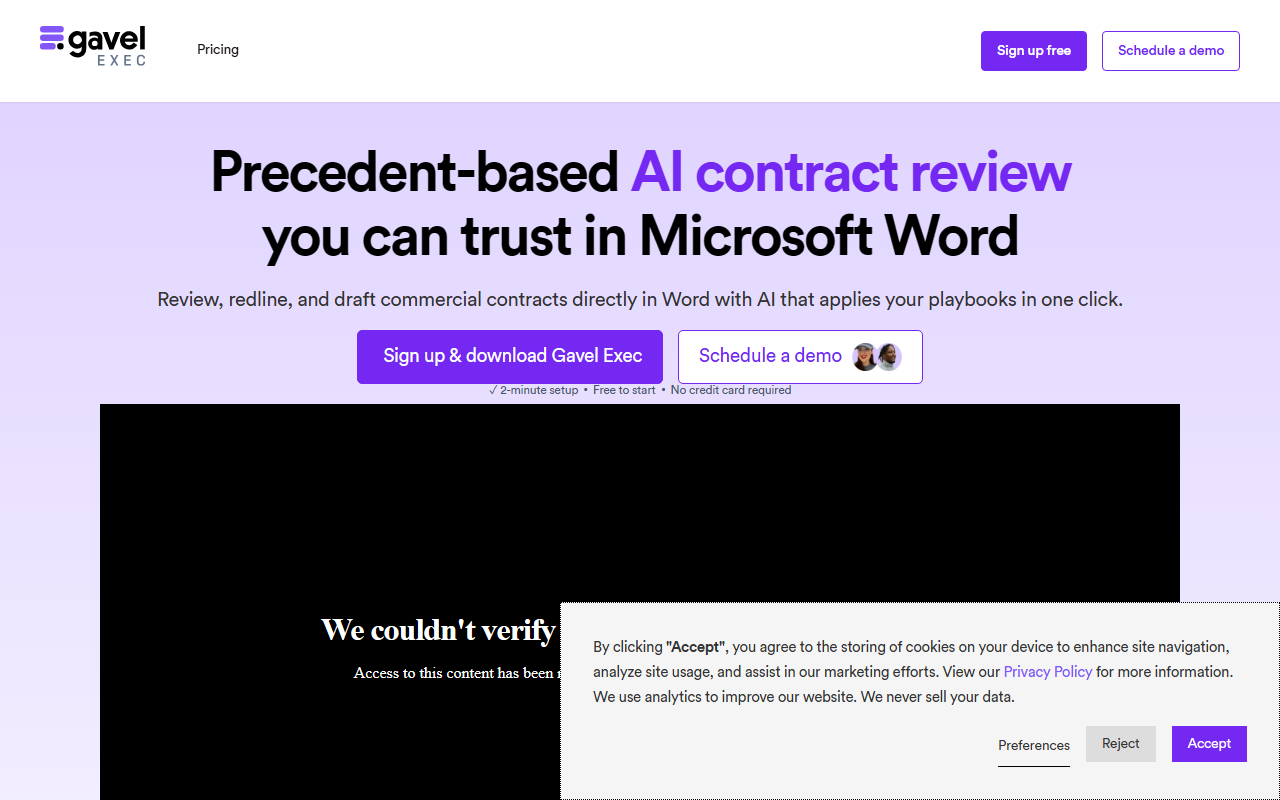
Upon visiting Gavel's site, I immediately noticed the focus on legal professionals: the homepage prominently features a testimonial from a principal attorney and a claim that Gavel is built by lawyers, for lawyers. The dashboard isn't directly visible without logging in, but the site offers two clear entry points: a free trial for Gavel Exec (AI contract review in Word) and a demo request for Gavel Workflows (document automation). I signed up for the free tier, which provides 25 queries per user per month with no credit card required. The onboarding flow was straightforward: after creating an account, I was prompted to download a Microsoft Word add-in – Gavel Exec lives inside Word, not as a separate web app. That integration is a key design choice, reducing context-switching for legal teams. I tested the free tier by uploading a sample commercial lease template; the add-in recognized the document and offered to apply a default playbook. The redlining and comment generation appeared within seconds, directly in the Word ribbon. The initial experience felt polished, though the full potential of Gavel Workflows (intake-to-document automation) requires exploring its no-code builder, which wasn't fully accessible in the free trial for Exec.
Core Features: Document Automation and Contract Review
Gavel splits its product into two main areas: Gavel Exec for contract review and drafting, and Gavel Workflows for document automation. Exec allows you to review contracts, draft clauses, and generate redlines using AI that applies your custom playbooks. I observed that the playbook enforcement is rule-based but customizable – you can set preferred fallback positions for clauses like indemnification or governing law. The AI also offers market-based benchmarking, flagging off-market terms by comparing against aggregated clause data. Workflows, on the other hand, automate the creation of documents from client intake forms. The platform supports Word and PDF automation, integrates with Clio, DocuSign, Zapier, and offers a library of pre-built legal templates for estate planning, real estate, and family law. During my testing, the automation looked robust: you upload a template (Word or PDF), map fields to your intake questions, and set conditional rules. For example, a residential lease could auto-populate terms based on state selection. However, setting up complex workflows requires some learning; Gavel provides a learning center and a Slack community, but the initial drag-and-drop interface isn't immediately intuitive for non-technical lawyers.
Pricing and Market Position
Gavel's pricing is straightforward for Exec: unlimited usage starts at $160 per user per month, with the free tier offering 25 queries per user. Workflows pricing is not publicly listed on the website, requiring a sales demo. This opacity can be a hurdle for small firms budgeting for automation. Compared to competitors like Lexion (which focuses more on contract lifecycle management) or Ironclad (enterprise-heavy), Gavel positions itself as a middle ground for small to mid-size law firms and legal teams. Its tight integration with Microsoft Word is a differentiator – many lawyers live in Word, and Gavel avoids forcing them into a separate interface. However, it lacks some advanced features of enterprise CLM tools, such as full repository analytics or AI-powered obligation extraction. Gavel also emphasizes security: SOC 2 and HIPAA compliance, AES-256 encryption, zero data retention policy, and 24/7 support. That's a strong selling point for law firms handling sensitive client data. The platform claims over 2,000 law firms trust it, which suggests decent adoption.
Verdict: Who Should Use Gavel?
Gavel is best suited for transactional attorneys, in-house legal teams, and solo practitioners who handle a high volume of standard contracts (leases, NDAs, corporate agreements) and want to accelerate first-pass review and document creation. Its Word-native approach reduces friction for those already comfortable with Microsoft Office. However, it's less ideal for firms that need a standalone web-based contract repository or sophisticated obligation management. The biggest limitation is the learning curve for Workflows: the no-code builder, while powerful, requires upfront effort to configure. Also, the $160/month per user for Exec may be pricey for occasional users. If you frequently negotiate and draft similar contracts, the ROI quickly justifies the cost. For one-off document automation needs, the free tier is a good starting point. Overall, Gavel delivers on its promise to streamline legal document workflows, especially for lawyers who want AI assistance without leaving Word.
Visit Gavel at https://gavel.io to explore it yourself.







Comments