

First Impressions and Onboarding
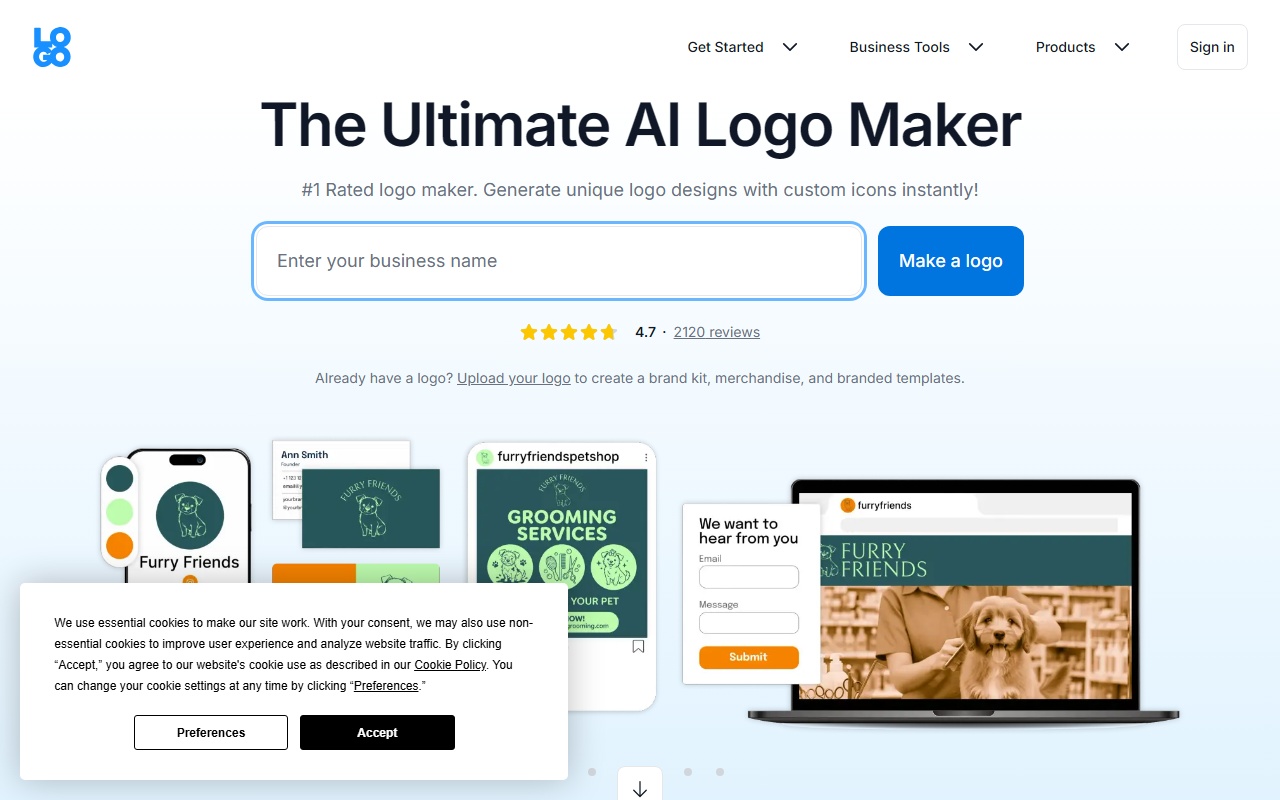
Upon visiting LOGO.com, I was greeted with a clean, minimalist landing page that immediately directs attention to the logo maker. The headline claims “The Ultimate AI Logo Maker” with a 4.7 rating and 2,120 reviews—impressive social proof. I clicked “Make a logo” and was prompted to enter my business name and select a few keywords describing the industry. Within seconds, the AI generated dozens of logo templates with varied icons, fonts, and color schemes. The dashboard is intuitive, with a left sidebar showing template categories and a central preview area. When testing the free tier, I chose “Coffee Shop” as my business, and the AI returned over 20 designs, each customizable. The step-by-step wizard walks you through picking a template, editing text and colors, and finally downloading or upgrading to a brand kit. The process felt remarkably fast—under three minutes from start to first preview. Notably, LOGO.com claims over 670 million logos have been created on the platform, which suggests a massive user base and trust.
Features and Customization in Depth
The core strength of LOGO.com lies in its AI-powered design generator combined with full customization controls. Under the hood, the tool uses a proprietary AI model that analyzes your business name and keywords to produce relevant icon and layout suggestions. Each template can be edited freely: you can change every letter’s font, adjust kerning, pick from thousands of icons, and endlessly shuffle color palettes. The “Color Palette Generator” is particularly useful—click a button to cycle through harmonious color combinations until you find one that clicks. For text styling, the tool offers an AI text feature that can craft slogans or taglines based on your brand description. I tested it by typing “Fresh, organic, community-focused” and it generated three concise slogans, one of which I used in my logo. Beyond logo design, LOGO.com provides a complete brand kit: once you finalize a design, you can upload it to generate branded templates for social media, business cards, letterheads, and even merchandise. The download options include PNG, SVG vector files, and PDF—essential for both digital and print use. There is no mention of API availability on the site, but integrations with social platforms are implied through the brand kit templates. The tool is entirely web-based, requiring no design skills, and offers unlimited high-resolution downloads on the free tier, which is rare among competitors.
Pricing and Market Position
LOGO.com does not publicly list detailed pricing tiers on its homepage, which is a notable omission. Based on the flow, the free tier allows you to create and download a basic PNG logo with a watermark (likely removed in premium versions). To unlock SVG vectors, full brand kit access, and commercial usage rights, you typically need to purchase a plan. Industry standards for similar tools (e.g., Looka, Hatchful, Canva) range from $20–$50 for a basic logo package. While LOGO.com’s exact prices remain undisclosed, the site highlights “premium” logos in the editor, suggesting a freemium model. In the context of competitors, Looka offers AI logo generation with a similar step-by-step interface but charges $20 for a basic logo set, while Canva’s logo maker is free but less AI-driven. LOGO.com distinguishes itself by focusing exclusively on logo creation and branding assets, rather than a general design suite. The featured testimonials emphasize speed and the value of receiving all file formats and a brand board—something that appeals to startups and small business owners who need to launch quickly without hiring a designer. The tool is best suited for entrepreneurs, YouTubers, podcasters, and anyone who wants a professional-looking logo in under an hour with zero design experience. Those seeking a fully bespoke, original illustration should consider a professional designer instead.
Strengths, Limitations, and Final Verdict
LOGO.com’s genuine strengths are its ease of use, lightning-fast generation, and the breadth of customizable elements. The free tier’s unlimited high-res downloads are a standout—most competitors force a paid upgrade after a few previews. The AI slogan generator and color palette shuffler add real value, making the tool feel smarter than a simple template picker. However, there are limitations. Because the AI works from a finite library of icons and layouts, you may see similar designs to other users, especially in popular niches. The lack of public pricing details can be frustrating if you want to evaluate the full cost before committing. Additionally, while the editor offers granular control, it can feel overwhelming for absolute beginners due to the sheer number of options. For most small business owners and content creators, LOGO.com is an excellent choice. The combination of speed, built-in branding assets, and a free tier makes it a low-risk starting point. I recommend trying the free version first—you can create a usable logo in minutes, and if you need vector files and a complete brand kit, the premium upgrade is likely worth the investment. Visit LOGO.com at https://logo.com to explore it yourself.







Comments