

First Impressions: An AI Whiteboard That Consolidates Chaos
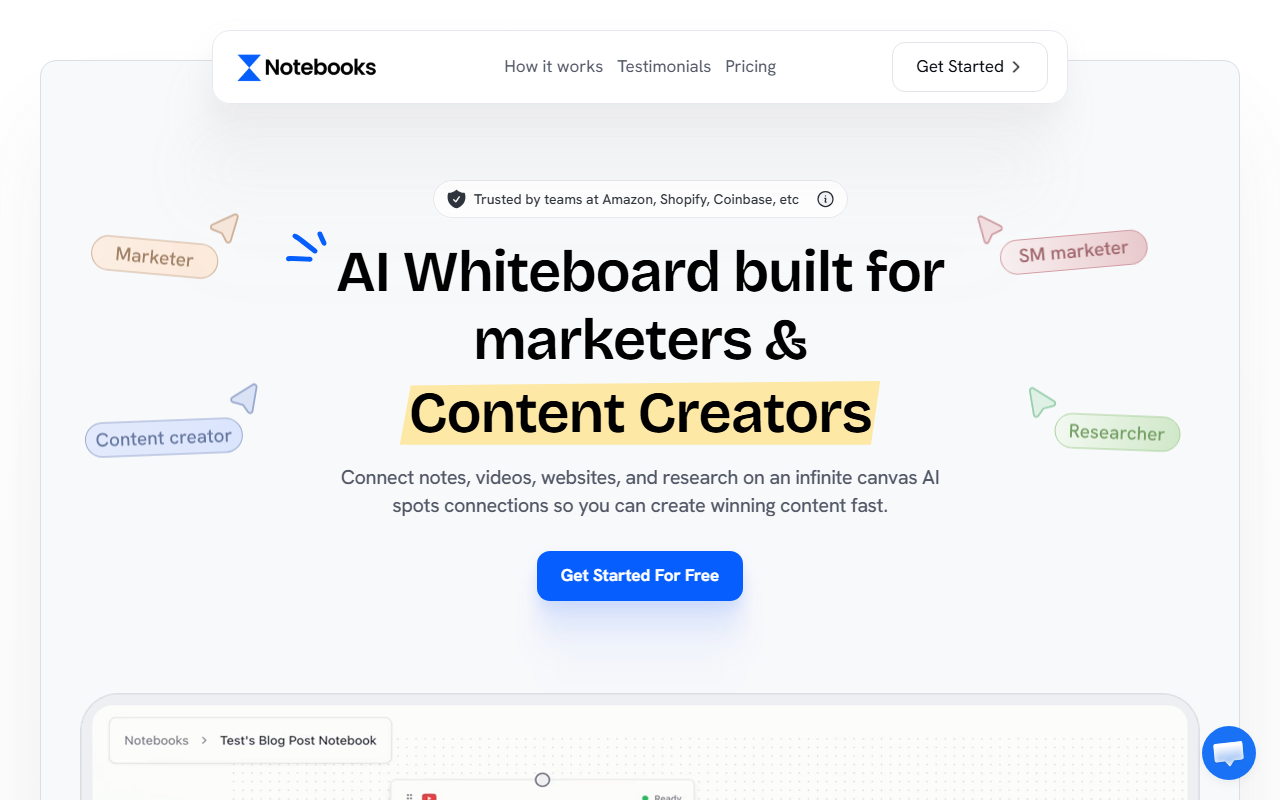
Upon visiting Notebooks.app, the first thing I noticed was the clean, whiteboard-inspired interface. The headline “The AI Whiteboard for Content Creators” immediately set expectations. The dashboard is split into logical sections: an upload area for YouTube channels, Instagram profiles, competitor links, PDFs, and even Reddit threads. I tested the free trial by dropping in a few of my own YouTube scripts and a competitor’s Instagram feed. The AI instantly “ingested” the content and built a context model around my voice and style. Unlike other AI writing tools that start with a blank prompt, Notebooks.app forces you to bring your own data—a smart move that eliminates much of the generic output problem.
The onboarding flow is smooth: no credit card required for the trial, and a quick tutorial walks you through the three-step process. I particularly appreciated the ability to connect to Claude, ChatGPT, or Gemini directly—this is not a standalone model but a layer that enhances existing AI by feeding it your custom research. The platform claims to analyze videos visually, not just by transcript, which is a standout feature for video creators. The testimonials from 5,411+ creators (displayed prominently) lend social proof, though I’d have liked more technical details about the underlying technology.
How Notebooks.app Works: From Raw Research to Ready-to-Post
The core workflow is refreshingly simple. Step one: “Drop Everything Into One Place.” I uploaded a PDF report on travel trends and a competitor’s YouTube video link. The platform processed both, extracting key themes and audience insights. Step two: “Connect It To AI.” Here you choose your preferred AI model (Claude, ChatGPT, or Gemini). Once linked, the AI instantly has context—no more copying and pasting between tabs. I asked it to “write a YouTube script explaining why Oman is underrated compared to Dubai” (inspired by the demo on the site). The output was remarkably human, using my uploaded content’s tone and structure. The AI even referenced specific statistics from my PDF without me asking.
Step three: “Content That’s 100% You.” This is where Notebooks.app shines. It generates scripts and social posts that match your voice, not a generic robotic tone. The dashboard shows a real-time preview of the generation, and you can tweak prompts or regenerate. I was able to go from research to a finished Instagram caption in under four minutes. The “Competitor Analysis” feature is also powerful: it breaks down why competitors’ top posts perform well, giving you ideas you can use immediately. The platform claims to save “5+ hours/week,” and based on my test, that seems realistic for any creator managing multiple channels.
Strengths and Limitations
Genuine strengths: The ability to consolidate research from diverse sources (YouTube, Instagram, PDFs, articles) into one AI context is a game-changer. The multi-model support means you’re not locked into a single AI ecosystem—you can use the model that best suits your task. The voice cloning, achieved through imported content, is impressively accurate. Integration with competitor channels provides actionable insights, making this more than a writer—it’s a content strategy assistant. The free trial without credit card is low-risk.
Real limitations: Pricing is not publicly listed on the website. The only option visible is a “Start 7 Day Free Trial,” with no mention of what happens after. This lack of transparency is a red flag for budget-conscious creators. Additionally, the tool’s reliance on third-party AI models means you need an API key or subscription to ChatGPT, Claude, or Gemini separately, increasing overall cost and complexity. The interface, while clean, can feel overwhelming if you have many sources uploaded. I also noticed occasional lag when processing larger PDFs (over 50 pages). Finally, the tool focuses heavily on YouTube and Instagram; if you primarily write long-form blog posts or email newsletters, the value may be less obvious.
Compared to alternatives like Jasper or Copy.ai, Notebooks.app offers deeper research integration but lacks built-in SEO features or direct publishing integrations. It’s best suited for social media managers, video creators, and podcasters who need to repurpose content across platforms while maintaining a consistent voice.
Who Should Use Notebooks.app?
This tool is ideal for content creators who juggle multiple platforms (YouTube, Instagram, TikTok) and feel exhausted by context-switching between research tools and AI writers. It’s also great for marketing teams analyzing competitors—the ability to feed in competitor content and get actionable insights is rare. Agency owners managing multiple client accounts will appreciate the workspace organization. However, if you only need basic AI writing for blog posts or email drafts, simpler tools like ChatGPT or Writesonic may be more cost-effective without the extra setup.
For a free trial that requires no credit card, Notebooks.app is absolutely worth testing. The time saved on research and voice cloning alone can justify the price—if you can find it. Just be prepared to bring your own research and API subscriptions. Visit Notebooks.app at https://notebooks.app/ to explore it yourself.





Comments