

First Impressions and Onboarding
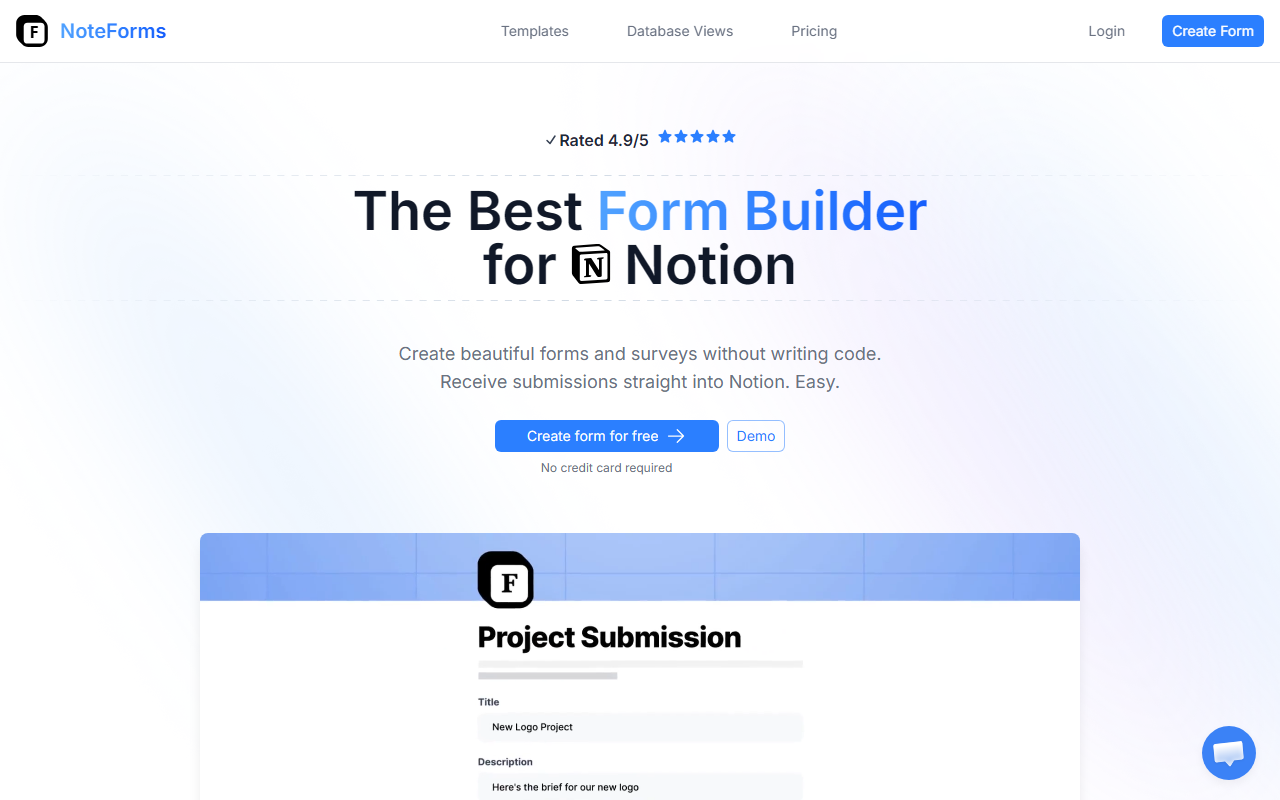
Upon visiting the NoteForms website, I was greeted by a clean, product-focused landing page that immediately highlights the core value: building beautiful forms for Notion without code. The site states it is an official Notion integration and is trusted by over 130,000 users. The onboarding flow is remarkably straightforward. I clicked the "Create form for free" button (no credit card required), was prompted to connect a Notion workspace via OAuth, and within two minutes I had a working form linked to a Notion database. The dashboard shows a simple interface: a form builder on the left, live preview on the right. I was able to select fields from my Notion table—text, numbers, date, checkbox, and more—and they appeared instantly. The demo video on the homepage shows the process clearly. The free tier lets you create unlimited forms and submissions, which is generous for a zero-cost entry point.
Features and Capabilities
NoteForms packs an impressive feature set that clearly surpasses what Notion’s native form builder offers. The field selection includes all standard Notion property types plus extras: person fields (select users from the same workspace), relation fields (link entries from a related table), file uploads, signatures (captured as images in Notion), star ratings, progress bars, and hidden fields pre-filled via URL parameters. During testing, I created a multipage form for event registration, adding conditional logic to show a follow-up question only when someone answered "Yes" to attending. The logic engine is robust—you can hide, show, or make fields required based on other values. Customization is deep: custom accent colours and fonts, embedding external videos, and even injecting custom CSS and JavaScript for full control. The notification system supports email, Slack, and Discord—I tested Slack integration and it worked seamlessly. Other highlights include webhooks, form protection with password and CAPTCHA, editable submissions (allow users to return and edit), and submission limits. Compared to alternatives like Jotform or Typeform, NoteForms is specifically optimized for Notion users—it eliminates the hassle of manual data transfer. However, for those not using Notion, this tool has no value. The integration with Notion is the core differentiator.
Pricing and Value
Pricing is clearly listed on the site with three tiers. The Basic plan is $0/month: 1 user, 1 workspace, unlimited forms and submissions, embed anywhere, and 1 database view. The Pro plan is $20/month (billed monthly) and adds features like removing branding, full customization, enhanced notifications, integrations (Zapier, Google Sheets), form logic, 10 MB file uploads, and unlimited database views. A 3-day free trial is available. The Team plan is $49/month for unlimited users, multiple workspaces, editable submissions, custom domains, custom sender email via SMTP, 100 MB file uploads, and priority support. There is also a yearly billing option with 2 months off (effectively 10 months for the price of 12). For small teams or freelancers collecting data into Notion, the Pro plan offers strong value. Larger organizations with multiple workspaces may find the Team plan worthwhile. Note that the free tier is surprisingly capable for basic needs, making NoteForms accessible without upfront cost. One limitation: the 10 MB file upload cap on Pro might be restrictive if you handle larger files—Team bumps it to 100 MB. Also, there is no native mobile app; forms are accessed via web browser.
Overall, NoteForms excels as a dedicated form builder for Notion users. Its deep integration, conditional logic, and customization options make it the best tool I've seen for this niche. While competitors like Paperform or Fillout also target Notion integration, NoteForms’ official integration status and 4.9/5 rating (from 130,000+ users) speak to its reliability. I recommend this for anyone who relies on Notion for project management, CRM, or data collection and needs a more professional, feature-rich form than the native Notion form. Skip it if you don’t use Notion or need complex analytics and payment collection. Visit NoteForms at https://noteforms.com/ to explore it yourself.





Comments