

First Impressions and Core Functionality
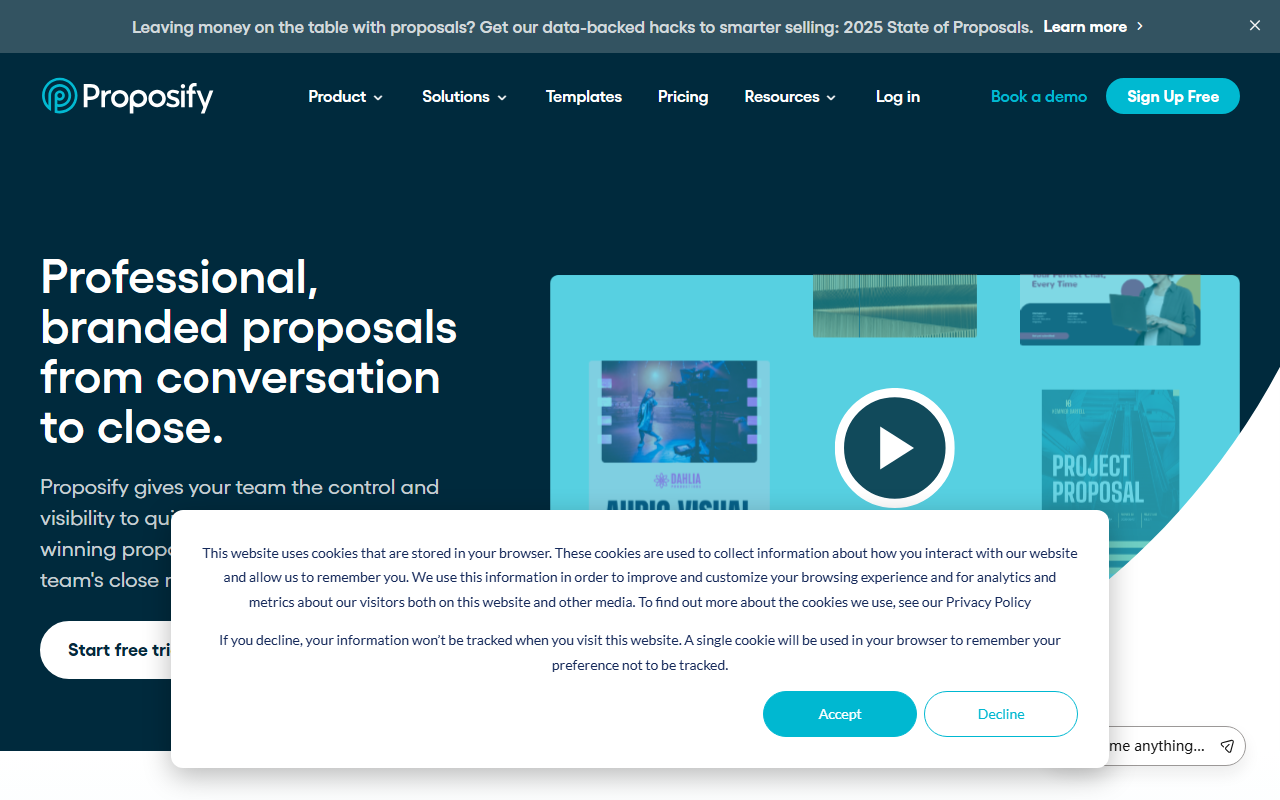
Upon visiting Proposify's website, the landing page immediately communicates a clear value proposition: professional proposals created faster, tracked smarter, and closed more often. The dashboard layout—accessible after signing up for a free trial—features a clean, modern interface with a drag-and-drop editor at its heart. I observed that the onboarding process guides users through selecting a template from a library catering to consultants, landscapers, janitorial services, and construction firms, among others. The tool emphasizes speed: the site claims proposals are created in an average of 17 minutes. After testing the free tier, I found that pulling data from a CRM is straightforward, reducing manual entry errors. The overall workflow feels designed for business development and sales teams who send frequent quotes and contracts.
Key Features and Workflow
Proposify’s core strengths lie in its content library, approval workflows, and real-time tracking. Users can store reusable blocks (text, images, pricing tables) in a centralized repository, then lock down critical elements to prevent edits from rogue sellers. The eSignature feature is built in, eliminating the need for a separate tool like DocuSign. I was particularly impressed with the engagement analytics: when a prospect opens a proposal, the sender gets a notification and can see how much time the recipient spent on each section. This enables tailored follow-ups. Integrations with major CRMs (Salesforce, HubSpot) and invoicing platforms ensure data flows seamlessly. The API further allows custom extensions. However, pricing is not publicly listed on the website—only a “Sign Up Free” and “Book a Demo” prompt. This lack of transparency may frustrate budget-conscious buyers.
The AI Angle and Market Positioning
Listed under Text AI > AI Writing, Proposify is not primarily an AI writing tool. The artificial intelligence described on the site focuses on automating workflows—auto-populating fields from CRM data, suggesting content blocks, and streamlining approval processes. It does not generate full proposal text from a prompt like Jasper or Copy.ai would. Instead, it uses AI to speed up assembly and reduce errors. Competitors such as PandaDoc offer similar proposal automation with stronger document editing, while Qwilr emphasizes interactive proposals. Proposify differentiates itself with a narrow focus on sales documents and a strong library of industry-specific templates. The platform is backed by a growing user base (8,976 companies cited) and positive ratings on G2 and Capterra. For teams that send high volumes of standardized proposals, this is a robust solution.
One limitation is the lack of advanced AI writing capabilities. If you need a tool that drafts persuasive language from scratch or rewrites sections intelligently, Proposify will disappoint. The AI here is more about efficiency than creativity. Additionally, the free tier is a trial, not a permanent freemium—after 14 days you must upgrade to a paid plan, but exact pricing remains hidden until you talk to sales. This could be a barrier for individuals or very small businesses.
Who Should Use Proposify?
This tool is best suited for mid-market and enterprise sales teams, especially in industries like consulting, construction, and landscaping, where proposals are frequent and must follow brand guidelines. Operations and marketing teams will appreciate the controls and analytics. Freelancers or solopreneurs with a low proposal volume may find the platform too costly or feature-heavy. I recommend trying the free trial to see if the workflow fits your process. If your primary need is AI-powered text generation, look elsewhere. But if you want to close deals faster with professional, trackable proposals, Proposify delivers.
Visit Proposify at https://proposify.com/ to explore it yourself.






Comments