

First Impressions and Onboarding
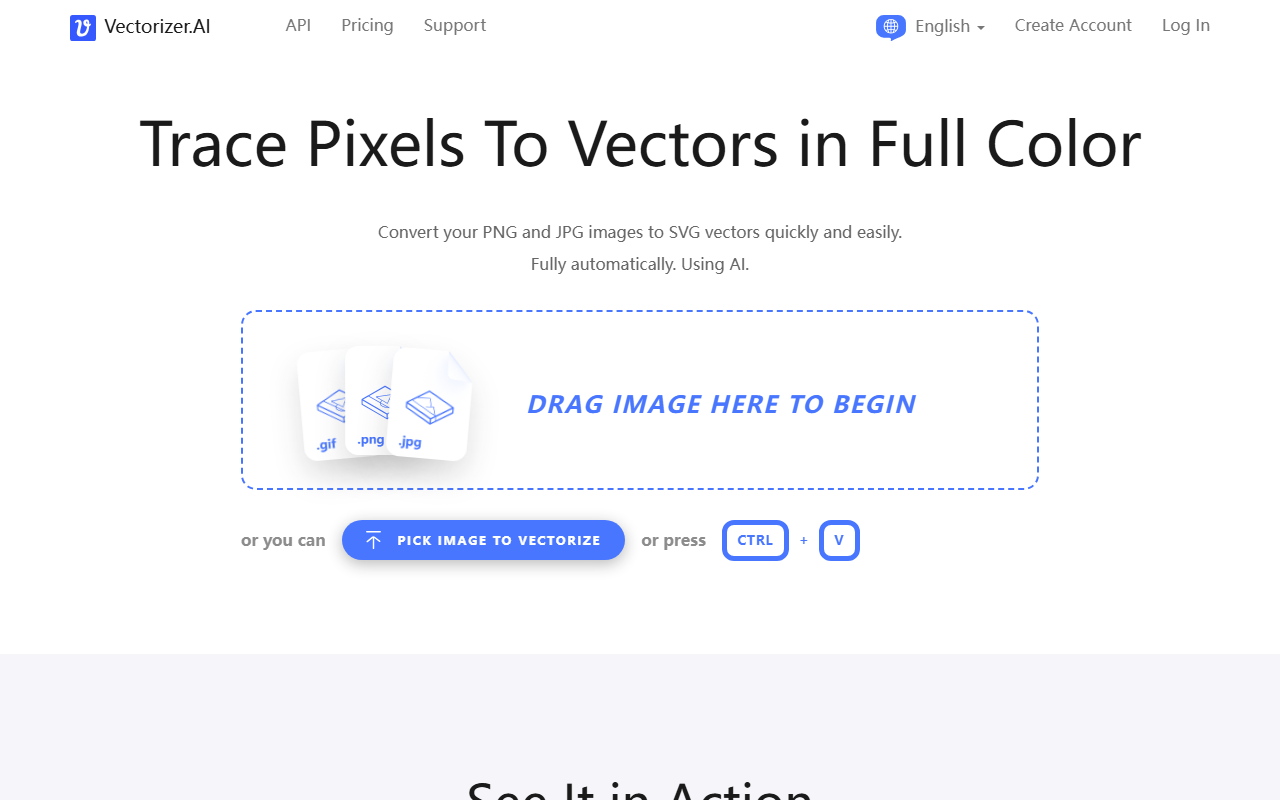
Upon visiting Vectorizer.AI, the interface is refreshingly minimal. The main call to action is a large drag-and-drop area labeled “DRAG IMAGE HERE TO BEGIN,” with alternative options to pick a file or paste an image via Ctrl+V. I uploaded a moderately complex PNG logo to test the service. The processing took only a few seconds, and the result was a fully interactive SVG preview that I could zoom, pan, and inspect before downloading. The dashboard shows exactly what you need: a simple upload flow, progress indicator, and export options for SVG, PDF, EPS, DXF, and even PNG. No registration was required for the free trial, which is a nice touch. However, the free tier limits output resolution, and the exact usage cap or credit system is not clearly explained on the homepage. The site loads fast, and the entire vectorization process runs in the browser, eliminating the need for software installation.
Technical Excellence Under the Hood
Vectorizer.AI distinguishes itself through a combination of deep learning and classical algorithms built on 15 years of experience. The Deep Vector Engine uses proprietary neural networks trained on a custom dataset to handle edges, curves, and color transitions with remarkable fidelity. I was particularly impressed by the Clean Corners feature: the tool analyzes every corner in the vector graph to produce natural, sharp transitions that avoid the jagged artifacts common in other vectorizers. The Symmetry Modelling detects mirror and rotational symmetries automatically, which is a boon for logo and icon work. Sub-Pixel Precision allows the engine to reconstruct features less than a pixel wide from anti-aliased edges, making the output suitable for high-resolution printing. The Palette Control option lets users adjust the number of colors if the automatic detection misses the mark, though I found the default setting performed well on my test image. Export options are robust: you can control shape grouping, curve types (including circular arcs and quadratic Bezier curves), and format-specific settings. The support for full 32-bit color and alpha transparency means that even soft shadows and gradients are preserved.
Pricing and Market Position
Pricing is not publicly listed on the website, which is a notable limitation for potential heavy users. Typically, such services offer credits per image or subscription plans, but Vectorizer.AI does not reveal these details upfront. I suspect a freemium model with paid tiers for higher resolutions or batch processing, but without clear information, users may hesitate. In the competitive landscape, Vectorizer.AI challenges tools like Adobe Illustrator's Image Trace and dedicated services like VectorMagic. Unlike Illustrator, which requires a subscription and manual tuning, Vectorizer.AI is fully automatic and cloud-based, delivering results with less user effort. However, VectorMagic offers more manual control and established pricing. For designers who need quick, high-quality vector conversions with minimal fuss, Vectorizer.AI is a compelling option. The company’s claim of training models on proprietary datasets and using a custom Vector Graph framework gives it a technical edge, but the lack of transparent pricing could deter serious evaluation. The website does not mention funding or user numbers, but the technology pedigree is evident.
Final Verdict and Recommendations
Vectorizer.AI excels where precision and automation matter. Its strengths lie in handling logos, illustrations, and line art with clean corners, accurate symmetry, and sub-pixel detail. The ability to output multiple vector formats from a simple drag-and-drop workflow is a clear productivity win. However, the tool is less suited for complex photographs; while it works on photos, the results may still lose some natural texture. Additionally, the maximum resolution limit enforced by the pre-crop feature means that large images need to be cropped, which may sacrifice context. Who should try it? Graphic designers, print professionals, and anyone converting rasterized vector art will benefit from its automatic, high-quality output. Who should look elsewhere? Photographers needing to vectorize detailed natural scenes or users requiring transparent, upfront pricing. Overall, Vectorizer.AI delivers on its promise of “fully automatic” vectorization with impressive technical depth, making it a strong addition to any designer's toolkit—provided you can stomach the pricing mystery.
Visit Vectorizer.AI at https://vectorizer.ai/ to explore it yourself.






Comments