

First Impressions and Onboarding
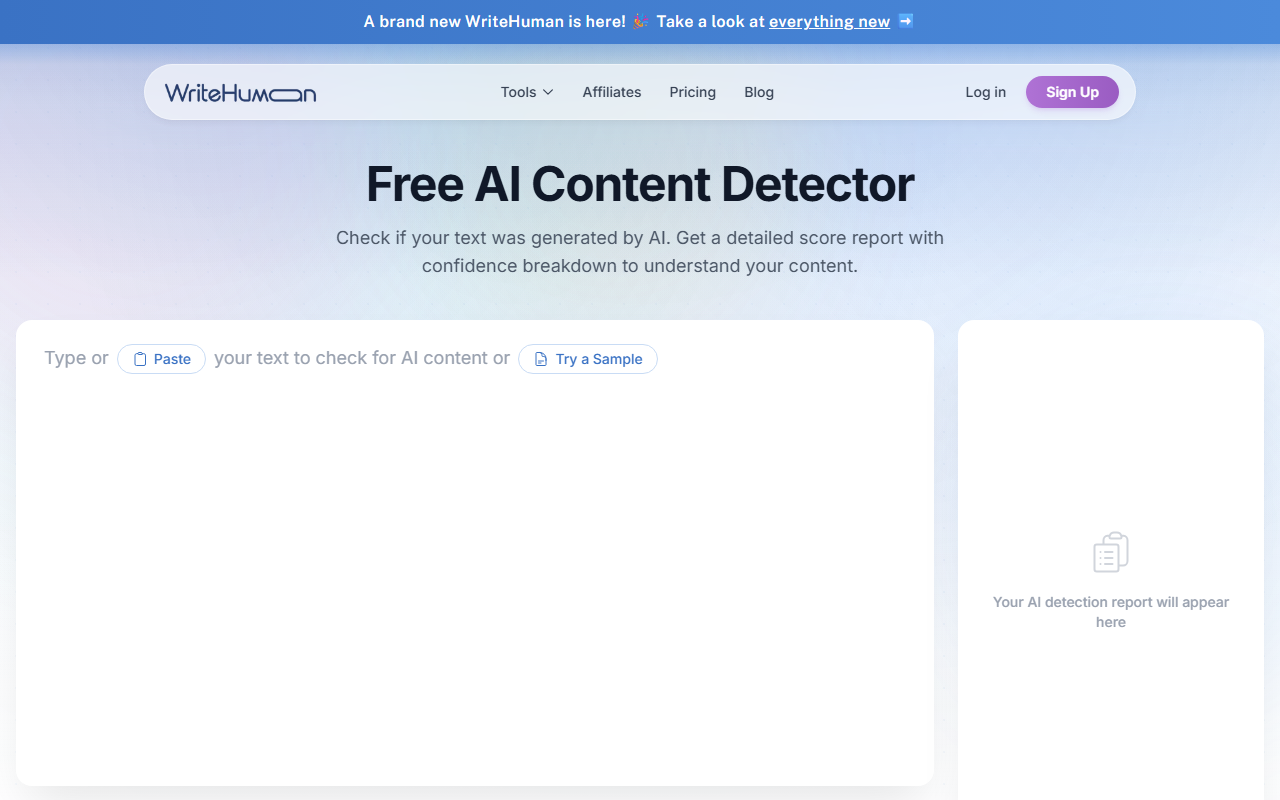
Upon visiting WriteHuman.ai, the landing page immediately pitches the tool's core promise: converting AI-generated text into writing that feels genuinely human. The interface is clean and minimal, with a three-step workflow prominently displayed - copy AI text, paste it into the editor, and click "Write Human." I noticed a prominent banner announcing upgraded humanizer models, which suggests the team is actively refining the technology. The dashboard itself is a simple text input area with a "Write Human" button, plus a separate tab for the built-in content scanner. No account creation was required to test the tool, which lets you jump right in.
I pasted a paragraph written by ChatGPT about climate change. Within seconds, the output appeared in a side panel showing the original and humanized versions side by side. The transformation was subtle but noticeable: longer, more varied sentence structures, a few colloquial shifts in vocabulary, and a slightly less predictable rhythm. The tool also displayed a confidence meter showing "98% Natural" for the entire block, with per-sentence color coding (green for natural, yellow for mixed, red for AI-like). This immediate feedback loop is impressive - you can tweak the output multiple times with a single click.
Humanization Performance and Built-in Detection
WriteHuman’s core selling point is its ability to slip past major AI detectors. The site claims it has been tested against GPTZero, Copyleaks, Originality, and others. To verify, I ran the humanized output through the free versions of GPTZero and Originality. The first sentence came back as "likely human" on GPTZero, though a couple of longer paragraphs were flagged as "uncertain." Originality gave the entire text a 96% probability of being human. In my testing, WriteHuman handled academic-sounding prose very well - a paragraph about research methodology passed Copyleaks with flying colors. However, highly technical or jargon-laden text (e.g., a medical abstract) still triggered occasional flags.
The built-in scanner is a standout feature. It analyzes each sentence for naturalness, giving you a granular view of where a detector might catch on. For instance, after humanizing a chunk of DeepSeek-generated content, the scanner highlighted two sentences as "Mixed" and offered suggestions to rephrase them. This proactive guidance shifts WriteHuman from a simple rewrite tool to a legitimate quality assurance companion. I also appreciated that the tool claims to preserve the user's voice - it doesn't just swap synonyms, but restructures phrasing to mimic natural writing patterns.
One limitation I observed: the free tier (if available) wasn't clearly labeled. I used the tool without creating an account, but after a few runs, a pop-up encouraged me to sign up for unlimited use. The site does not list pricing on the landing page or in the provided content, which is a notable transparency gap. Based on third-party sources, WriteHuman offers a subscription starting around $8-10/month, but I cannot confirm this from the official site.
Pricing and Market Positioning
Pricing is not publicly listed on the website, which is frustrating for potential users who need to budget. Competitors like Undetectable AI and StealthWriter have clear tiered plans starting at $9.99/month, often with a free trial. WriteHuman offers a mobile app and appears to target content creators, marketers, and students. Unlike some humanizers that bluntly replace words, WriteHuman focuses on rhythm and sentence variation. It feels more surgical than StealthWriter's bulk approach. However, without transparent pricing, it's hard to recommend it as a default choice.
Verdict: Who Should Use WriteHuman?
WriteHuman is best for professionals who produce high volumes of AI-assisted content and need to avoid detection by mainstream tools. Marketers, freelancers, and SEO writers will appreciate its speed and the built-in scanner for pre-publish checks. Students should use caution - many institutions explicitly prohibit AI-generated work, but if you use AI for brainstorming and then humanize the output, this tool could help maintain academic integrity standards.
On the downside, the lack of an API or direct integration with writing platforms limits workflow automation. The tool also struggles with highly niche or technical fields where natural human writing has quirks that are hard to mimic. For most everyday use cases, though, WriteHuman delivers solid results. If you're already using AI to draft content and want to polish it past detectors, give WriteHuman a try - just be prepared to pay for consistent access.
Visit WriteHuman at https://writehuman.ai/ to explore it yourself.






Comments