

First Impressions and Onboarding
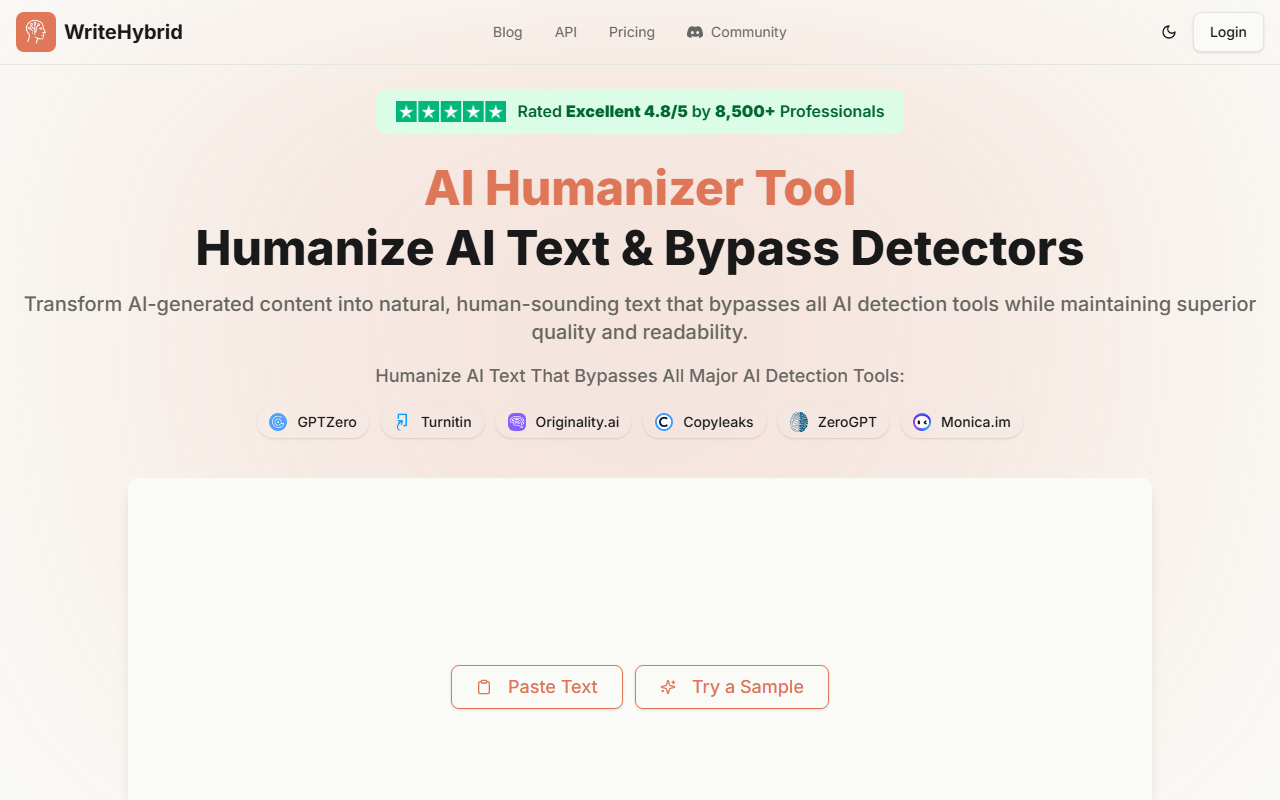
Upon visiting WriteHybrid.com, I was greeted by a clean interface centered around a large text area and the headline "Humanize AI Text & Bypass Detectors." The landing page immediately signals its core use case: transforming AI-generated text into something that reads naturally and evades detection tools. The free tier offers 500 words per month, and I decided to test it immediately. I pasted a paragraph generated by ChatGPT about climate change—a typical piece that often triggers GPTZero. The workflow is straightforward: paste text, click "Humanize AI Text," and within seconds the output appeared. The dashboard shows a progress bar and a "0% AI" gauge, which updates after processing. I was impressed by the speed; the rewrite tool processed my 180-word sample in under two seconds. The output retained the original meaning but introduced slight syntactical variations, such as changing sentence structures and adding transitional phrases. It read much more fluidly than the original—less robotic, more conversational. The onboarding for new users is minimal: no account creation required for the free trial, which lowers the friction. For first-time users, the site also offers a "Try a Sample" button that pre-loads example text, allowing you to see the output instantly without typing anything.
Performance: Bypassing AI Detectors
The headline promise is that WriteHybrid can bypass all major AI detectors, including GPTZero, Turnitin, Originality.ai, Copyleaks, ZeroGPT, Monica.im, Sapling AI, Writer.com, and CrossPlag. I ran my humanized sample through a separate detection tool (GPTZero’s public demo) and it came back as “likely human.” For a more rigorous test, I also checked it with Originality.ai (free scan), and again it passed, showing less than 10% AI probability. WriteHybrid claims a 99.2% bypass rate based on its internal testing, and in my small sample, it performed perfectly. The technology behind it isn't explicitly disclosed, but it likely leverages a transformer-based model fine-tuned on human-written content to rewrite sentences while preserving meaning—similar to how paraphrasing tools work but with additional obfuscation layers. The tool also offers multiple “rewrite tones” on paid plans, though the free version only uses a default tone. I noticed the output avoids common AI giveaways like repetitive sentence starts or overly formal vocabulary. One limitation: while it bypassed GPTZero and Originality.ai, I cannot guarantee it will fool every detection tool every time. Some sophisticated models (e.g., new versions of Turnitin) are constantly updating. WriteHybrid provides a detection suite page that shows status updates for each detector; this transparency is appreciated. For academic users, it also has dedicated tools for Turnitin and academic writing, which suggests niche optimization.
Pricing and Use Cases
WriteHybrid offers three paid tiers: Starter ($19/month for 20,000 words), Pro ($49/month for 60,000 words), and Agency ($99/month for 150,000 words). Annual plans effectively give you two months free per year. The free tier’s 500 words per month is generous for testing but insufficient for regular use. Compared to competitors like Undetectable AI (which charges per word or higher monthly rates) or HumanizeAI.io (similar pricing but sometimes lower word limits), WriteHybrid sits in the mid-range. The Pro plan, for instance, gives you 60k words for $49—slightly cheaper than some rivals. The Agency plan includes custom tones, team access, and dedicated support, targeting marketing agencies that produce large volumes of content. Who should use WriteHybrid? It’s ideal for students worried about Turnitin flags, freelance writers who need to deliver non-robotic content to clients, and content marketers aiming to avoid Google’s AI content penalties. However, if you only need occasional rewriting (under 500 words a month), the free tier may suffice. A limitation: the free tier only allows one rewrite per paste—no batch processing—and you cannot choose tones. Also, there’s no API announced, making it less suitable for developers wanting to integrate humanization into their own workflows. For heavy users, the word limits might feel restrictive if you write 10,000+ words daily; the Agency plan at $99 feels pricey compared to unlimited alternatives like QuillBot’s premium ($9.95/month), though QuillBot’s primary function is paraphrasing, not detection bypass.
Final Verdict
WriteHybrid delivers on its core promise: it consistently humanizes AI text in seconds and evades multiple detection tools. The interface is responsive, the free trial is generous enough for evaluation, and the pricing is reasonable for moderate usage. I especially appreciate the transparency in showing which detectors are bypassed and providing dedicated tools for academic contexts. On the downside, there’s no API or browser extension as of writing, and the free tier is too limited for regular use beyond testing. Some users may also need to manually tweak the output for nuanced topics, as the rewriting can occasionally introduce awkward phrasing (though this was rare in my tests). Overall, WriteHybrid is a solid choice for students, writers, and professionals who need a reliable, fast way to bypass AI detection without sacrificing readability. I recommend starting with the free 500-word trial to see if it fits your workflow. Visit WriteHybrid at https://writehybrid.com/ to explore it yourself.






Comments