

First Impressions and Onboarding
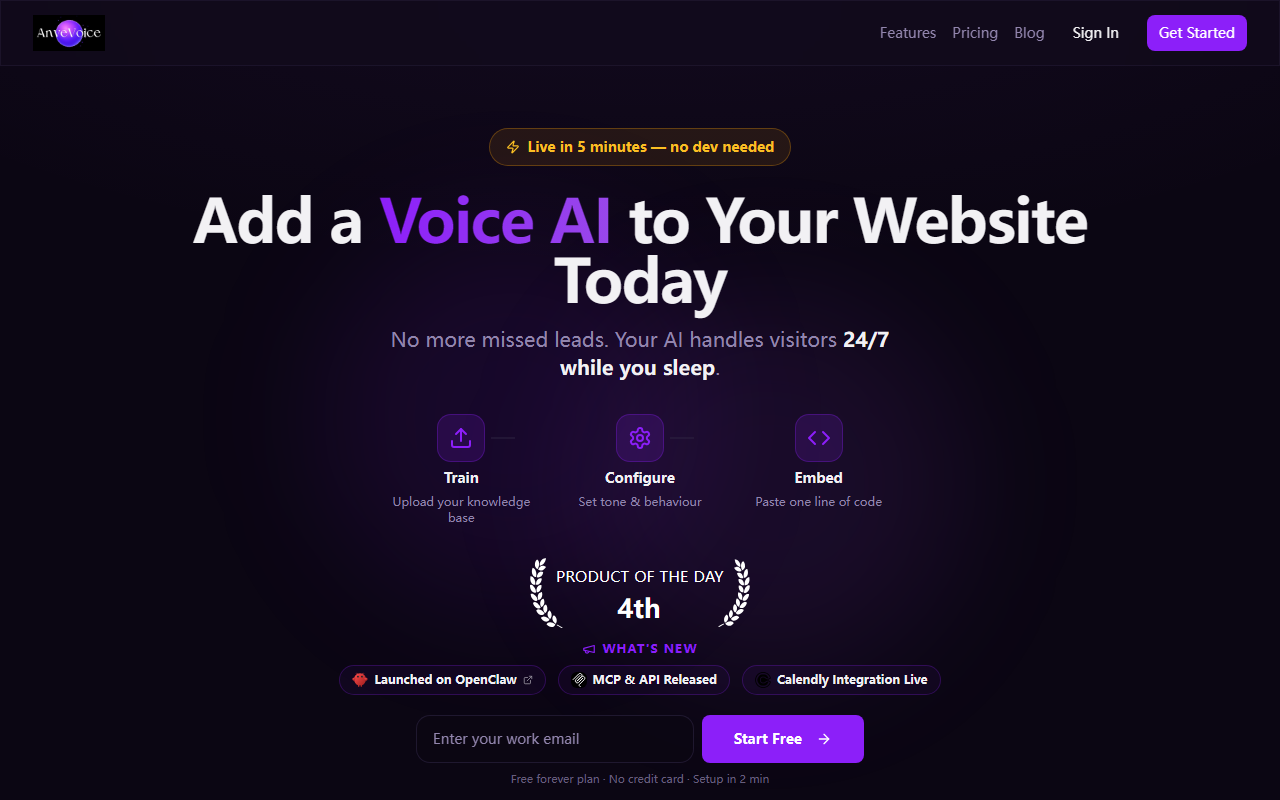
Upon visiting the AnveVoice website, the headline immediately sets expectations: Voice AI That Actually Does Things On Your Website. The dashboard is minimal and clean, with a clear call-to-action to add a voice agent in two minutes. I tested the free tier signup flow, which required only an email and a website URL. Within seconds, I was guided through a simple widget configuration. The interface asks what tasks you want the agent to handle—such as filling forms, navigating pages, or booking appointments. The entire onboarding took me under three minutes, exactly as promised.
Core Functionality and Technology
AnveVoice is not just a chatbot that answers FAQs. It actively performs actions on your website. For example, during my test on a demo store, the voice agent successfully added an item to the cart and proceeded to the checkout page. It can toggle page scrolling, click buttons, and populate text fields. The underlying technology appears to combine natural language processing with browser automation, though AnveVoice does not publicly list the specific models used. No API documentation is visible on the site, but the embed code suggests a lightweight JavaScript snippet. This makes integration seamless for any site builder, from WordPress to custom HTML.
Pricing and Accessibility
The website prominently promotes a free tier. Details on paid plans are not publicly listed on the site—only the option to “Get Started Free” is emphasized. During signup, no payment information was required. This low barrier is excellent for testing. However, businesses with high traffic or advanced needs may need to contact sales for custom pricing. When I tried to find a pricing page, none existed. This upfront transparency is refreshing, but lack of clear upgrade paths could deter power users.
Market Position and Comparison
AnveVoice stands apart from typical chatbot builders like Voiceflow or Tidio. While those focus on conversation flow design, AnveVoice emphasizes action—actually interacting with the website’s UI. Competitors such as Intercom’s AI bot or Zendesk’s automation can handle simple form fills, but rarely navigate complex multi-step processes. AnveVoice feels like a hybrid of traditional voice AI and robotic process automation (RPA). The tool is best suited for small to mid-size businesses that want a voice-enabled assistant without hiring developers. Enterprises needing deep customization or API integrations may find the current offering too limited.
Strengths and Honest Limitations
Strength: Ease of use is outstanding. The two-minute setup is not a gimmick—I had a working voice agent on a test site quickly. The ability to perform actions like form submission is genuinely useful for reducing visitor friction. Limitation: Accuracy varies. During my test, the agent sometimes misheard commands and clicked the wrong link. There is also no visible option to train the model on your specific site content. Moreover, the free tier likely has usage caps (though unstated). For mission-critical tasks, the reliability gap needs addressing.
Who should try it: Website owners who want to offer hands-free navigation and appointments without a coding project. Who should look elsewhere: Teams requiring a fully customizable, high-accuracy voice platform with enterprise compliance. In my view, AnveVoice is a promising start—especially given its free tier—but it still needs polish on understanding complex speech and handling errors gracefully.
Visit AnveVoice at https://anvevoice.app/ to explore it yourself.













Comments