

First Impressions and Onboarding
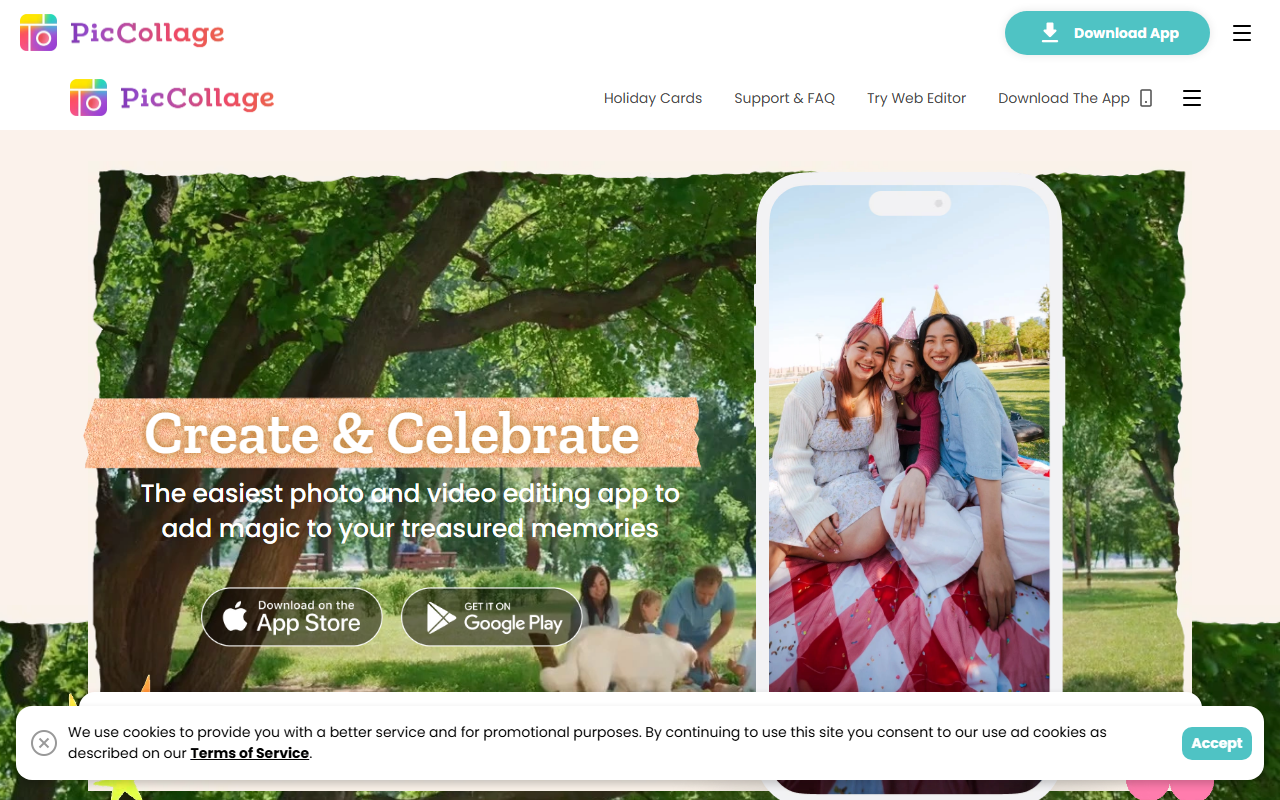
Upon visiting PicCollage's website, I was greeted by a bright, festive homepage that immediately highlights its core use cases: birthday greetings, holiday cards, and photo dumps. The layout leans heavily toward mobile app promotion, with a prominent "Download The App" button and a smaller "Try Web Editor" link. The site itself is visually appealing but repetitive—many sections duplicate the same phrases and imagery, suggesting the brand prioritizes its mobile experience over web browsing.
During my brief test on the web editor, I found the interface to be clean and inviting. A toolbar at the top offers templates, backgrounds, fonts, and stickers. The onboarding flow is minimal: you select a template or start from scratch, then drag in your own photos. The app clearly aims to lower the barrier for non-designers, letting anyone create something celebratory in under a minute. However, I noticed that the web editor lacks some of the advanced layout options mentioned for the mobile app, such as video editing and AI-powered features.
AI Capabilities and Design Tools
PicCollage promotes "AI-powered magic" as a key feature, but the website offers little details on the underlying technology. From the copy, it seems the AI acts as an assistant—auto-removing backgrounds, suggesting layouts, or enhancing photos—without taking full control from the user. This aligns with their promise: "our AI tools will always act as an assistant to super-charge your creative ideas." I tested the free tier by importing a photo of a birthday cake. The AI background removal worked smoothly, though it struggled with complex edges like hair. The tool then suggested themed stickers and fonts based on the photo content, which felt genuinely helpful.
The design library is extensive, updated weekly with templates for virtually any occasion. Beyond collages, you can create videos, countdowns, and even simple animations. The sticker and font collections are curated, but I found the selection to be more playful than polished—perfect for personal projects but not professional branding. The app does not expose any API or model details, and I saw no option for custom AI generation (e.g., text-to-image). Its AI is purely for editing assistance, reminiscent of Canva's Magic Studio but more basic.
Pricing and Market Position
Pricing is not publicly listed on the website. Based on the user reviews displayed, there appears to be a free version with watermarks or limited assets, plus a Pro subscription that unlocks fonts and premium stickers. I could not find exact tier prices; the site only urges you to download the app to explore options. This lack of transparency is a minor drawback for budget-conscious users.
PicCollage positions itself against giants like Canva and Adobe Express, but its focus is narrower: it's for celebrating everyday moments, not for serious design work. Its strength lies in simplicity and speed. With over 270 million downloads globally, it has a loyal base, though I suspect many are casual smartphone users who want quick results. Competitors like PicsArt offer more advanced editing and social sharing, while Canva provides deeper AI generation. PicCollage carves a niche as the easiest tool for non-designers to make heartfelt cards and collages.
Strengths, Limitations, and Verdict
The genuine strengths of PicCollage include its incredibly intuitive interface, vast and regularly updated template library, and smart AI assistants that simplify editing without complexity. The app truly makes it fun to document small moments. However, real limitations exist: the AI features are not as advanced as in dedicated design tools, the web editor feels like a lite version, and the lack of transparent pricing may frustrate users. It's not suitable for professional graphic design or print-ready artwork.
In conclusion, PicCollage is best for casual users—parents making kids' birthday invites, travelers creating quick photo dumps, or anyone who wants to add a touch of magic to a holiday card without learning complex software. If you need robust layer control or AI generation, look elsewhere. For simple, joyful creations, download the app and give it try. Visit PicCollage at https://pic-collage.com/ to explore it yourself.













Comments