

First Impressions and Onboarding
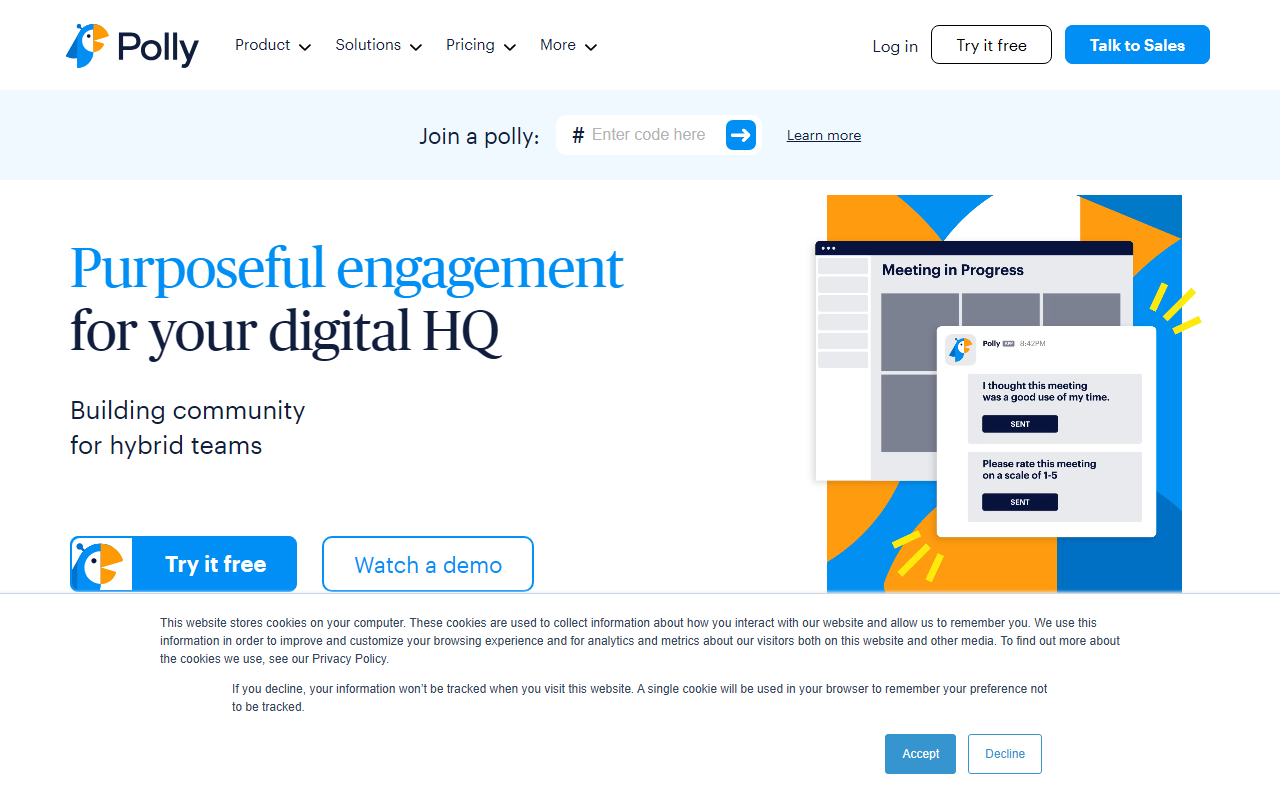
Upon visiting the site, the first thing that struck me was the clear emphasis on hybrid work. The tagline, “Purposeful engagement for your digital HQ,” sets the tone. The homepage immediately presents a list of integrations—Slack, Teams, Zoom, Google Meet, Google Slides, PowerPoint, Jira, ServiceNow—showing that Polly is built to plug into existing workflows rather than stand alone. I clicked through to the Slack integration page to understand the setup. The onboarding flow seems straightforward: you add the Polly app to your workspace, and a chatbot guides you through creating your first poll or survey. In the free tier, I was able to run a quick team check-in poll with pre-built templates. The interface inside Slack is clean, with a modal that lets you pick question types (multiple choice, rating, open text) and set anonymity. It took less than two minutes to deploy a pulse check. This ease of use is a major win for busy team leads.
Key Features and Functionality
Polly extends far beyond simple polls. The platform offers a suite of engagement tools: Q&A sessions for live meetings or asynchronous AMAs, a suggestion box for anonymous feedback, stand-up replacements for daily updates, trivia and icebreakers for team bonding, and word clouds for quick sentiment aggregation. During my test, I used the “Pulse Check” feature to create a weekly eNPS survey. The automation engine let me schedule it to fire every Monday, and the analytics dashboard automatically visualized trends over time. Demographics segmentation is available, allowing managers to filter results by team or role while keeping individual responses anonymous. This is crucial for People Analytics. The integration with Jira and ServiceNow means you can trigger a Polly survey after a ticket closure or a sprint event. While the tool doesn’t generate text or code like typical AI office tools, its use of automation and data analysis qualifies it as a smart office assistant—especially for employee experience teams.
Pricing and Target Audience
Pricing is not publicly listed on the website; a free trial is available, and you can request a demo. The free tier appears to offer basic polls and surveys with limited responses and templates. Enterprise plans likely add advanced analytics, more automation, SSO, and custom branding. This model aligns with other SaaS products like SurveyMonkey or Typeform, but Polly’s differentiation is its deep integration with messaging and meeting platforms. Unlike SurveyMonkey, which is form-centric, Polly lives inside your team’s daily tools. It is best suited for hybrid teams in fast-moving organizations—especially those already using Slack, Teams, or Zoom—that need quick, continuous feedback loops. HR professionals, People Ops teams, and IT service managers will find it invaluable. However, if you need complex surveys with branching logic or advanced report exports, Typeform might be a better fit.
Strengths and Limitations
Polly’s greatest strength is its frictionless deployment. The pre-built templates save time, and the automation removes manual follow-ups. The analytics are real-time and visually clear, making it easy to spot engagement trends. The company claims 200,000+ companies use it daily, which builds trust. On the downside, the tool is heavily reliant on integrations; if your team uses a less common chat platform, support may be missing. Also, the free tier is quite limited—after a few surveys, you’ll hit the response cap and need to upgrade. Another limitation: Polly is not a general-purpose AI assistant; it won’t write memos or generate content outside engagement workflows. For teams that already have a pulse on engagement, the learning curve is minimal, but those expecting a traditional text AI will be disappointed. In summary, Polly excels at what it does: making hybrid team feedback feel effortless. I recommend trying the free tier if your team is feeling disconnected—it might just become your new secret weapon for alignment.
Visit Polly at https://polly.ai/ to explore it yourself.













Comments