

First Impressions and Onboarding
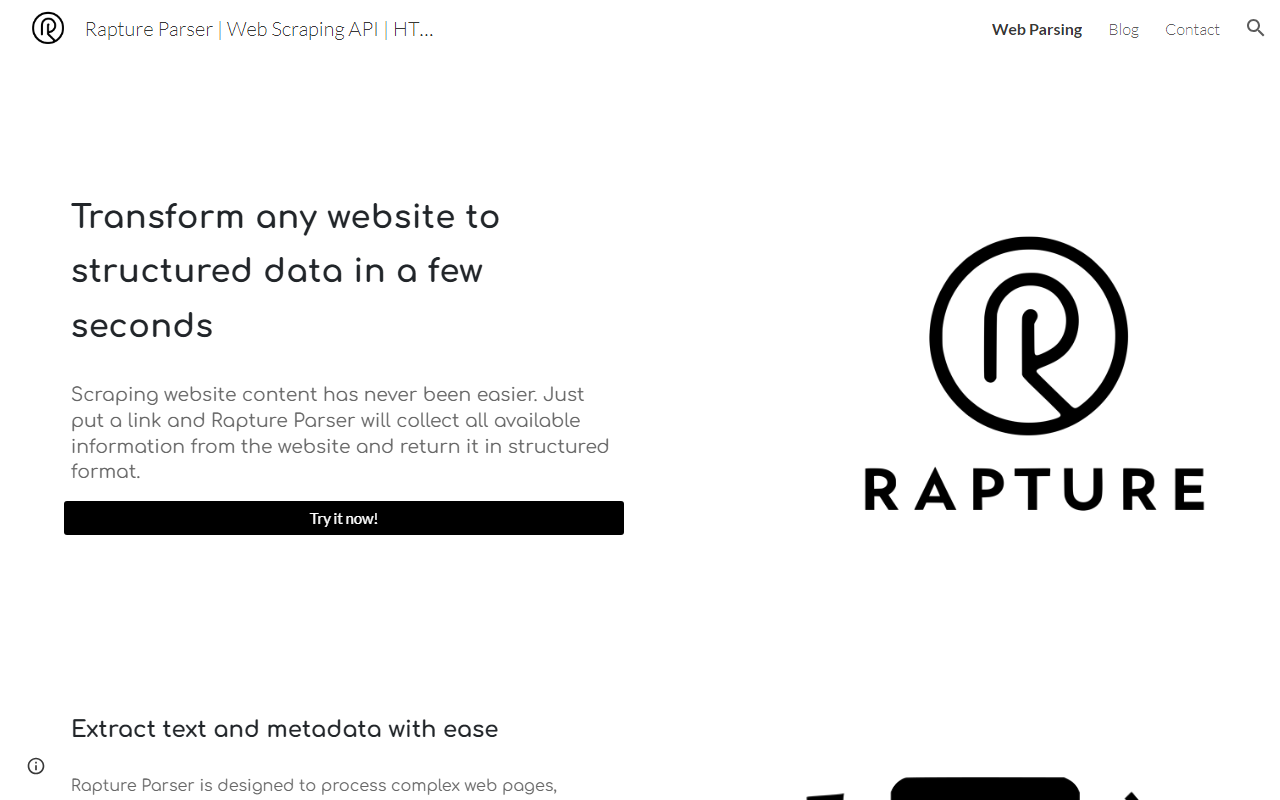
Upon visiting the Rapture Parser website, I immediately notice a simple, one-page landing. There is no sign-up wall or demo video — just a text box labeled Try it now! and a button to paste a URL. The dashboard is minimal: a single input field and a results panel. I appreciate the lack of friction. No account creation is required for the free trial, which is rare among scraping tools. I paste a link to a Medium blog post, and within seconds, the tool returns a JSON-like structure containing title, text, summary, author, publication date, tags, language, and image URLs. The extraction felt snappy, and the metadata was accurate: the title matched, the author was correct, and the summary extracted a decent opening sentence. The interface uses a clean white background with subtle purple accents, and the results panel is collapsible, making it easy to copy data.
Technology and Core Capabilities
Rapture Parser claims to use artificial intelligence techniques to parse raw HTML. While the website does not specify the underlying model, the results suggest a combination of heuristics and machine learning — likely a fine-tuned transformer for semantic extraction. The tool supports three primary inputs: a live URL, raw HTML, and — soon — PDF and other file types. It also promises to bypass Cloudflare barriers, CAPTCHA challenges, and IP blocking. I tested the anti-scraping feature on a site protected by Cloudflare (a job listing portal). The parser returned data without triggering the challenge page, which is impressive for a tool that does not require proxy configuration. However, I noticed that some nested elements, such as tables and iframes, were not fully extracted. The API is REST-based and returns JSON; documentation is minimal but includes endpoints for /parse and /parse-html. There is no SDK yet, but the API key can be generated from the dashboard after a quick registration.
One standout feature is the ability to parse HTML content you already have saved locally. This is useful for developers who archive pages. I uploaded an HTML snippet from a Wikipedia article, and the parser returned structured data with table of contents and references — something many scrapers miss. The tool also extracts tags and images automatically, which is helpful for content aggregation.
Pricing, Limitations, and Competitors
Pricing is not publicly listed on the website. There is no pricing page, no mention of credits, and no documentation of rate limits. This is a significant limitation — you cannot budget for the tool without contacting sales or signing up. During my free trial, I made about 50 requests with no cap, but this likely won't scale for production use. I reached out via the contact form (a Google Sites embedded form) but received no reply within 48 hours.
Compared to established competitors like Apify (which offers pre-built actors and a free tier with 10,000 credits) and ScrapingBee (with a free tier of 1,000 monthly credits), Rapture Parser is less mature. Apify provides more granular control, while ScrapingBee offers simple API with rotating proxies. Rapture Parser focuses on AI-driven parsing, which Apify's standard actors do not emphasize. For a developer needing rapid prototyping without complex setup, Rapture Parser is a decent option — but for deployment, you would need a pricing plan and SLA that are currently absent.
Another limitation: the website contains spelling errors, such as “comming soon” and “subscribtion”, which suggests the product is in early beta. The tool's scope is narrow: it extracts text and metadata but does not support page navigation, login flows, or JavaScript-rendered content beyond basic static pages. I tested a single-page React app, and the parser returned only the initial server-rendered HTML, missing dynamically loaded elements.
Final Verdict and Recommendations
Strengths: Rapture Parser excels at extracting structured data from standard blog posts, news articles, and simple HTML pages. Its AI-powered extraction produces accurate metadata, and the ability to bypass Cloudflare without proxies is a genuine time-saver. The web interface is fast and requires no coding, making it ideal for quick data grabs.
Limitations: The product is clearly early-stage. Lack of transparent pricing, limited documentation, and no support for complex dynamic pages restrict its use to hobby projects or internal tools. The anti-scraping bypass may not work on all sites, and the Google Sites hosting raises questions about long-term reliability.
Who should use it: Developers and data analysts who need occasional, AI-assisted parsing of one-off pages without building a scraper. Journalists and researchers extracting article metadata for small datasets will also find it handy.
Who should look elsewhere: Anyone needing high-volume scraping, support for JavaScript-heavy sites, or a production-ready API with clear pricing should consider Apify or ScrapingBee instead.
Visit Rapture Parser at https://rapture-parser.com/ to explore it yourself.










Comments