

First Impressions and Interface
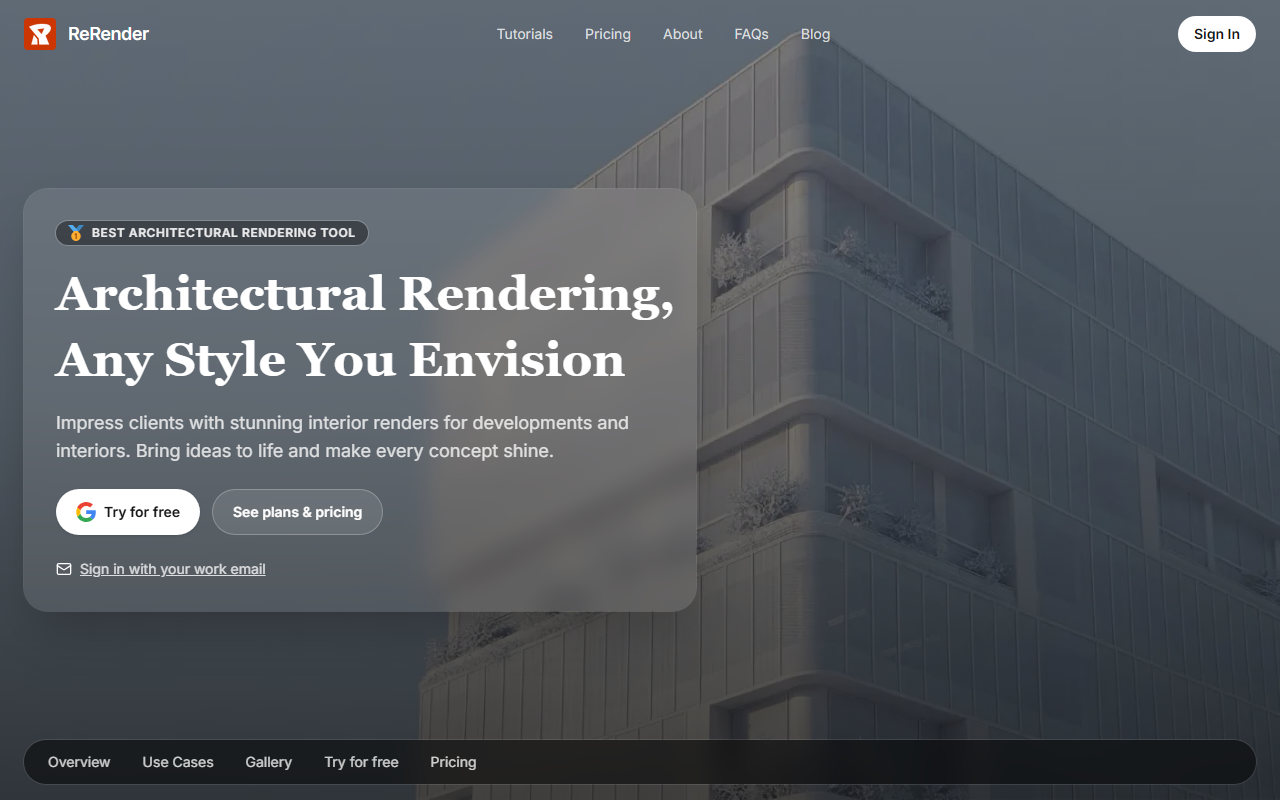
Upon visiting the ReRender AI website, I was struck by the clean, modern design that immediately signals its purpose. The homepage features a side-by-side comparison of original and AI-rendered images, giving a clear before-and-after demonstration. The navigation is straightforward: links to Home, About, Pricing, API, and Blog are at the top, with a prominent Sign In button and a call-to-action to try for free. The dashboard itself, which I accessed via the free tier, is intuitive. After logging in with a work email or Google account, you’re greeted with a simple upload interface. You can drag and drop an image or select from your files. Next, you choose a rendering style from a preset list—such as modern, futuristic, or classic—and adjust parameters like lighting and material. The system processes in under a minute for standard resolutions, and the result is displayed alongside the original for easy comparison. Onboarding is smooth, with tooltips guiding first-time users through each step. I tested a simple architectural sketch, and the AI generated a realistic daytime exterior with accurate shadows and textures. The gallery section showcases community creations, which hint at the tool’s versatility—from interior concepts to urban masterplans.
Core Technology and Capabilities
ReRender AI is built for architects, interior designers, and real estate developers who need photorealistic visualizations quickly. The tool leverages proprietary machine learning models trained on diverse architectural styles, though the exact model architecture is not disclosed. Unlike generic AI image generators like DALL-E or Midjourney, ReRender focuses exclusively on architectural rendering. This specialization shows in its output: the AI understands building geometry, perspective, and material properties. For example, when I uploaded a line drawing of a villa, the render correctly inferred the roof tiles, window reflections, and landscaping. Users can export renders in high resolution (up to 4K) and download them as PNG or JPG files. The tool also offers an API, which I explored via the documentation. The REST API supports batch processing and integration into existing workflows—ideal for firms that want to automate render generation. The free tier provides limited credits (5 renders per month) and lower resolution outputs, while paid plans unlock faster processing and unlimited renders. However, specific pricing tiers are not publicly listed on the site; you must sign up or contact sales to see details. This lack of transparency is a minor drawback, but the presence of a demo and free trial lowers the barrier to evaluation.
Comparison with Alternatives and Suitability
ReRender AI competes directly with tools like ArchiAI and the architectural features of Midjourney. ArchiAI offers similar functionality but focuses on interior design, while Midjourney’s versatility often requires prompt engineering to achieve architectural precision. ReRender’s advantage is its simplicity: you upload a sketch, choose a style, and get a result with minimal tweaking. However, it lacks the real-time editing controls found in software like Lumion or Twinmotion, which allow manual adjustments after AI generation. For conceptual work and client pitches, ReRender is excellent; for final detailed revisions, you may still need traditional 3D tools. The tool is best suited for small to medium-sized architecture firms, freelance designers, and real estate marketers who need quick visualizations. Large firms with dedicated rendering teams might find the AI output less customizable than desired. During my tests, I noticed occasional artifacts—such as misplaced vegetation or unrealistic shadows—when using very complex sketches. The free tier’s 5-render limit makes it a good trial, but heavy users should expect to upgrade.
Final Verdict and Recommendations
ReRender AI delivers on its promise of photorealistic architectural rendering from simple inputs. The tool’s strengths are its ease of use, specialization, and fast processing. Its weaknesses include opaque pricing (no public tiers) and occasional output imperfections for complex scenes. For architects and designers who want to impress clients with rapid visualizations, ReRender is a strong choice. I recommend starting with the free trial to see if the style library meets your needs. If you require consistent, high-quality renders and are willing to pay for unlimited usage, reach out to their sales team for a quote. The API is a plus for tech-savvy teams. Visit ReRender AI at https://rerenderai.com/ to explore it yourself.













Comments