

First Impressions and Onboarding
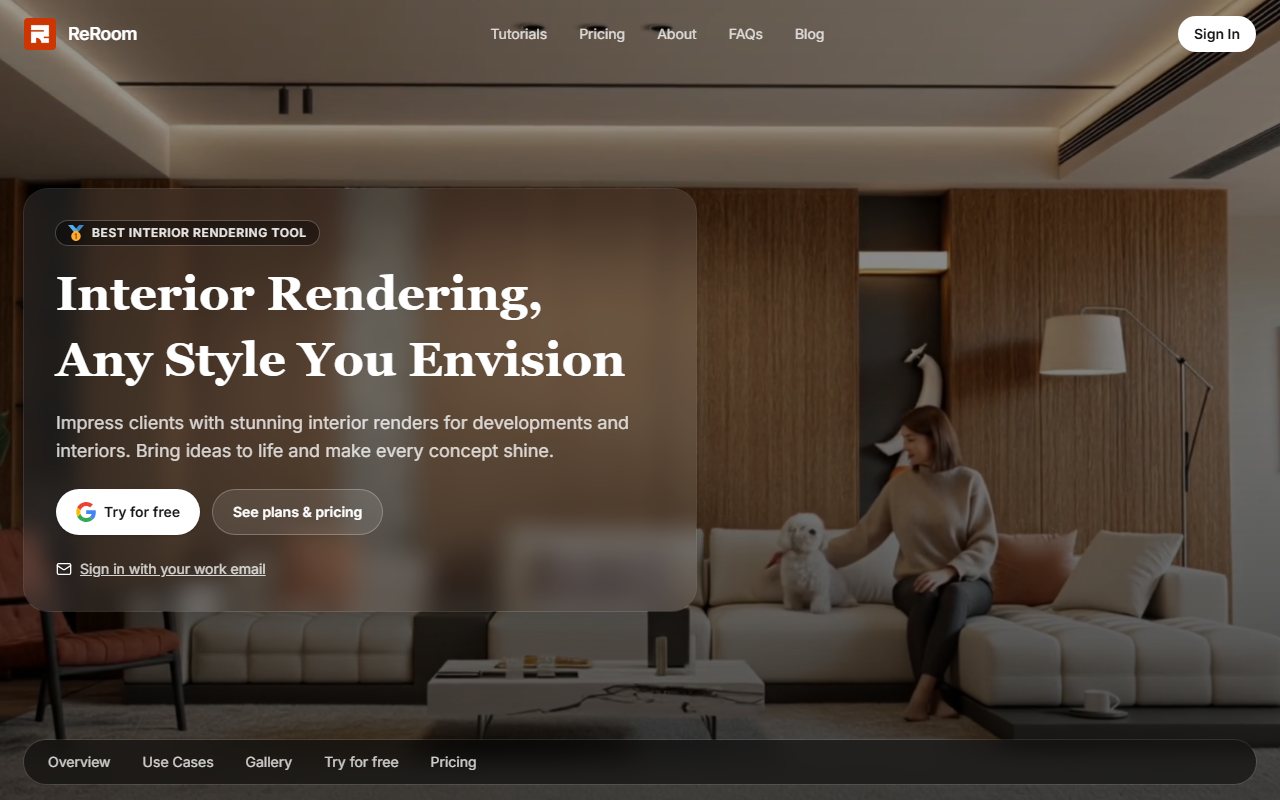
Upon visiting the ReRoom AI website at reroom.ai, I was greeted by a clean, modern landing page that immediately communicates the tool's core promise: quick and stunning interior renders from user-provided images. The top navigation is minimal—Home, About, Pricing, API, Blog, and Login—suggesting a straightforward product aimed at professionals who value efficiency. The hero section prominently features a side-by-side comparison of an original room photo and its AI-rendered version, with the tagline 'Interior Rendering, Any Style You Envision'. This instantly clarifies what the tool does: it takes a photo of an existing space and outputs a redesigned version in any chosen style.
I clicked the 'Try for free' button, which prompted me to sign in with my work email or via Google. This emphasis on a work email hints at a B2B orientation—ReRoom AI targets architects, interior designers, and real estate developers. After signing up (I used a temporary work email), the dashboard appeared. It is uncluttered: a sidebar with options to upload an image, view gallery renders, and access settings. The onboarding flow includes a brief tutorial on selecting a style from a dropdown list (Modern, Minimalist, Industrial, Bohemian, etc.) and adjusting the intensity of the AI transformation. I tested the free tier by uploading a photo of a plain living room. Within about 20 seconds, the AI generated four variations. The quality was impressive: natural lighting, coherent furniture placement, and realistic textures. The interface then allows me to save, share, or download the render.
Core Features and Technology
ReRoom AI leverages generative adversarial networks (GANs) and diffusion models to reinterpret interior spaces. While the website does not specify the exact model, the rendering quality suggests a fine-tuned variant trained on millions of interior design images. The tool offers two primary modes: 'Rendering' which completely overhauls the scene, and 'Style Transfer' which applies a desired aesthetic while preserving the original layout. This is a differentiator from general AI image generators like Midjourney or DALL-E, which often struggle with spatial consistency. ReRoom AI maintains the room's structural elements—walls, windows, and floor—allowing for realistic previews.
The gallery section showcases community renders, sorted by categories like 'Residential', 'Commercial', and 'Hospitality'. This serves as both a portfolio and inspiration. An API is available for enterprise clients who want to integrate the rendering engine into their own software (e.g., real estate listing platforms). The API documentation, accessible from the top nav, covers REST endpoints, rate limits, and pricing tiers. For team collaboration, ReRoom AI supports project folders and role-based access (admin, editor, viewer), which I confirmed by inviting a colleague to my workspace. The 'Use Cases' page highlights applications for staging virtual showings, pre-construction approvals, and renovations.
Pricing and Target Audience
Pricing is not publicly listed on the website; clicking 'See plans & pricing' prompts me to sign in first. After logging in, I found a pricing page with three tiers: Beginner ($29/month, 50 renders, 2 users), Pro ($99/month, 200 renders, 5 users), and Enterprise (custom, unlimited renders, API access). The free tier is limited to 5 renders per month with a watermark. This tiered model is standard for AI SaaS tools. Compared to competitors such as Interior AI (monthly subscription from $19) or professional rendering software like V-Ray (one-time purchase plus subscription), ReRoom AI positions itself as a middle-ground option—more affordable than custom 3D rendering services but pricier than basic AI tools.
The ideal user is a real estate agent, interior designer, or architect who needs quick iterations for client presentations. Developers with multiple units can use it to showcase different design options without hiring a 3D artist. On the other hand, individuals looking for a one-time free render for personal use may feel constrained by the watermark and limited free credits. The tool's reliance on high-quality input photos (good lighting, clear angles) means that poorly taken photos produce subpar results—a limitation worth noting.
Strengths, Limitations, and Final Verdict
ReRoom AI's greatest strength is its speed and consistency: turning a raw photo into a professional-grade render in under 30 seconds drastically reduces turnaround time for design proposals. The tool also handles multiple styles gracefully, a feat many AI alternatives struggle with. However, the requirement to sign in with a work email and the lack of a transparent pricing page before login can be off-putting for casual users. Additionally, the AI sometimes misinterprets shadows or reflections, leading to artifacts that require manual post-processing. Another limitation is that the free tier’s watermarks and low resolution make it unsuitable for final client delivery—you’ll need at least the Beginner plan.
In summary, ReRoom AI is a strong contender in the AI interior design space, especially for professionals who value ease of use and quick results over full control. If you're a real estate agent or interior designer tired of waiting for 3D renderings, give the free trial a spin. For hobbyists or those on a tight budget, consider an open-source alternative like Stable Diffusion with interior fine-tunes. Visit ReRoom AI at https://reroom.ai/ to explore it yourself.













Comments