

First Impressions and Onboarding
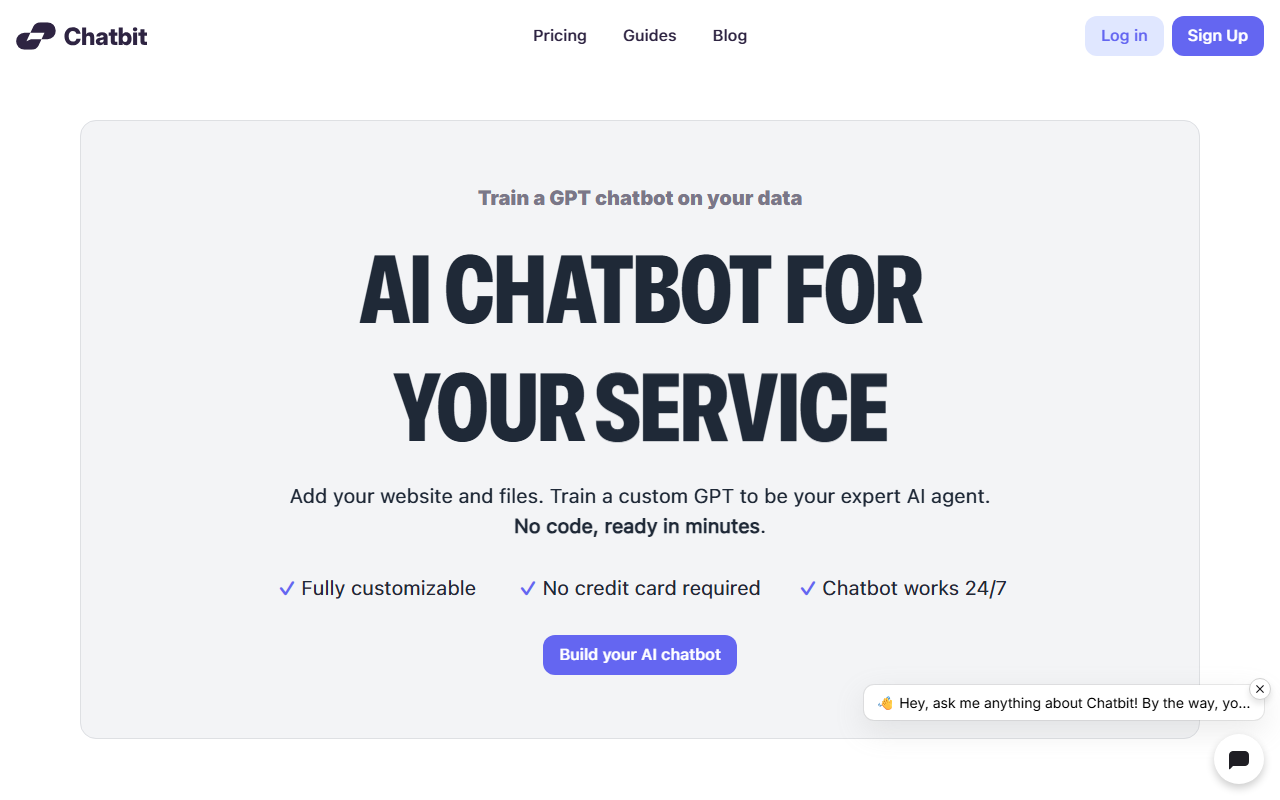
Upon visiting Chatbit.co, I was greeted with a clean, modern landing page that immediately communicates its core value: train a GPT chatbot on your own data. The headline — “Train a GPT chatbot on your data” — is flanked by a call-to-action to build a chatbot without a credit card. I signed up for the free tier, and the onboarding was remarkably smooth. Within two minutes, I had created a bot by providing my website URL and uploading a PDF. Chatbit’s dashboard is intuitive: a sidebar lists your chatbots, each with an option to add data sources, customize appearance, set personality, and view conversations. The setup wizard guides you step by step, making it accessible even for non-technical users.
The free tier, which is genuinely free (no credit card required), allows you to test the core functionality with limited usage. I could see immediate value for small business owners or content creators who want an FAQ chatbot without hiring a developer.
Core Features and Technical Execution
Chatbit’s engine is built on OpenAI’s GPT-4o, GPT-4o mini, and GPT-4.1. During testing, the bot accurately answered questions about my website’s content, pulling from both the scraped pages and the uploaded PDF. The system supports up to 11 million characters of context data — generous for most small-to-midsize businesses. You can upload files in multiple formats (PDF, text, etc.) and even paste raw text. One standout feature is the ability to refine answers by reviewing conversations and correcting the bot; this feedback loop improves accuracy over time.
Customization goes beyond basic branding: you can change the chatbot’s name, icon, color theme, position on the page, and even inject custom CSS. The “set personality” slider lets you balance creativity and precision, which is useful for controlling whether your bot sticks strictly to facts or offers more conversational responses. Multilingual support works out of the box — I tested it in French and Spanish, and the bot responded fluently. Lead capture is built-in: the bot can collect names, emails, and phone numbers, with daily notifications sent to your inbox. Domain restrictions and guardrails prevent abuse, ensuring the bot only responds to queries relevant to your business.
Pricing and Market Position
Chatbit uses usage-based pricing, but the exact tiers are not fully listed on the website beyond “Start for free” and “Grow with our usage-based pricing.” This transparency gap is a small frustration. For context, competitors like Intercom’s Fin or Tidio offer similar functionality but often at a higher base cost and require more setup. Chatbit is aimed at website owners who want a lightweight, no-code AI chatbot for support, lead generation, or knowledge base access. It’s not designed for enterprise-scale multi-agent workflows or complex CRM integrations — tools like Drift or Zendesk Answer Bot are stronger there. However, for a solo entrepreneur or a small marketing team, Chatbit provides an excellent balance of power and simplicity.
The service appears well-funded? I couldn’t find public funding data, but the product feels polished and actively maintained, with a blog and guides that are regularly updated.
Strengths and Limitations
The greatest strength is ease of use: I had a functional chatbot on my test site in under 10 minutes, and it gave impressively accurate answers. The free tier is a fantastic way to evaluate without risk. The customization options are generous, and the multilingual support is a real bonus for global audiences.
A limitation is the lack of transparent pricing beyond the free tier. If you outgrow the free usage limits, you have to sign up to see costs, which could be a roadblock for budget-conscious users. Additionally, while the bot handles factual Q&A well, it still struggles with nuanced or ambiguous queries — a common issue with retrieval-augmented generation (RAG) setups. I also noticed that the no-code approach means deep customization (e.g., advanced conversation flows or conditional logic) is not available; if you need that, a platform like ManyChat or a custom development route is better.
For whom is Chatbit best suited? Small business owners, course creators, and anyone with a content-heavy website who wants to offer instant, intelligent support without manual effort. Who should look elsewhere? Large enterprises with complex support workflows or those requiring deep CRM and ticketing integrations.
Visit Chatbit at https://chatbit.co/ to explore it yourself.







Comments