
First Impressions: A Focused Pinterest Workflow
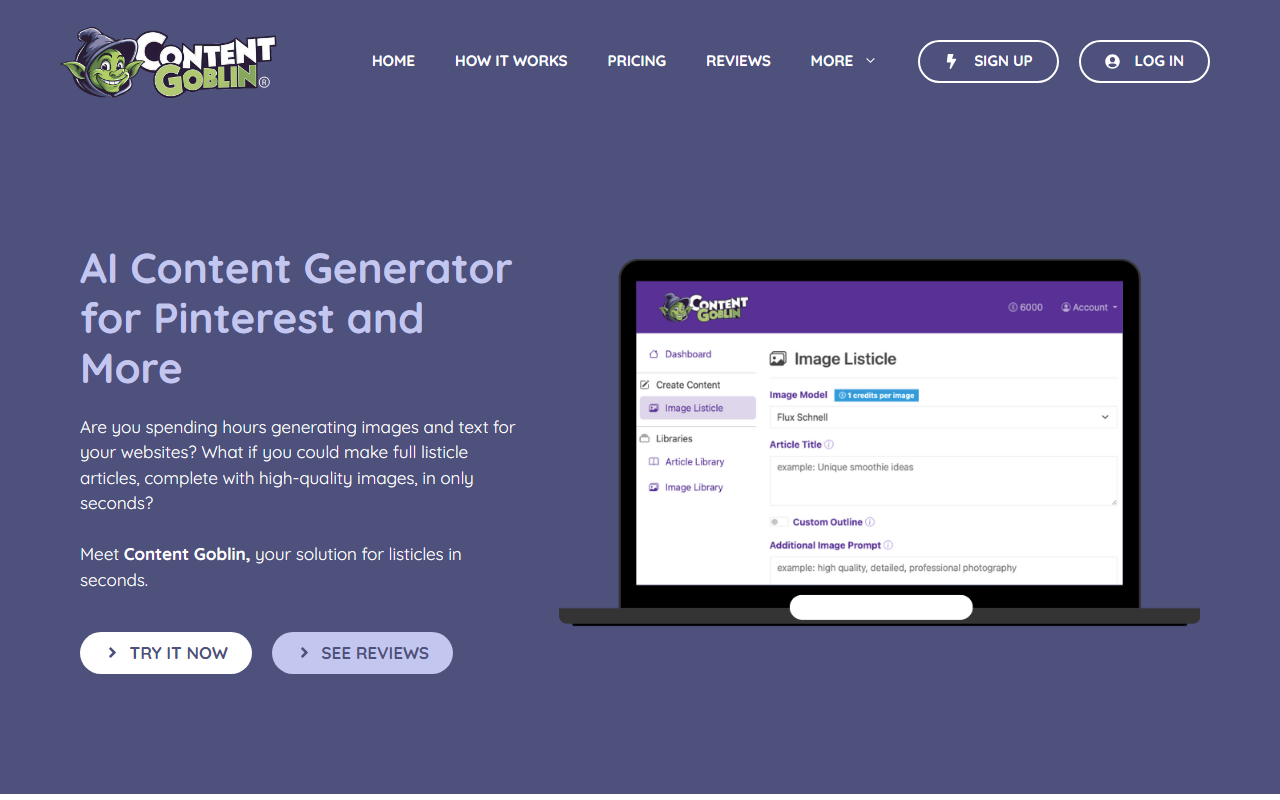
Upon visiting Content Goblin, I was immediately struck by how tightly the tool is scoped. The homepage doesn't waste time pitching generic AI writing; instead, it zeroes in on one specific pain point: turning Pinterest into an "autopilot traffic machine." The dashboard, accessible after a free trial (no credit card required), presents a clean workspace with three main sections: Generate, Schedule, and Analytics. I tested the free tier by pasting a blog URL from a health niche. Within seconds, the AI scraped images from the page, generated four pin variations with titles and descriptions, and offered to bulk schedule them. The onboarding flow is fast—no unnecessary tutorials—and you can generate up to 20 pins in one batch. The visual calendar view felt intuitive: drag-and-drop scheduling with custom intervals from 15 minutes to 24 hours. For anyone tired of juggling Canva, ChatGPT, and Tailwind, this single dashboard is a relief.
Core Functionality: Creation and Scheduling in One Dashboard
Content Goblin solves a very specific problem: Pinterest inconsistency. The tool combines AI-powered pin creation, bulk scheduling, and real-time analytics into one platform. Unlike competitors like Tailwind (which only schedules pre-made pins) or manual workflows (Canva + ChatGPT), Content Goblin both creates and schedules. During testing, I appreciated that you can pick a topic or paste a URL, then choose from nine AI image models for different styles. The AI-generated titles and descriptions are optimized for Pinterest’s algorithm—focusing on click-worthy phrases and keyword-rich descriptions. Once pins are created, you assign them to boards, set posting intervals, and walk away. The system posts daily, and after a week, my test account saw modest impression growth. The analytics track impressions, clicks, and posting activity; a quick glance at the activity log confirmed every scheduled pin posted on time.
From a technical standpoint, the tool uses AI models that appear fine-tuned for Pinterest best practices. The WordPress integration is a nice bonus for bloggers, allowing direct pin scheduling from within their CMS. Credits are the resource currency: each plan comes with a monthly credit pool (e.g., 2,900 credits on Starter), with one credit roughly equaling one pin creation or scheduling action. While the tool doesn't offer limitless creation, the credit system feels fair for the typical Pinterest strategist who needs 10–20 pins per post. The lack of an API limits deep customization, but for most solo creators, the built-in features suffice.
Pricing and Positioning
Content Goblin offers three tiers: Ghoul ($39/month, 2,900 credits), Ghost ($59/month, 6,000 credits), and Goblin ($109/month, 14,000 credits). All plans include full access to every tool—no hidden features locked behind higher tiers. The free trial gives full access without a credit card, which is generous. Comparing costs, Tailwind’s scheduling-only plan starts at $12.99/month but requires you to bring your own pins. If you factor in the cost of Canva Pro or ChatGPT Plus, Content Goblin's all-in-one pricing becomes competitive—especially for creators running multiple niche sites. The tool positions itself clearly: it replaces a stack of tools for one monthly fee. However, the main limitation is scope: this tool is purely Pinterest-focused. If you need AI writing for blog posts, social media copy for other platforms, or SEO content, you'll still need separate tools. Also, the credit system can feel restrictive during heavy scaling months, and the AI is not as sophisticated as dedicated writing assistants—it excels at pin descriptions but not long-form content.
Who Should Use Content Goblin?
This tool is best suited for bloggers, recipe creators, affiliate marketers, and e-commerce owners who drive traffic primarily through Pinterest. It’s ideal for solopreneurs who want to post daily without spending hours designing. Anyone managing multiple sites will appreciate the bulk scheduling and multi-account support. On the flip side, if your traffic strategy relies on Google SEO, Facebook, or Instagram, this tool adds no direct value. Content creators who already have a refined manual workflow may find the AI-generated designs lacking full creative control (you can't upload custom templates). But for the core promise—consistent Pinterest traffic without daily effort—Content Goblin delivers. The 12k+ sign-ups and 2M+ pins created suggest strong user adoption. I'd recommend the free trial first to test how well the AI matches your niche’s visual style. If you need a Pinterest autopilot, this tool is a no-brainer; if you need a general AI writing assistant, look elsewhere.
Visit Content Goblin at https://contentgoblin.ai to explore it yourself.







Comments