

First Impressions: A Mixed Bag of Utility
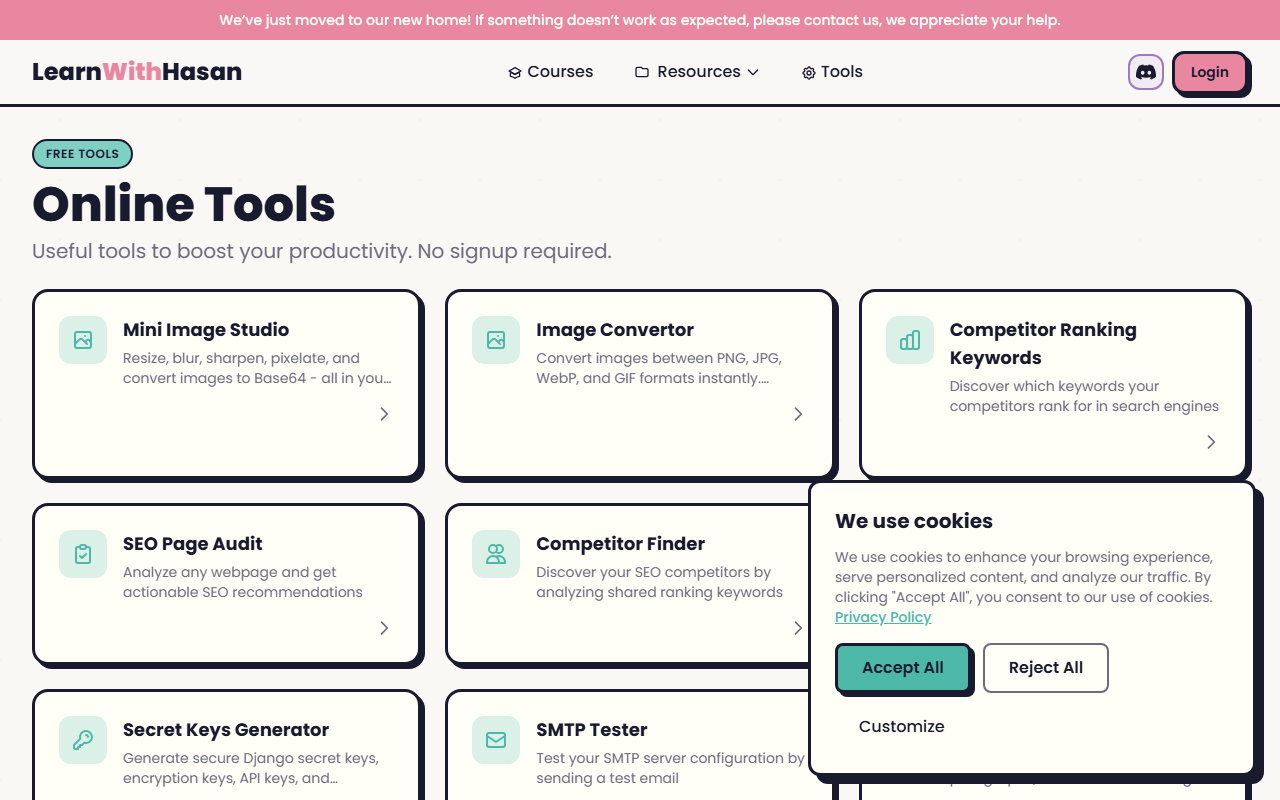
Upon visiting H-SuperTools at https://h-supertools.com/, I was greeted by a straightforward grid of tool cards. The dashboard lists over 25 options, from bulk email verification to an Image to Prompt generator. The design is clean but utilitarian—no fancy animations, just simple links and a cookie consent banner. The category says “Text AI > AI Writing,” but the actual offerings are far broader. The only AI-adjacent tool is “Image to Prompt,” which turns any uploaded image into a descriptive prompt for Midjourney, DALL-E, Stable Diffusion, or Flux.
I tested the Image to Prompt feature with a photo of a sunset over a mountain. The result was a polished, detailed paragraph describing lighting, colors, and composition—ready to paste into any AI image generator. It’s surprisingly accurate and saves time compared to writing prompts manually. However, there is no dedicated AI writing assistant for blog posts, emails, or copy. If you came here expecting something like Jasper or Copy.ai, you’ll be disappointed.
Core Functionality: A Swiss Army Knife for Web Workers
H-SuperTools shines as an all-in-one utility belt. The SEO tools are comprehensive: a Google Rank Checker, keyword suggestions, competitor finder, and bulk keyword metrics. I ran a quick SEO page audit on my own site and received actionable tips on meta tags and loading speed. The image tools work entirely in-browser—resize, convert, sharpen—and the QR code generator supports WiFi and vCard formats. Developers will appreciate the JSON tools, secret key generator, and DNS/SSL lookup utilities.
One standout is the Image to Prompt tool. It uses a model (likely a vision-language model like CLIP or BLIP) to analyze the image and generate a text description optimized for AI image generators. The output is coherent and includes style-specific cues. This is genuinely helpful for content creators who want consistent visuals. However, the tool doesn’t have parameters for style adjustment—you get one generic prompt per image.
All tools are free, no signup required. This is a major plus for casual users. But there’s no indication of rate limits or premium tiers. The site’s privacy policy mentions cookies for analytics and marketing, but using the tools themselves doesn’t expose personal data.
Pricing and Positioning
Pricing is not publicly listed as a tiered model because all tools are free. The website states “No signup required” and “100% free” for image conversion. There are no premium features or subscription plans visible. This makes H-SuperTools an attractive zero-cost option, but also raises questions about sustainability—ads or data usage might be the revenue model.
Compared to competitors, H-SuperTools is not a pure AI writing tool. Alternatives like Jasper (starts at $49/month) or Writesonic (freemium) offer full text generation. For SEO tools, Ahrefs and SEMrush are far more powerful but expensive. H-SuperTools sits in a middle ground: it’s free, but its AI writing capability is limited to image-to-prompt generation. For users needing a full AI writing assistant, look elsewhere. For those who want a quick SEO check, image editing, and AI prompt helper, it’s a solid choice.
Verdict: Who Should Use H-SuperTools?
Strengths: Wide range of free, no-registration tools; the Image to Prompt converter is surprisingly good; SEO tools are handy for quick analysis; all processing happens client-side for many image and JSON tools.
Limitations: No proper AI writing tool (only image-to-prompt); the dashboard lacks search functionality; some tools feel basic compared to dedicated services; no option to save or export project history.
H-SuperTools is best suited for freelancers, small business owners, and hobbyists who need occasional SEO data or want to generate AI image prompts without paying for a full AI suite. It’s not for professional content writers or agencies requiring robust AI copywriting. If you’re comfortable with a no-frills interface and appreciate a curated collection of utilities, give it a try.
Visit H-SuperTools at https://h-supertools.com/ to explore it yourself.









Comments