

First Impressions and Onboarding Experience
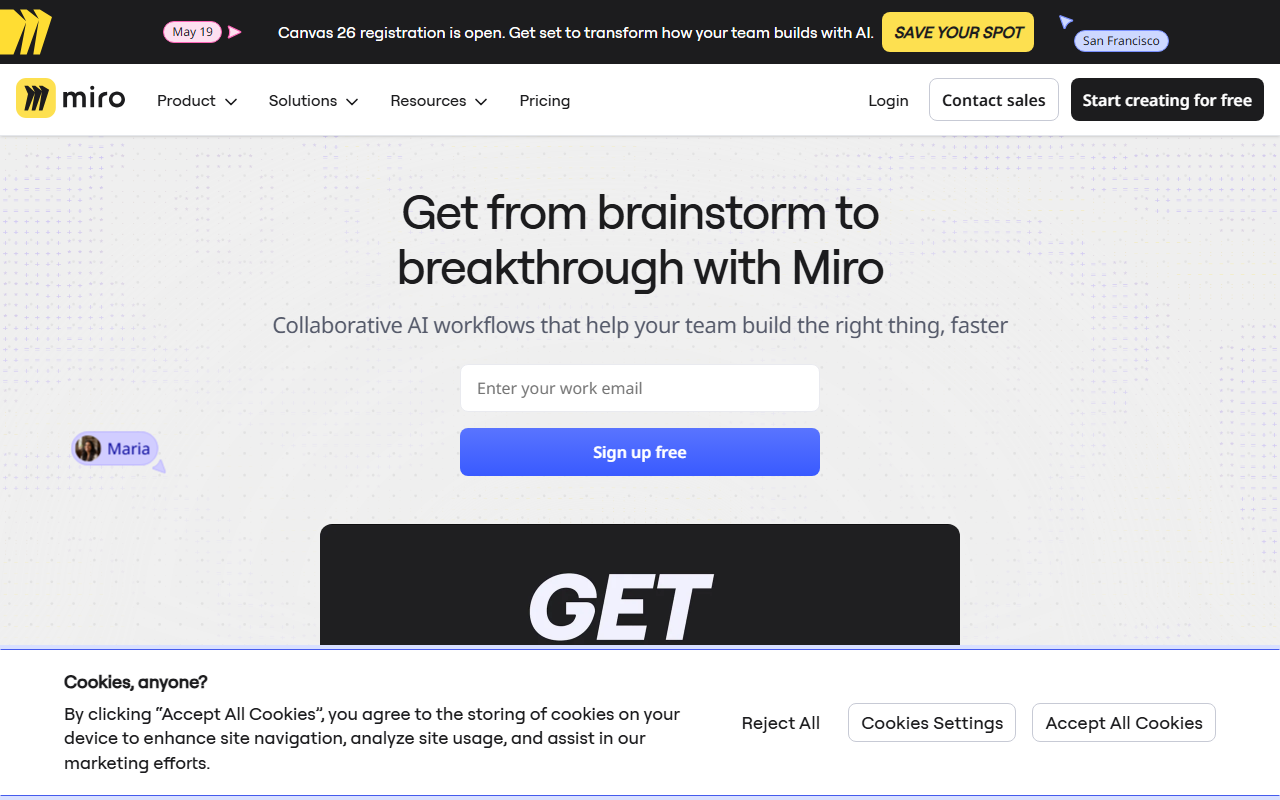
Upon visiting the Miro website, the first thing that strikes you is the emphasis on collaborative AI workflows. The homepage showcases a dynamic canvas with user avatars, sticky notes, and a prominent "Miro AI" badge. Signing up for the free tier took less than a minute—just an email and a password. Once inside, the dashboard presents a clean interface with templates for brainstorming, retrospectives, product roadmaps, and more. The infinite canvas is immediately available, and you can start adding sticky notes, shapes, or connecting ideas. I tested the free tier by creating a simple mind map. The experience felt smooth, with real-time collaboration cues already built in. Miro clearly positions itself not as a pure AI tool but as an innovation workspace where AI enhances team workflows.
Miro AI Capabilities and Workflow Integration
Miro AI is embedded directly into the canvas experience. When I hovered over a sticky note, an AI icon appeared. Clicking it revealed options to summarize, expand, or generate new ideas based on existing content. For instance, I wrote a few bullet points about a product feature, and Miro AI suggested a complete user story. It also offers AI-powered diagramming, document creation, and data table analysis. The tool uses its own proprietary models, fine-tuned for collaborative brainstorming and planning. One standout feature is the ability to create a PRD (Product Requirements Document) doc instantly from a template. During my test, I typed “Create a PRD doc” and Miro AI generated a structured document with sections for goals, scope, and user stories. It even populated example content. The AI integrates with over 250 apps, including Slack, Jira, and Microsoft Teams, making it easy to pull in data without switching contexts. For teams already using Miro for whiteboarding, the AI layer is a natural progression.
Pricing, Alternatives, and Who Should Use It
Miro offers a generous free plan for up to three editable boards, which is ideal for small teams or individuals exploring the tool. Paid plans start at $8 per member per month for the Starter plan (billed annually), $16 for Business, and custom pricing for Enterprise. The free tier includes basic AI features, but advanced AI capabilities (like generating full documents and diagrams) may require a paid subscription. Pricing is clearly listed on the website. Competitors include tools like FigJam (Figma’s whiteboard), Lucidspark, and Mural. Compared to FigJam, Miro offers a richer template library and deeper integration ecosystem. However, Mural provides stronger facilitation features for structured workshops. Miro is best suited for product managers, designers, and engineering leads who need to move from ideation to execution quickly. Teams in larger enterprises will appreciate the security and scalability features, though smaller startups might find the free tier limiting if they need more than three boards. A notable limitation: the AI is not a standalone chatbot—it works only within the canvas and document context. Users expecting a ChatGPT-like chat interface may be disappointed.
Strengths include the seamless AI integration that saves time on repetitive tasks, the vast template library (over 6,000), and real-time collaboration for remote teams. One limitation is that AI-generated content sometimes requires manual correction—the suggestions are not always perfect. Additionally, the free tier caps board count, which may frustrate power users. For those ready to invest in a collaborative workspace with AI assistance, Miro is a strong choice. Who should look elsewhere? If you only need a simple chatbot or a text generator, tools like ChatGPT or Notion AI are better. But for teams that live in visual collaboration, Miro AI is a compelling upgrade.
Visit Miro at https://miro.com/ to explore it yourself.









Comments